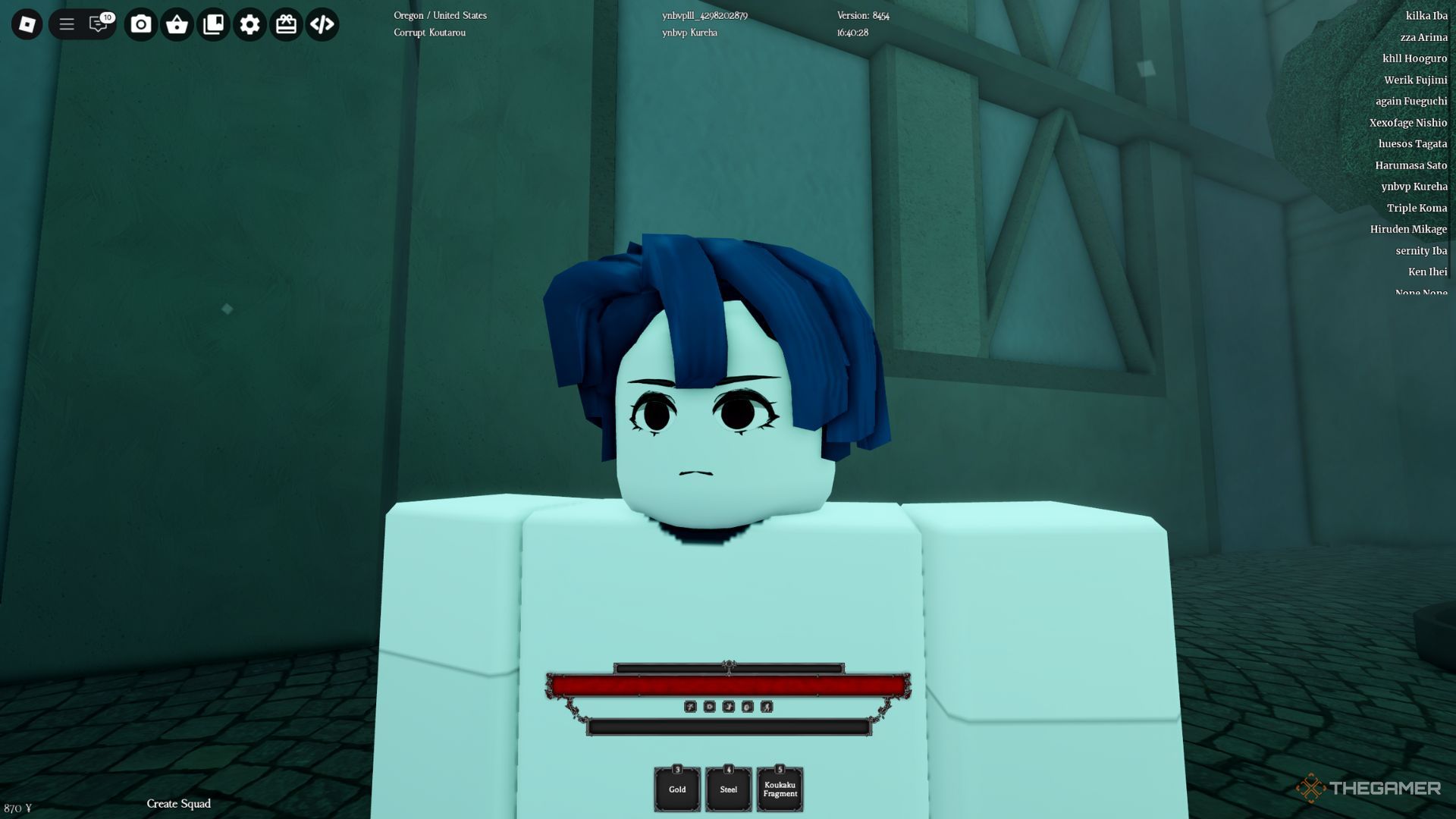
Ghoul Re is a thrilling, rogue-like game on Roblox, taking place in a gritty world inspired by Tokyo Ghoul. Your goal is to survive the perilous environment, choosing to embody either a Ghoul or a CCG Investigator, each boasting distinctive skills and weapons. The game features exciting combat scenarios, tactical challenges, and engaging role-playing aspects, making it crucial for players to master the controls.
Getting a firm grip on the controls of Ghoul Re will greatly improve your gaming experience. Whether you are battling foes, consuming NPCs to gain power, or tactically navigating missions, familiarity with each keybind is essential. This comprehensive control guide will outline all the necessary commands, ensuring you’re equipped to take charge.
Ghoul Re Controls
Mastering the controls in Ghoul Re enables you to respond quickly during battles, effectively wield your Kagune or Quinque, and handle interactions fluidly.
The controls are categorized into overworld actions and combat actions, both vital for successful gameplay. Becoming familiar with these controls will allow you to deliver precise attacks, evade enemy strikes promptly, and utilize interactive elements in the game world.
Unfortunately, you cannot modify the controls in the game settings to tailor them to your liking. Thus, learning all the keybindings quickly is essential if you want to excel in battle, fully leveraging your abilities.
Overworld Controls
|
Hotkeys |
Action |
Notes |
|---|---|---|
|
W |
Move Forward |
|
|
W + W |
Run |
|
|
A |
Move Left |
|
|
C |
Move Backward |
|
|
D |
Move Right |
|
|
Space |
Jump |
|
|
M |
Open Menu |
Access quests and player information. |
|
V |
Carry |
Use on a downed player. |
|
E |
Interact |
Face an object to interact with it |
|
E |
Equip/Unequip Weapon |
|
|
Q |
Dash |
|
|
M2 (While Dashing) |
Cancel Dash |
|
|
Ctrl + B / Ctrl + M2 |
Devour |
|
|
P |
Highlight Location Points |
Available for Ghouls only. |
|
Left Alt |
Shift-Lock |
|
|
L |
Equip Mask |
For Ghouls only. |
|
> |
Location Icons |
|
|
T |
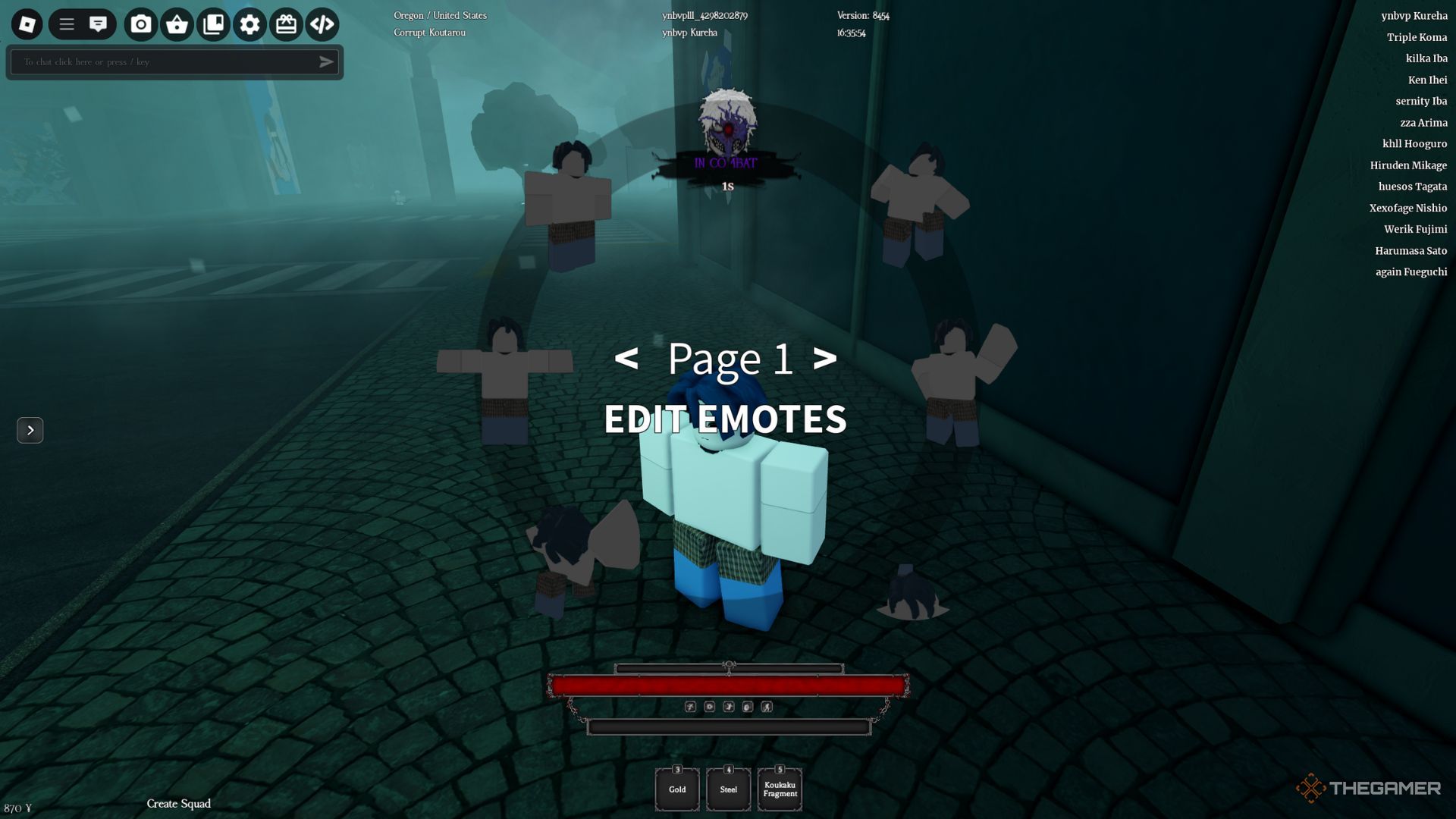
Emote Wheel |
Combat Controls

|
Hotkeys |
Action |
|---|---|
|
Left Click |
Attack |
|
M1 + Ctrl |
Uppercut |
|
M2 |
Feint |
|
Ctrl + E |
Activate Kagune |
|
Ctrl/Tab + 1-2 |
Switch Kagune Stance |
|
Space + M2 |
Air Critical Attack |
|
R |
Critical Attack |
|
Z/X/C |
Activate Kagune/Quinque Skills |