• About Us
  • Contact Us
  • Advertise
  • Privacy Policy
  • Guest Post
No Result
View All Result
Digital Phablet
  • Home
  • NewsLatest
  • Technology
    • Education Tech
    • Home Tech
    • Office Tech
    • Fintech
    • Digital Marketing
  • Social Media
  • Gaming
  • Smartphones
  • AI
  • Reviews
  • Interesting
  • How To
  • Home
  • NewsLatest
  • Technology
    • Education Tech
    • Home Tech
    • Office Tech
    • Fintech
    • Digital Marketing
  • Social Media
  • Gaming
  • Smartphones
  • AI
  • Reviews
  • Interesting
  • How To
No Result
View All Result
Digital Phablet
No Result
View All Result

Home » How to Prevent AWS Directory Services from Auto-Restarting After Deletion

How to Prevent AWS Directory Services from Auto-Restarting After Deletion

Emily Smith by Emily Smith
July 16, 2026
in How To
Reading Time: 1 min read
A A
How to Fix AWS Quick Data Preview Issue for Iceberg Tables in Athena
ADVERTISEMENT

Select Language:

If you’re upset about being charged for a service you’ve already removed, here’s what you need to know about AWS Directory Service and how to fix the issue.

ADVERTISEMENT

When you delete an AWS Directory Service directory—whether it’s Simple AD, AWS Managed Microsoft AD, or AD Connector—all data and snapshots linked to that directory are permanently erased. Once deleted, the directory does not automatically get recreated or restart on its own. AWS doesn’t have a feature that will bring back a deleted directory without your intervention.

Before you delete a directory, it’s very important to disable all AWS applications linked to it. If any applications, like Amazon WorkSpaces, WorkDocs, WorkMail, or AWS IAM Identity Center, remain active for that directory during deletion, it could interfere with the process or cause unexpected issues. Make sure these are fully turned off beforehand.

Regarding the charges you’re seeing: It’s common for unexpected billing to occur if charges start again after a period of zero costs. This might happen because:

ADVERTISEMENT
  • A new directory was created, possibly by mistake or through automation.
  • Other AWS services or configurations are triggering the creation or use of a directory.
  • The previous directory wasn’t fully deleted because certain applications were still enabled.

To resolve this:

  1. Double-check that you’ve disabled all applications linked to the directory before attempting deletion again.
  2. Visit the AWS Support Center to report and review these unexpected charges. You can do this at AWS Support Center.
  3. Consider your AWS Support plan options if you need quicker assistance with billing issues.

Remember, once you confirm a directory is deleted, it can’t restart on its own. Any recreation of a directory would require a new manual setup or an automated process to do so.

For more details, you can refer to the official documentation on deleting directories: Deleting your Simple AD – AWS Directory Service.

ChatGPT ChatGPT Perplexity AI Perplexity Gemini AI Logo Gemini AI Grok AI Logo Grok AI
Google Banner
ADVERTISEMENT
Emily Smith

Emily Smith

Emily is a digital marketer in Austin, Texas. She enjoys gaming, playing guitar, and dreams of traveling to Japan with her golden retriever, Max.

Related Posts

673390 6836212 updates.jpg
News

Pakistan inks founding membership with global AI alliance

July 17, 2026
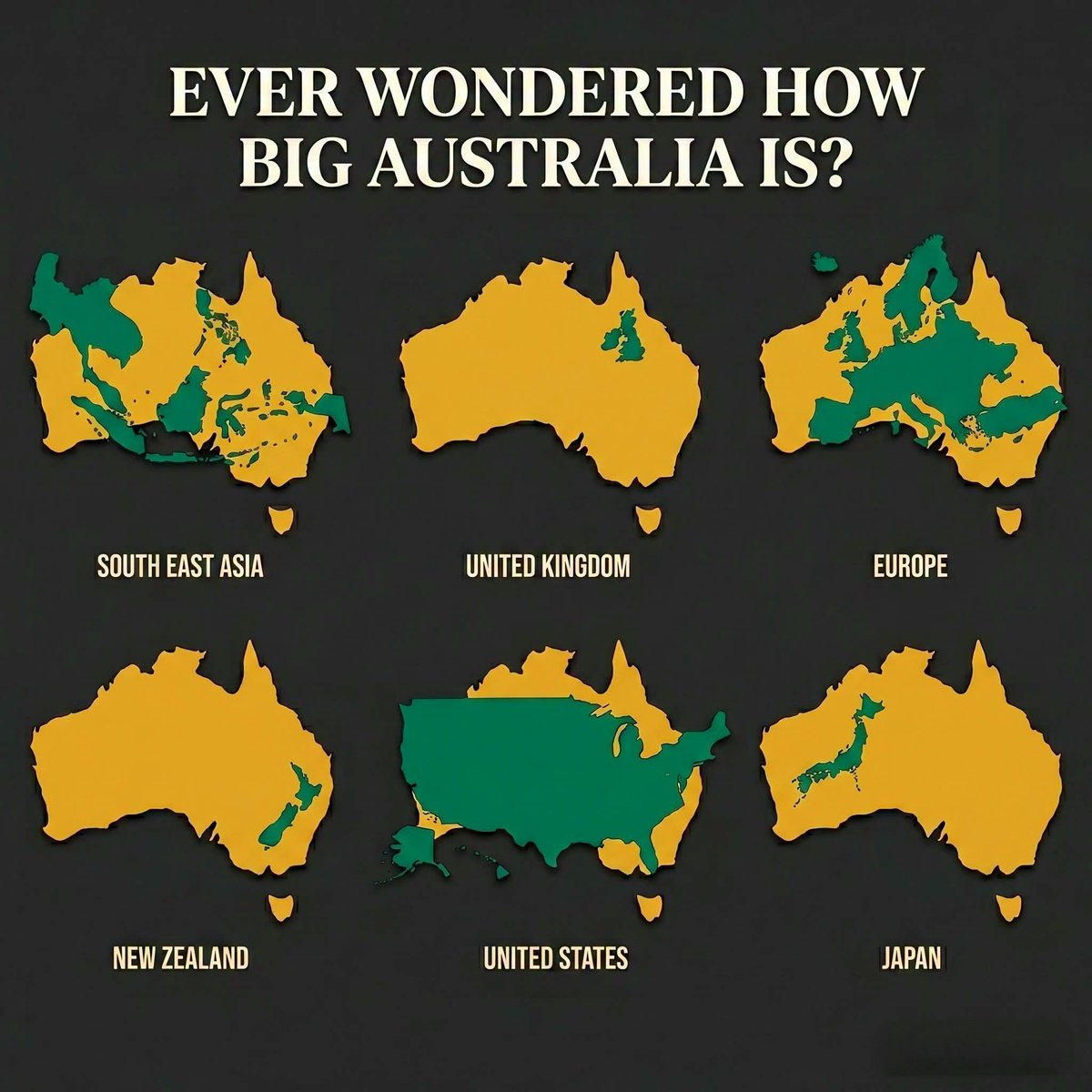
Ever Wondered How Big Australia is?
Infotainment

How Large Is Australia Truly The Complete Size Comparison

July 17, 2026
New PlayStation 5 Racing Game Reveals Release Date & Trailer
Gaming

New PlayStation 5 Racing Game Reveals Release Date & Trailer

July 17, 2026
London Mayor Khan joins Lords as PM Starmer unveils 26 new appointees
News

London Mayor Khan joins Lords as PM Starmer unveils 26 new appointees

July 16, 2026
Next Post
Free Koei Tecmo Action Game Now Available on PlayStation Store

Free Koei Tecmo Action Game Now Available on PlayStation Store

  • About Us
  • Contact Us
  • Advertise
  • Privacy Policy
  • Guest Post

© 2026 Digital Phablet

No Result
View All Result
  • Home
  • News
  • Technology
    • Education Tech
    • Home Tech
    • Office Tech
    • Fintech
    • Digital Marketing
  • Social Media
  • Gaming
  • Smartphones

© 2026 Digital Phablet