

Select Language:
Summary created by Smart Answers AI
Summary:
- PCWorld points out that typical deletion actions like factory resets and formatting only remove the visible file structure, leaving behind personal data that can be easily recovered on outdated devices.
- Devices such as smart TVs, routers, printers, and NAS units may retain sensitive login details, network configurations, and stored files, creating serious privacy vulnerabilities when resold.
- The latest gadgets, including Pixel 10 and Samsung 990 PRO, feature hardware encryption and secure deletion options for enhanced security.
An inexpensive printer bought at a garage sale or a discarded smartphone might seem harmless but can be a goldmine for data thieves. Personal photos, financial documents, passwords, and ID data can often be recovered from second-hand electronics.
Many users mistakenly believe that performing a Delete, Format, or factory reset removes all personal data. In fact, only the file pointers are erased; sensitive information often remains intact and can be retrieved with simple tools.
Hidden Data Security Dangers
slawomir.gawryluk / Shutterstock.com
While data security often focuses on laptops and smartphones, the highest risks can be lurking in less obvious devices.
Printers
Modern multifunction printers act as mini computers with internal drives or flash memory. In offices or law firms, they frequently store scanned, printed, or copied pages temporarily, holding crucial data.
If these internal memories aren’t properly wiped, sensitive materials like IDs, tax docs, or contracts can be exposed to new owners. Wi-Fi credentials for cloud scanning features are also often retained.
NAS Systems
When selling a NAS device, removing HDDs alone isn’t sufficient because some models use internal flash memory that runs the OS separately. These contain stored passwords, network settings, and sync tokens that might stay forever, risking unauthorized access or reconnection to cloud services after the device powers on.
Smartphones and Tablets
For modern devices with default encryption, a factory reset generally clears data effectively, but older Android models without active encryption might leave behind photos, chats, and login data. Not logging out of accounts like Google or Apple before resetting can trigger activation locks, rendering the device useless to potential buyers or leaving cloud access active.
SSDs and USB Sticks
Unlike traditional HDDs, SSDs and USB drives cannot be fully overwritten because of wear leveling. This technique distributes data across memory cells to prolong device life, but it hampers conventional wiping tools from erasing all data completely. Residual fragments could still be recoverable or remain hidden, posing risks.
Smart TVs, Routers, Streaming Devices
Devices like Fire TV sticks, Apple TVs, smart hubs, or routers can store login info for streaming services, voice profiles, VPN credentials, or VOIP data. Old routers such as Fritzboxes often retain Wi-Fi passwords or ISP details, making their resale a privacy concern.
Effective Methods for Data Wipe
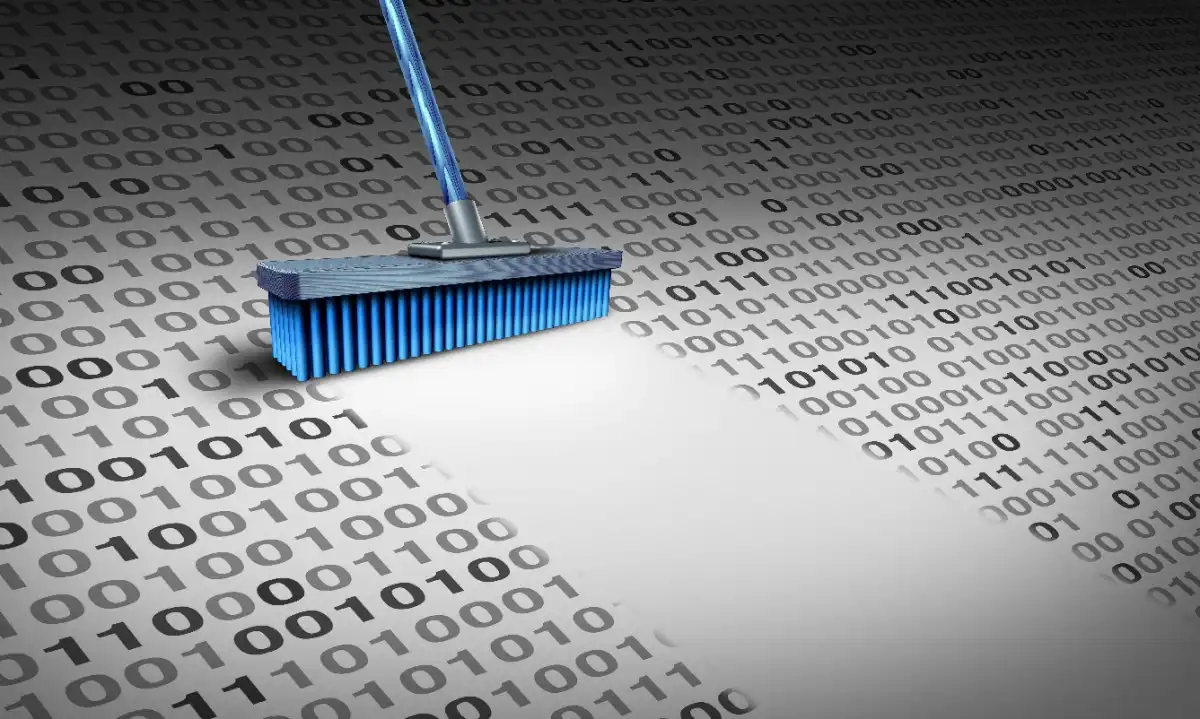
Lightspring / Shutterstock.com
To securely sell or decommission devices, follow these steps based on device type:
- PCs, laptops, SSDs: Use the Secure Erase feature, accessible through BIOS/UEFI or manufacturer tools like Samsung Magician. It completely resets all data storage cells.
- Smartphones, tablets: Log out of all cloud and account services manually, disable features like ‘Find My,’ and remove SIM/microSD cards before resetting.
- Printers, routers, smart home gadgets: Use the hardware reset button and access admin settings to delete all logs and data. Disconnect linked applications too.
- USB sticks, SD cards: For highly sensitive content, physical destruction is often safer than attempts at software-based erasure, especially for inexpensive or old media.
When uncertain, physically destroy
If a storage device is damaged or inaccessible via software, physical destruction is the safest solution. Destroy SSD circuit boards, drill through traditional hard drives, and break memory chips or USB sticks before disposal. Never throw such devices into household trash to prevent data leaks.
Leverage Security Features in New Devices
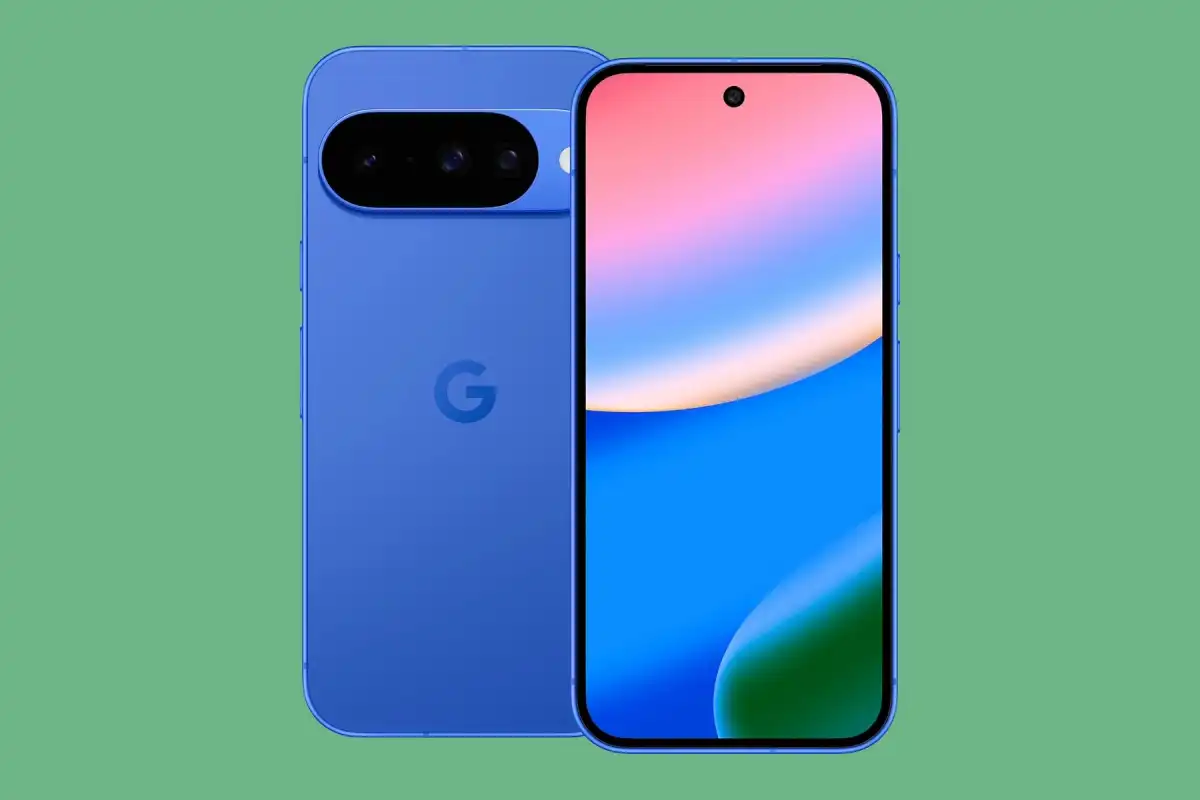
Google/Amazon
When purchasing new devices, take advantage of built-in security features, such as hardware-based segmentation and automatic data wiping, to minimize privacy risks. Manufacturers have responded to these concerns by integrating advanced security tools:
- Smartphones with dedicated security chips: Modern phones like Pixel 10 include a security chip—such as Tensor—that isolates sensitive data processing from the main processor, boosting protection and enabling secure local operations like fraud detection.
- Printers without persistent storage: Upcoming office printers use automatic memory clearing and encryption, ensuring that print or scan data doesn’t linger after shutdown.
- Secure storage devices with erasure options: High-quality SSDs, like Samsung 990 PRO, come with manufacturer support for secure data deletion, including software tools that carry out thorough, hardware-assisted wiping with minimal effort.
A quick check can prevent major issues
Unchecked digital residues can contain more than you expect—documents, cloud account info, and even entire profiles may still be present. Selling devices without proper clearance risks exposing your confidential data. A quick, systematic reset takes just minutes but offers significant protection against data breaches.
 ChatGPT
 Perplexity
 Gemini AI
 Grok AI