
Quick Links
In the world of Webfishing, it’s not just about the fish you catch—it’s all about the experience. This casual multiplayer game mixes the tranquil art of fishing with socializing, making it a great spot to unwind, forge new friendships, and, of course, showcase your pet’s personality.
To keep the fun flowing, you can use emoticons, which allow your cat (or dog) to convey various emotions, from joy to surprise. Whether you’re celebrating a successful catch or joking about a fishing mishap, these animations add a delightful flourish to your gameplay. Want to learn how to help your cat express itself fully? Let’s explore the details!
How to Use All Emoticon Commands
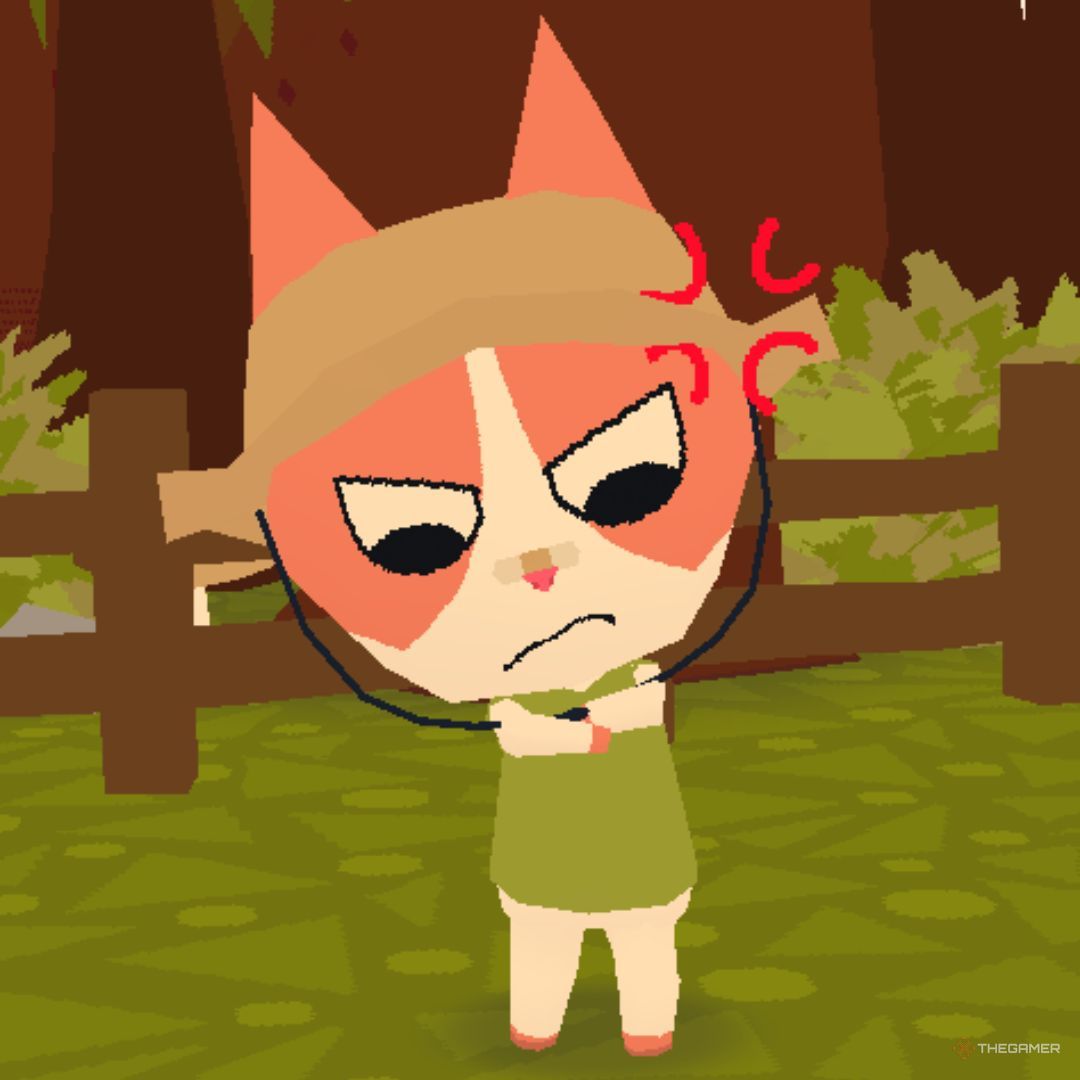
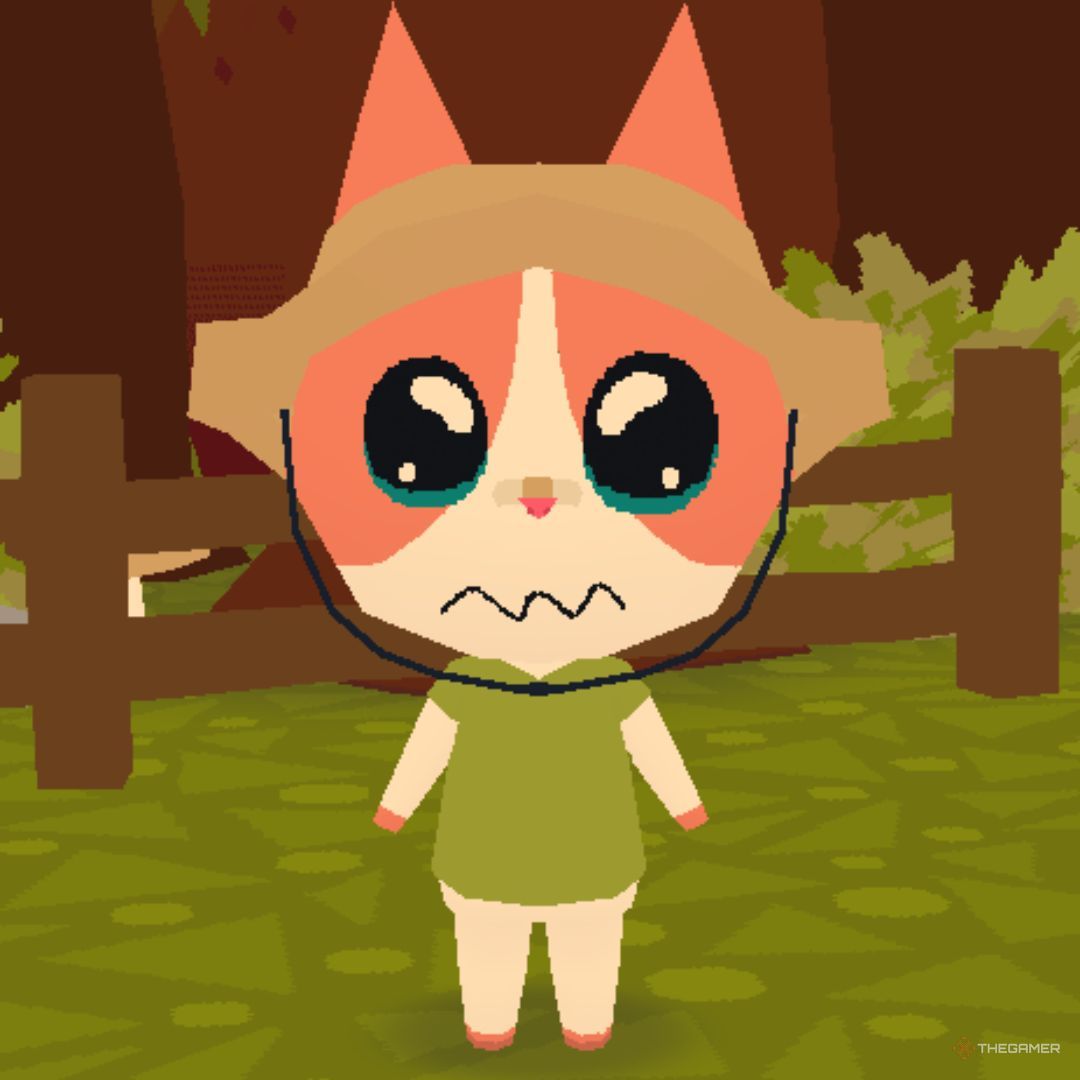
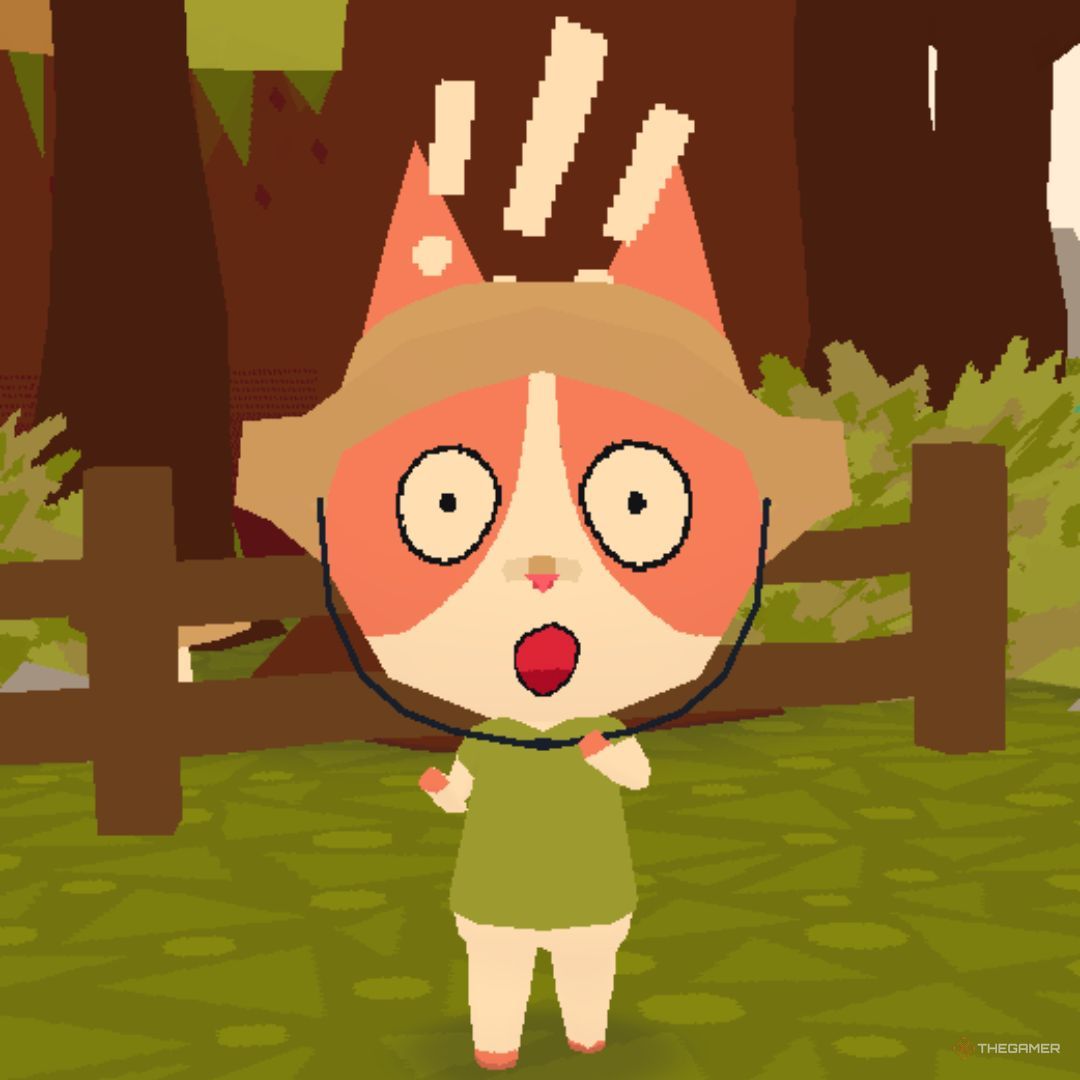
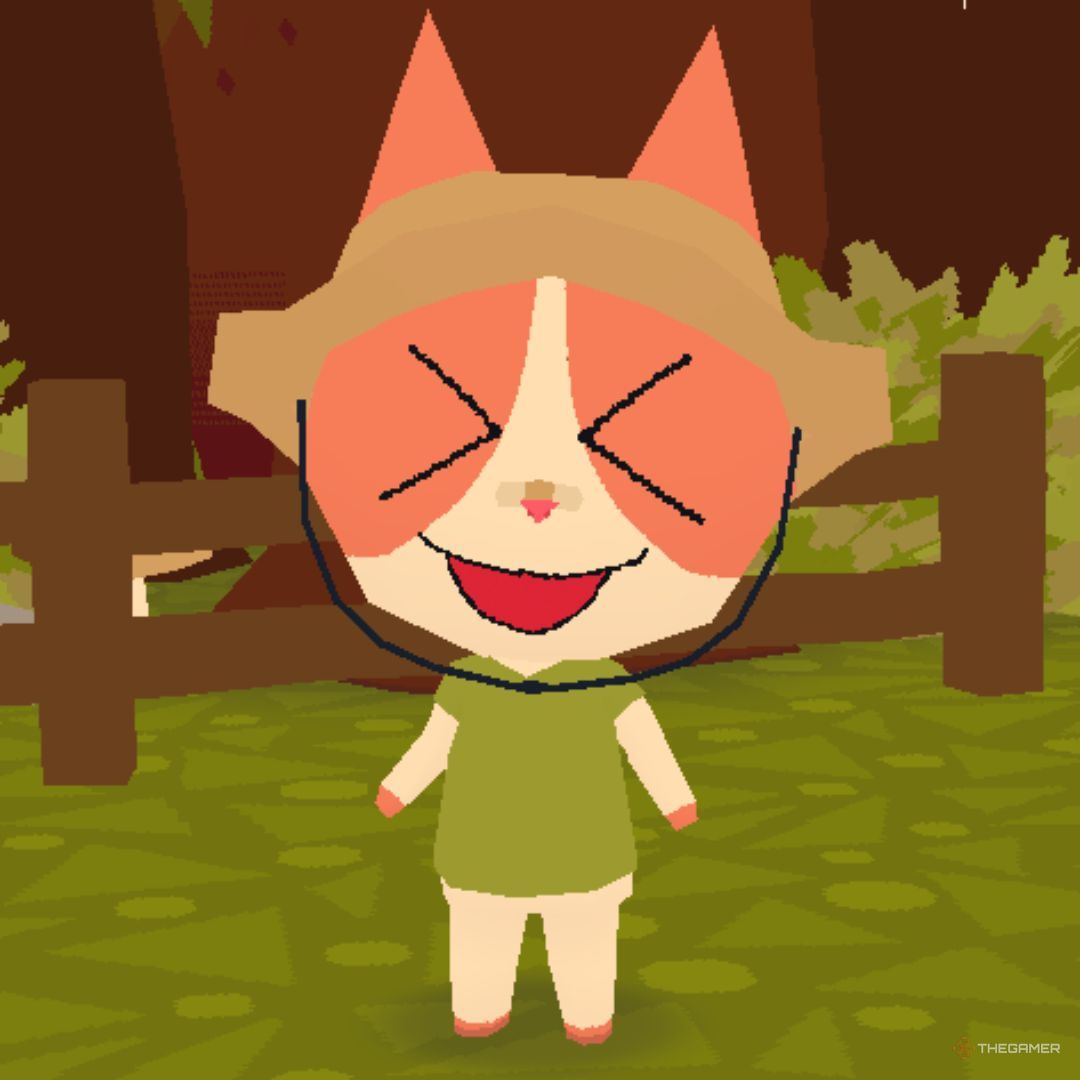
Besides chilling out, making friends, and hanging out, you can make your cat (or dog) come alive with emoticons that depict a range of feelings. These commands enhance interactions and make your time in the game even more enjoyable. Below is a list of the emoticons and how to use them.
You can execute all these emoticons even when your cat is sitting. Just activate the sitting animation first, then use the other emoticons as normal.
|
Emoticon |
Keybind |
Photo |
|---|---|---|
|
Kiss |
press ‘K’ |
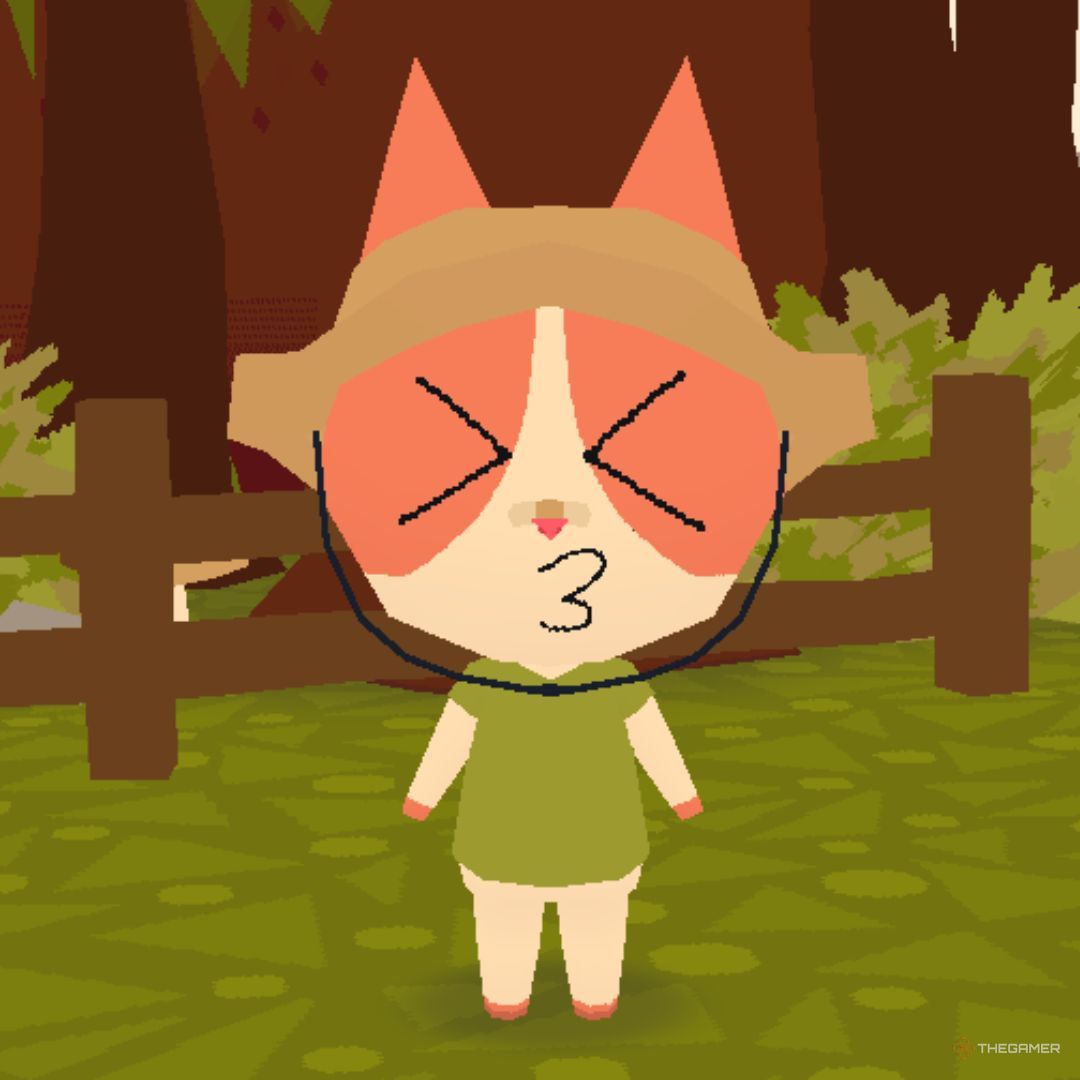 |
|
Bark/Meow |
press ‘G’ |
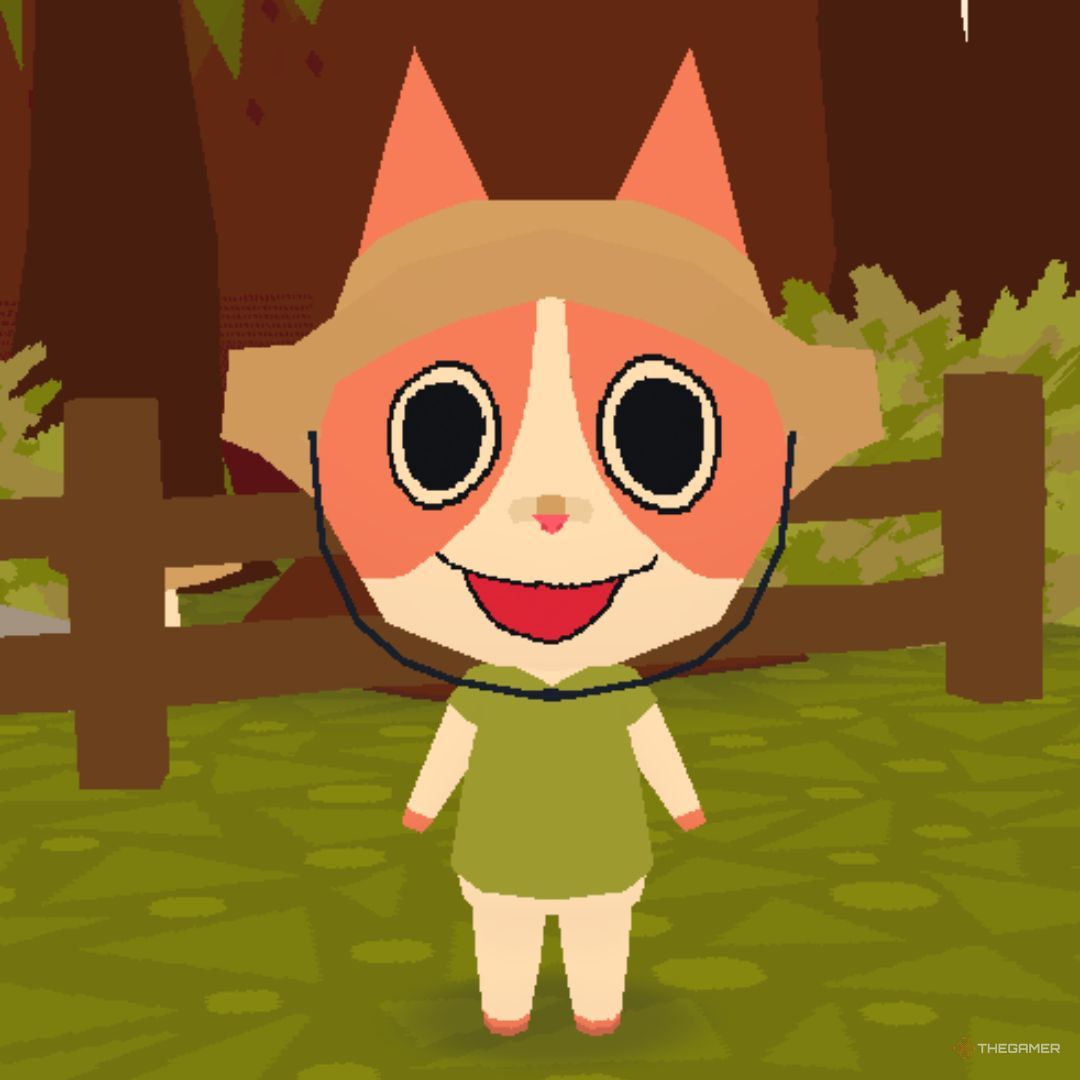 |
|
Wave |
hold ‘C’ and release over the top-left icon |
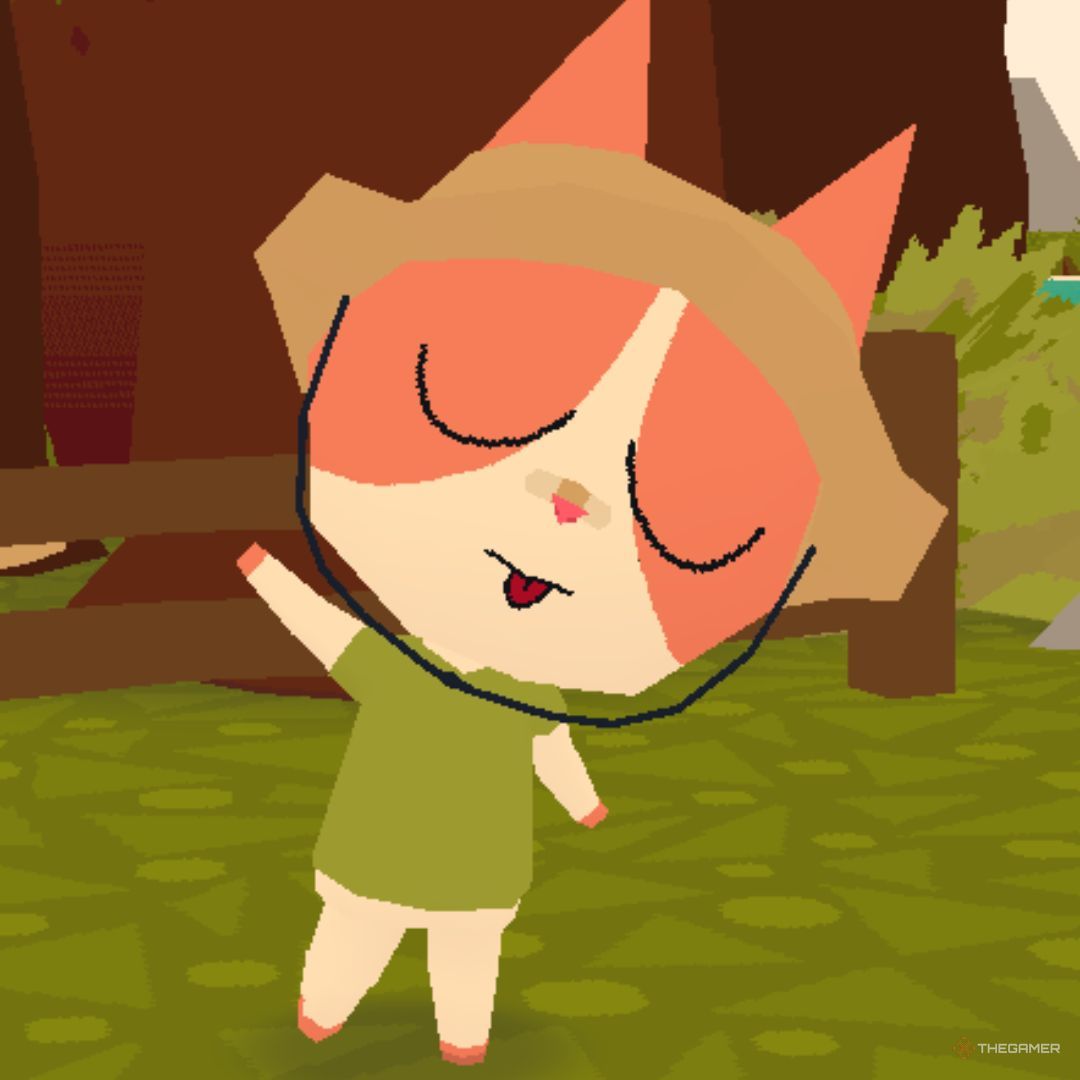 |
|
Sit |
hold ‘C’ and release over the top-middle icon |
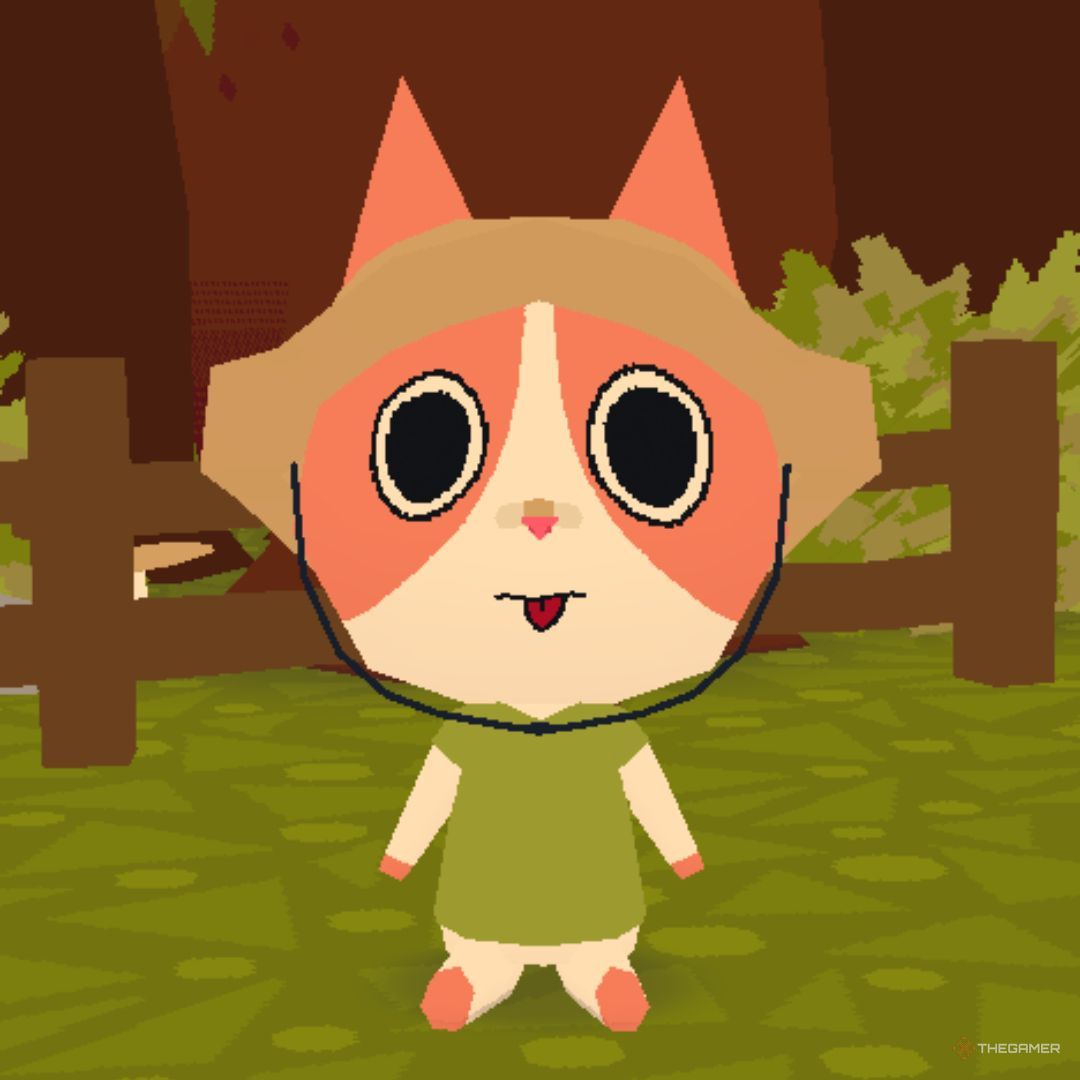 |
|
Love |
hold ‘C’ and release over the top-right icon |
 |
|
Mad |
hold ‘C’ and release over the middle-left icon |
 |
|
Sad |
hold ‘C’ and release over the middle-right icon |
 |
|
Shocked |
hold ‘C’ and release over the bottom-left icon |
 |
|
Excited |
hold ‘C’ and release over the bottom-middle icon |
 |
|
Big Bark/Meow |
hold ‘C’ and release over the bottom-right icon |
 |