• About Us
  • Contact Us
  • Advertise
  • Privacy Policy
  • Guest Post
No Result
View All Result
Digital Phablet
  • Home
  • NewsLatest
  • Technology
    • Education Tech
    • Home Tech
    • Office Tech
    • Fintech
    • Digital Marketing
  • Social Media
  • Gaming
  • Smartphones
  • AI
  • Reviews
  • Interesting
  • How To
  • Home
  • NewsLatest
  • Technology
    • Education Tech
    • Home Tech
    • Office Tech
    • Fintech
    • Digital Marketing
  • Social Media
  • Gaming
  • Smartphones
  • AI
  • Reviews
  • Interesting
  • How To
No Result
View All Result
Digital Phablet
No Result
View All Result

Home » How to Find Siri on iPhone 17 Pro | Apple Intelligence Guide

How to Find Siri on iPhone 17 Pro | Apple Intelligence Guide

Rebecca Fraser by Rebecca Fraser
November 1, 2025
in How To
Reading Time: 1 min read
A A
ADVERTISEMENT

Select Language:

If you’re trying to find ‘Apple Intelligence’ on your iPhone 17 Pro and it doesn’t show up, don’t worry—you’re not alone. Sometimes, new iPhones or updates can make certain features hard to locate. Here’s a simple step-by-step guide to help you find what you’re looking for or understand why it might not be there.

ADVERTISEMENT

First, double-check the name of the feature or app. Apple often updates or renames features in different iOS versions, so ‘Apple Intelligence’ could be under a different name or integrated into another section.

Next, go to your device’s Settings app. Look for options related to Siri, Privacy, or general system features. These areas usually house the intelligent features and AI-related tools.

If you still can’t find it, try using the search function. Swipe down on the home screen to open the search bar and type in ‘Apple Intelligence’ or related terms like ‘AI’ or ‘Smart features’. This can quickly show you if the feature is on your device or if it’s located somewhere else.

ADVERTISEMENT

Another tip is to check for software updates. Sometimes, new features are added or renamed in the latest updates. Go to Settings > General > Software Update and install any available updates.

Finally, remember that some features are only available in specific regions or languages. Ensure your phone’s language and region settings are correct in Settings > General > Language & Region.

If after all these steps you still can’t find ‘Apple Intelligence,’ it might be that it isn’t available on your specific device model or iOS version yet. Keep an eye on official Apple support pages or contact Apple Support for more assistance.

By following these simple steps, you should be able to understand whether the feature is available on your phone and where to find it.

ChatGPT ChatGPT Perplexity AI Perplexity Gemini AI Logo Gemini AI Grok AI Logo Grok AI
Google Banner
Tags: Apple Intelligence
ADVERTISEMENT
Rebecca Fraser

Rebecca Fraser

Rebecca covers all aspects of Mac and PC technology, including PC gaming and peripherals, at Digital Phablet. Over the previous ten years, she built multiple desktop PCs for gaming and content production, despite her educational background in prosthetics and model-making. Playing video and tabletop games, occasionally broadcasting to everyone's dismay, she enjoys dabbling in digital art and 3D printing.

Related Posts

Apple TV And HomePod Mini With Apple Intelligence Coming In.jpg
Home Tech

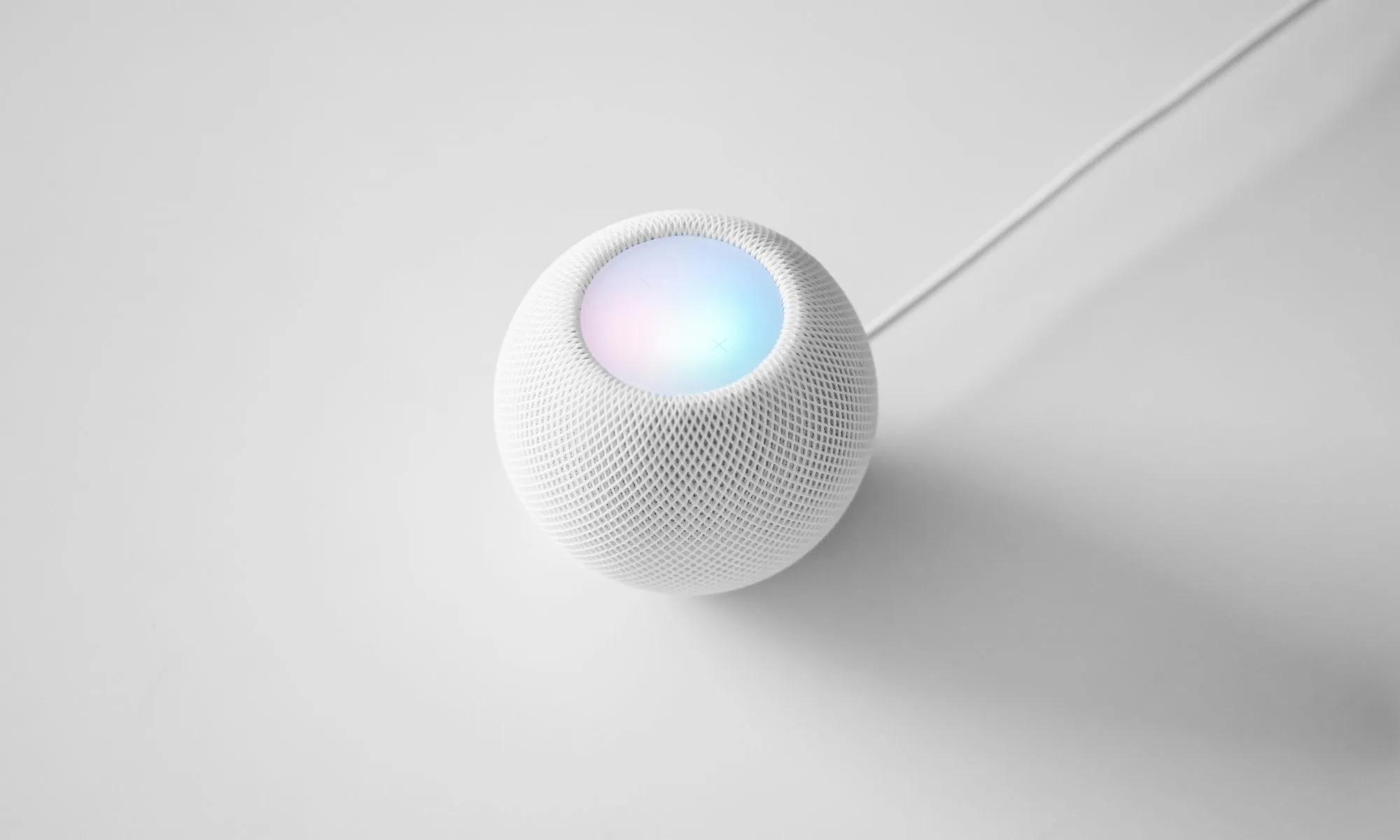
Apple TV And HomePod Mini With Apple Intelligence Coming In 2027

June 22, 2026
shieldmaiden 8672539 960 720.jpg
How To

How To Use Siri: Apple Intelligence Tips and Tricks

April 14, 2026
book 7709416 960 720.jpg
How To

How to Fix Siri with Apple Intelligence After iOS 26 Update & Car Bluetooth

April 13, 2026
lingerie 7505785 960 720.jpg
How To

How to Fix Siri Misunderstanding Weather Queries | Apple Intelligence

April 10, 2026
Next Post

Top 10 Best Musicians of All Time

  • About Us
  • Contact Us
  • Advertise
  • Privacy Policy
  • Guest Post

© 2026 Digital Phablet

No Result
View All Result
  • Home
  • News
  • Technology
    • Education Tech
    • Home Tech
    • Office Tech
    • Fintech
    • Digital Marketing
  • Social Media
  • Gaming
  • Smartphones

© 2026 Digital Phablet