
Sony / .
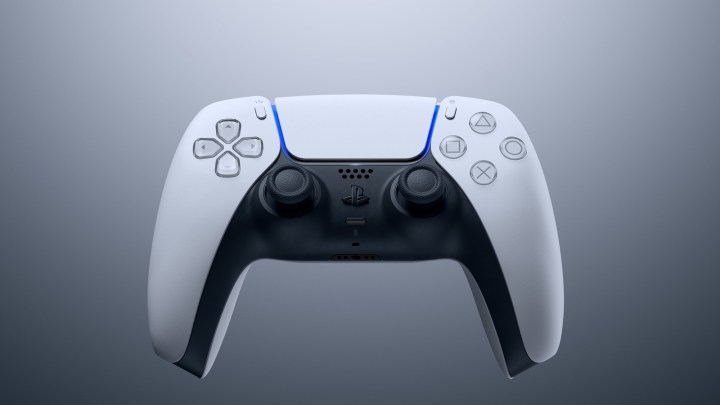
The DualSense controller for the PS5 is a favorite among gamers due to its impressive functionality. It boasts features like haptic feedback and adaptive triggers that significantly enhance the gaming experience. However, many users find the integrated speaker to be more of a nuisance. If you want to silence this feature, follow the straightforward steps below to turn it off.
Sony / .
To disable the speaker on your DualSense controller, follow these steps:
Step 1: On the home screen of your PS5, click the Settings gear icon.
Step 2: From the menu, select Accessories.
Step 3: Choose the Controller (General) option.
Step 4: Scroll down to find the Controller Speaker option, then move the toggle all the way to the left to turn off the sound coming from the speaker.