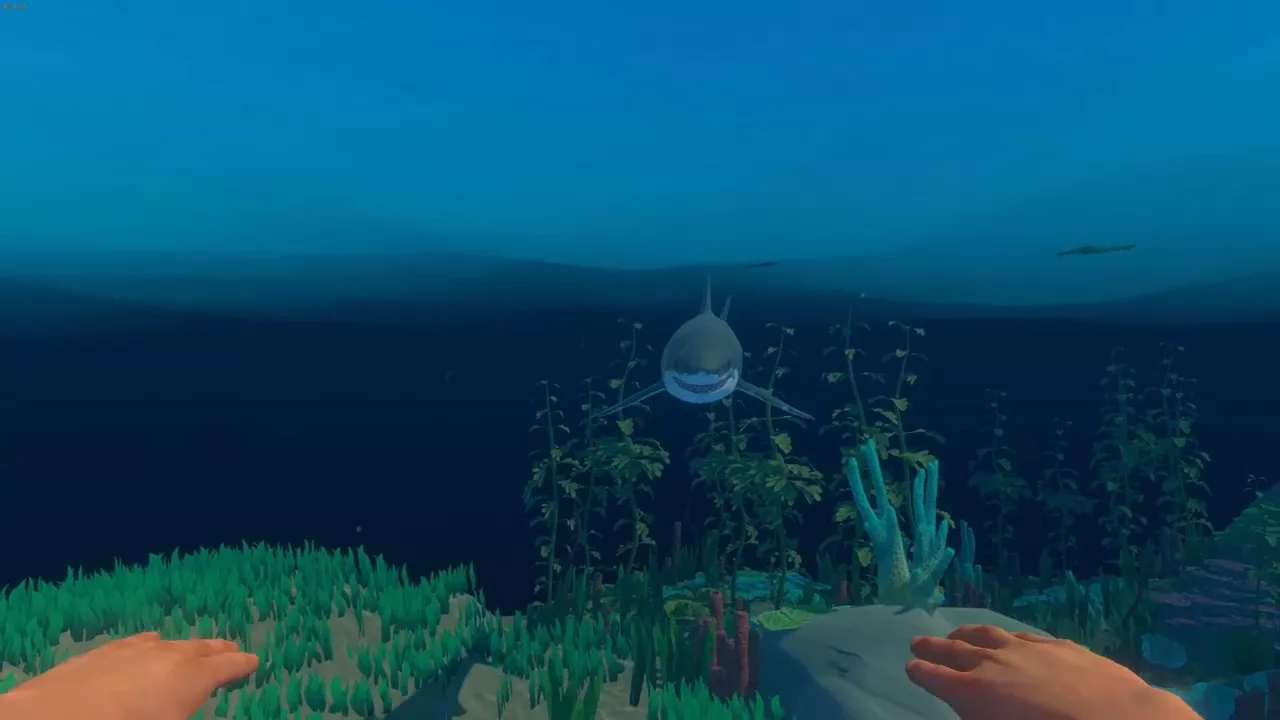
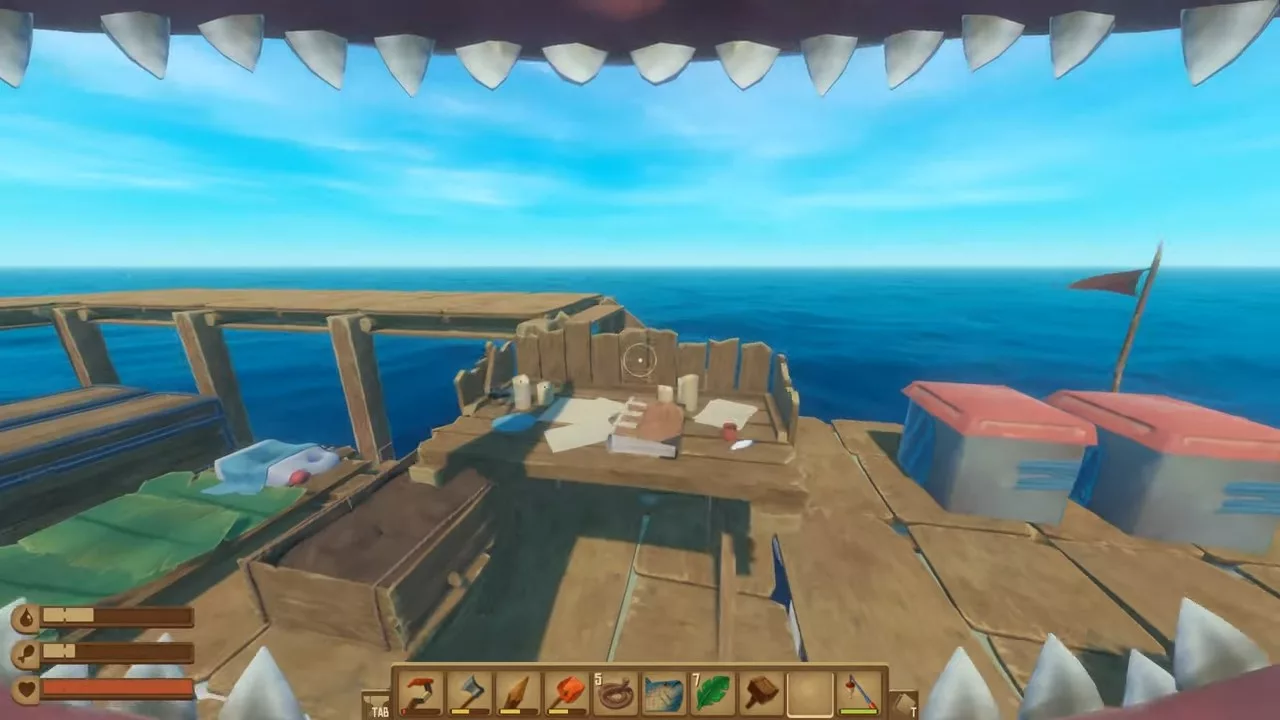
In Raft, while basic crafting materials are easy to find, more valuable resources require diving into the ocean where a hungry shark is always lurking. One such resource is seaweed, which may seem like a minor ingredient but is essential for creating advanced survival tools.
Fortunately, you don’t need to become shark food to collect seaweed. There are plenty of strategies to keep the shark away while you gather this crucial material. Once you manage the shark situation, you’ll find that collecting seaweed is quite straightforward.
How To Collect Seaweed
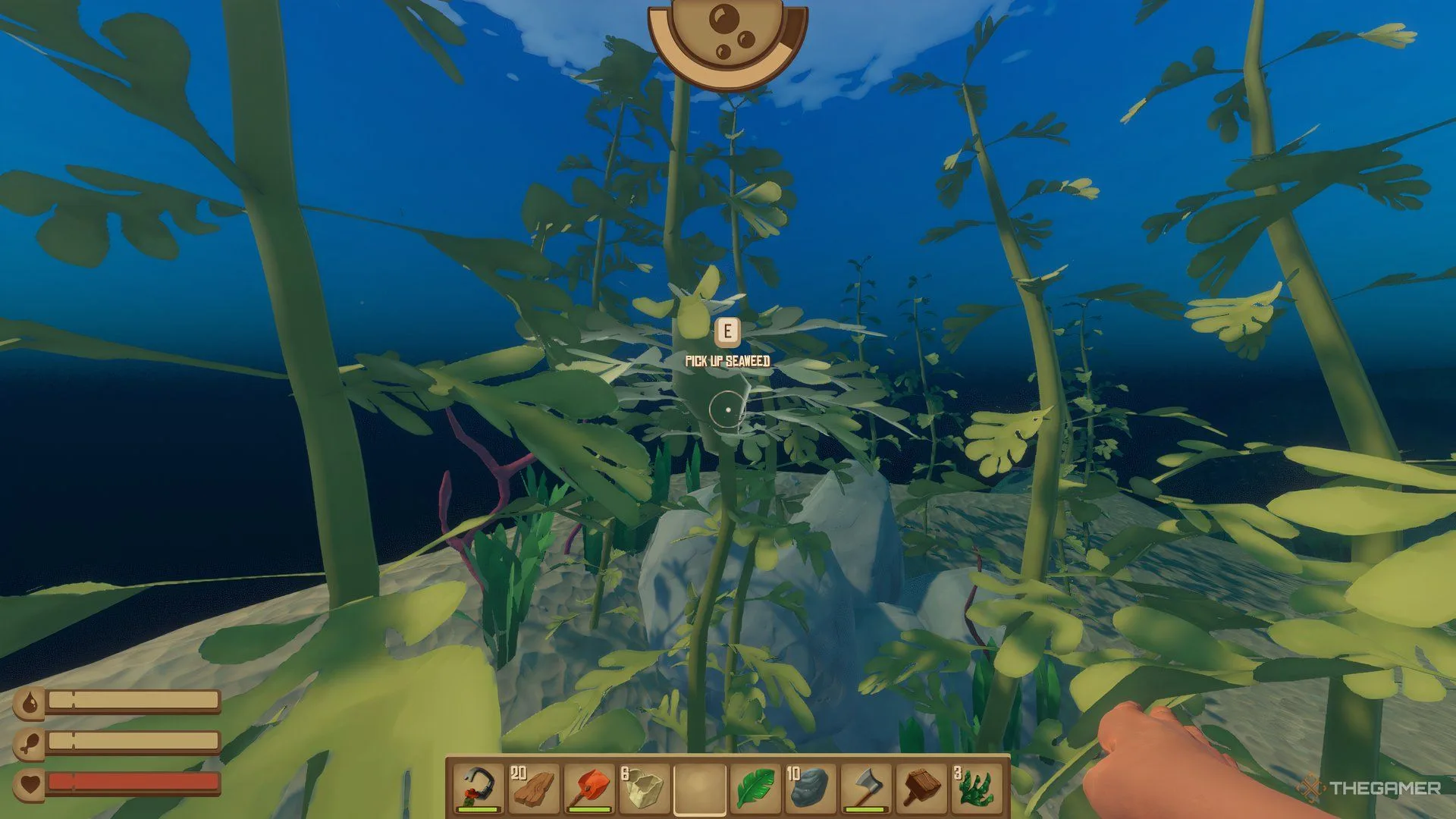
Seaweed can be found growing on the large kelp plants that cluster in the waters around islands. Unlike materials like Clay or Sand, harvesting seaweed doesn’t require any tools; you can simply collect it by hand.
Before you dive in, remember to anchor your raft with a Throwable Anchor to prevent it from drifting away.
If you’re playing on a difficulty level higher than Peaceful, expect the shark to be an issue. You can distract it using Shark Bait, which will give you a few minutes to collect seaweed unhindered. Alternatively, you can prepare for battle with a spear, though defeating the shark can be quite challenging.
The shark tends to stay close to your raft and will typically attack if you’re swimming nearby. To avoid this, you can anchor your raft at one side of an island and gather seaweed from a distance, keeping the shark occupied and allowing you to collect what you need safely.
How To Use Seaweed
Even though seaweed has a limited number of applications, it serves an essential role in Raft. You’ll need it to research and craft Flippers and Vine Goo, both of which are crucial for survival and advancement.
Flippers allow for faster swimming, making underwater exploration more efficient. Vine Goo is incredibly useful too; it’s needed for creating vital items like Circuit Boards that power devices such as Batteries and Oxygen Bottles for longer dives.
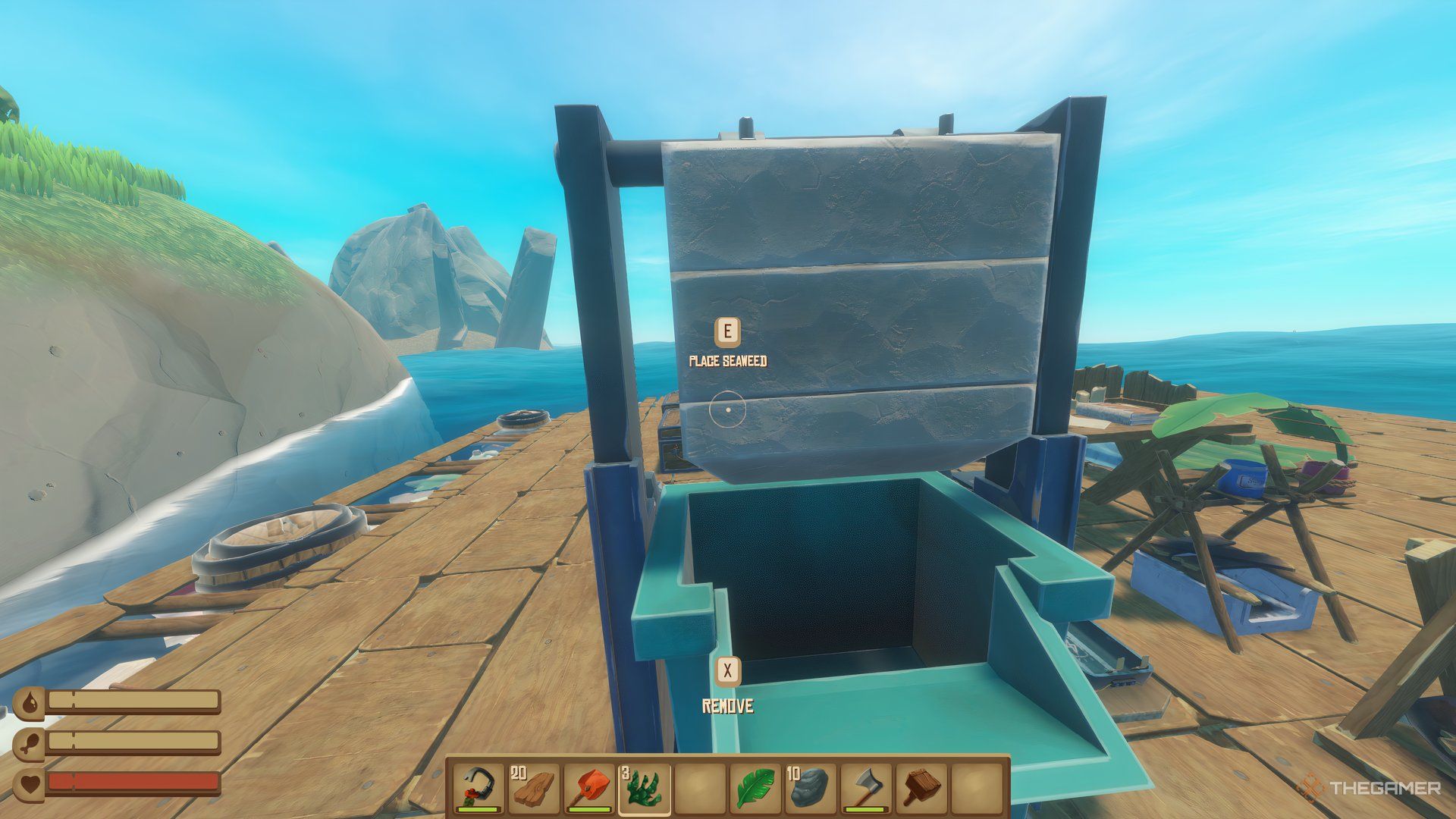
Additionally, you can feed seaweed into a Recycler to create Trash Cubes, which serve as currency at Trading Posts where you can buy various items and blueprints.
In Raft, you begin on a tiny raft amid a vast ocean and face the challenge of survival. It’s your responsibility to manage resources, endure harsh conditions, and navigate through the challenges the game throws at you. That said, there are certain strategies that can give you an edge.
It’s crucial to monitor your health, hunger, and other vital indicators. Craft tools, prepare meals, and defend against predators that could threaten your existence. Additionally, you’ll come across land, opportunities for research, and the chance to interact with other players, all of which can aid your survival in Raft.
1. Keep Track of Your Health, Hunger, and Thirst
Survival boils down to addressing three primary needs: hunger, thirst, and health. You can keep an eye on these through the indicator bars located on the left side of your screen. Additionally, if you venture underwater, pay attention to your Oxygen Level as well.
Starting on a modest wooden raft, look for resources to help expand and improve your craft. To facilitate this process, it’s essential to craft a net, which will automatically catch any floating materials, alleviating some of the hard work.
You can also use a hook to gather floating debris; just be cautious of the Shark lurking nearby. Furthermore, avoid straying too far from your raft, as it might drift away while you’re in pursuit of resources.
2. Create the Hammer
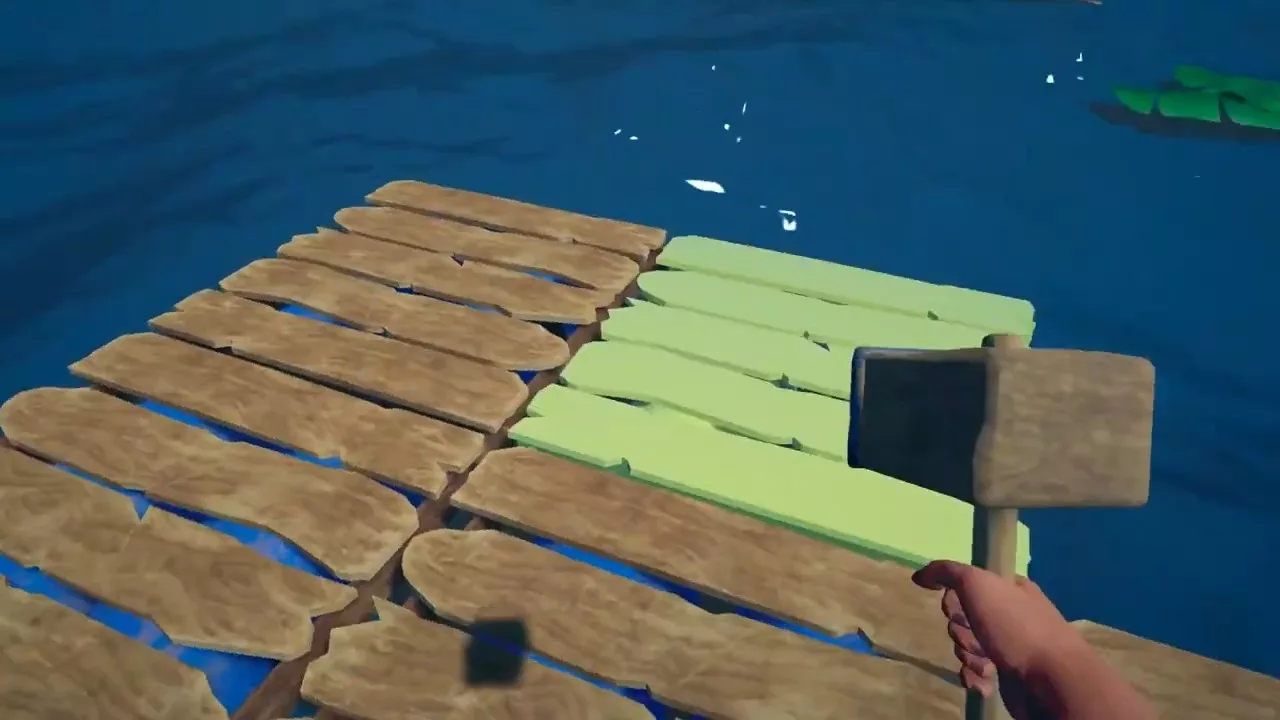
To elevate your crafting capabilities, you’ll need some vital tools for construction. If you’ve successfully gathered enough resources, you’ll gain the ability to create a Builder’s Hammer.
Access your inventory (by pressing I or using the tab button) and navigate to the tools tab. The hammer is one of the most crucial survival tools in Raft. It enables you to craft various items and also helps you repair your raft.
3. Collect Food & Water
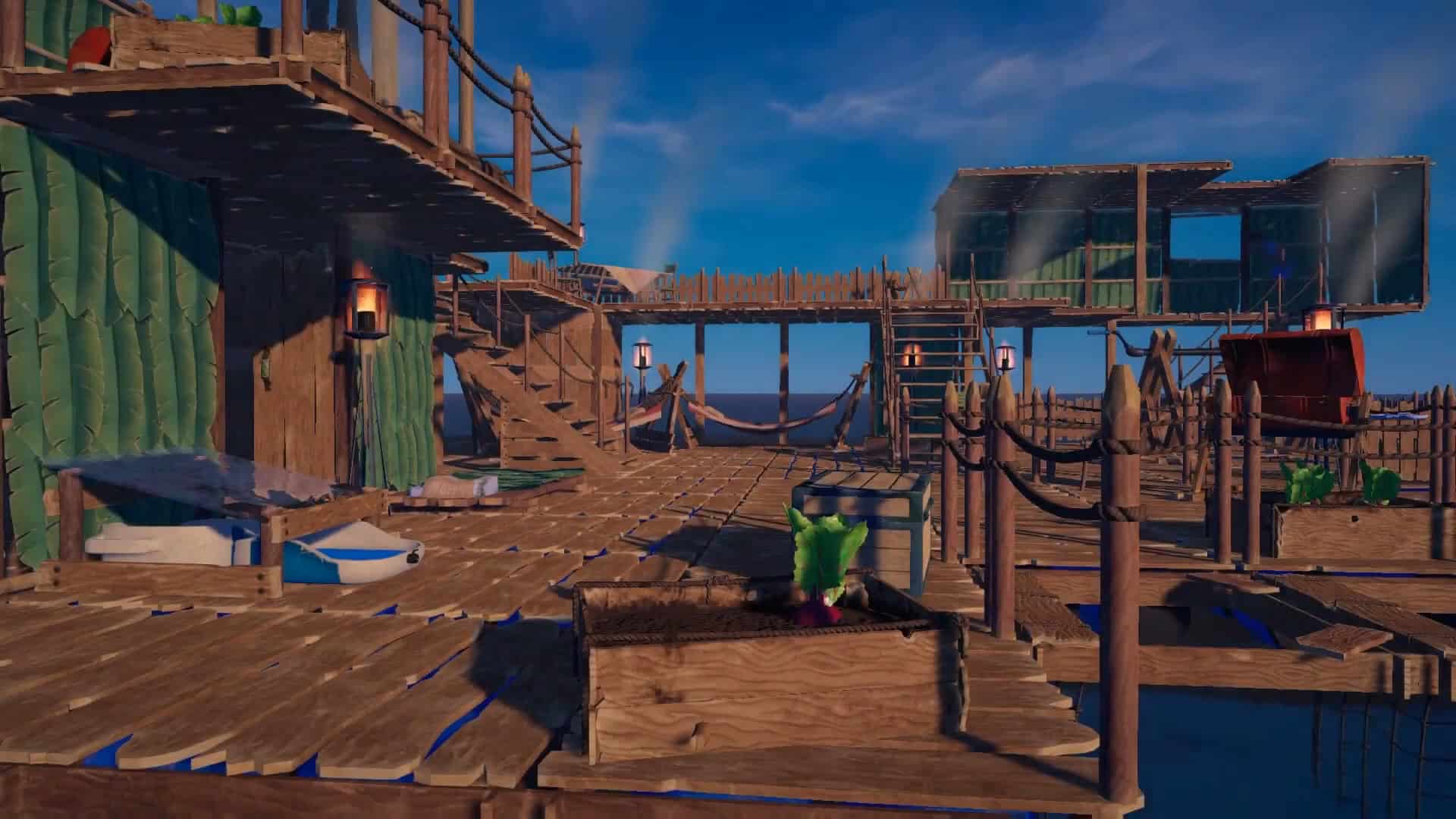
There are two main ways to ensure a constant food supply. One option is to cultivate it. By establishing a planter, you can grow various vegetables within it.
From time to time, barrels will drift into your inventory, providing you beans, potatoes, and more. Plant these in your planter for a sustainable food source. Remember to water them regularly and stay vigilant to keep seagulls from disrupting your farming efforts.
Alternatively, you can utilize the ocean’s bounty by fishing. First, craft a fishing rod to start your fishing adventures. Once you catch a fish, you’ll need to cook it to satisfy your hunger. For that, construct a grill and use wooden planks as fuel.
As previously highlighted, water is essential, not just for quenching your thirst but also for growing food. You’re surrounded by water, but unfortunately, it’s too salty to drink.
Fortunately, you can set up a purification station to desalinate the seawater by adding a fire source, such as a wooden plank. Use a cup or any container to collect water from the ocean.
4. Develop Strategies to Handle the Shark
If you’re weary of the persistent threat posed by the shark, you can take actionable steps to counter it. Naturally, jumping into the water isn’t a viable solution. Instead, craft a weapon—a wooden spear will work perfectly.
When the shark approaches your raft, strike it with the spear until it retreats, typically after 3-4 hits. You can also utilize shark bait to distract or lure the shark to a specific area.
5. Unlock the Research Station
As you advance in the game, you’ll need more tools, weapons, and facilities to bolster your chances of survival. The research station plays a fundamental role in this progression.
The research menu contains a wealth of items, and unlocking them requires blueprints obtained from barrels and other sources. To initiate the research process, simply place the item on the research station.
6. Engage with Other Rafts
You will also encounter rafts belonging to other players, which you can choose to ram into or cooperate with. Engaging in mischievous behavior like destroying their boats can yield generous supplies.
Approach their rafts using sails or paddles, quickly gather the loot, and then return to your raft to avoid sharks or other players.
7. Utilize Islands to Your Advantage
On these smaller islands, you can discover various resources such as coconut seeds, plants, and other food supplies. The water surrounding these islands is typically shallower, making it easier to explore.
Just ensure that you anchor your raft securely first. If you can’t afford a safe anchoring, make sure to dash back to your raft as soon as you leave the island in order to maintain your survival in Raft.
Raft is a thrilling survival adventure on the open seas, but sometimes you might need a little extra help.
Previously, console commands and cheats allowed players to manipulate the game world. However, with the full release of Raft (version 1.0), traditional console commands and cheats are no longer available.
This guide explores the current state of modifying your Raft experience, focusing on alternative solutions like mods that enhance gameplay without altering core mechanics through console commands.
How to Enable Console Commands and Cheats
Cheats or console commands are unavailable in the vanilla Raft or versions before 1.0, which removed the ‘enable the console’ option.
To re-enable the console, download the ‘Raft Mod Manager’ from the Raftmodding website. This manager automatically enables the console when you launch the game and its working mod. After launching the game with the mod, press F10 or the ` key to open the console.
Once the console is enabled, you can enter cheat codes. Note that some cheats require a numeric value, denoted by X or # at the end of the code. Replace X with a number and hit Enter.
For example, setting oxygen requires inputting a specific number, and spawning animals allows you to set the quantity.
Raft Console Commands and Cheats
The following cheats can currently be enabled in Raft.
Attributes
Hunger: /set hunger X
Thirst: /set Thirst X
Blockhealth: /set Blockhealth X
Bonushunger: /set Bonushunger X
Gamemode: /set Gamemode X
FPS: /set fps X
Oxygen: /set Oxygen X
Spawn Items/Animals
Shark: /spawn Shark
Pufferfish: /spawn pufferfish
Stonebird: /spawn stonebird
Llama: /spawn llama
Goat: /spawn goat
Chicken: /spawn chicken
Boar: /spawn Boar
Landmark big: /spawn landmark_big
Landmark pilot: /spawn landmark_pilot
Landmark raft: /spawn landmark_raft
Landmark: /spawn landmark
Other Useful Commands
Shift: /shift
God Mode: /godmode
Clear: /clear “item or animal”
Item Restoration
Technically not a cheat but an exploit: if you run out of oxygen and cannot use a cheat, remove the item from its slot and put it back into another slot to restore the oxygen bottle.
Best Cheat Mods for Raft
Before using mods from Raft Modding, download the website’s ModLoader to run mods during your game. Here are some of the best mods for Raft:
ItemSpawner: Quickly and easily spawn any item, animal, or island/landmark of your choice.
MoreStorages: Increase storage options, which is very useful.
SolarPanel: Recharge your batteries during the daytime with this mod.