الوسم: Overheating

  • Some iPhone Users Report Overheating With Apple Intelligence

    Some iPhone Users Report Overheating With Apple Intelligence

    After much anticipation, iOS 18.2 is now available to users, bringing a host of new features powered by Apple Intelligence, including the Image Playground, Genmoji, and a revamped Mail app. Interestingly, some users claim it may even help keep your hands warm during the chilly winter months.

    On Reddit, a user named u/dsdxp shared in the iPhone subreddit that they stumbled upon a hidden feature in the iPhone 16 Pro. Though the remark was made in jest, numerous other users chimed in, recounting their own experiences with their iPhones running unusually hot. A recurring theme in these anecdotes was the Image Playground app, which appears to generate excessive heat during its operation.

    Another user, u/PrestigiousPickle8, noted that the same overheating issue occurs with the iPhone 15, adding it has the “added bonus of burning off fingerprints.” Throughout the discussion, several others reported similar overheating troubles. One user pointed out that since the update, the Photos app has also led to overheating, while others experienced the same issue during FaceTime calls. These concerns were initially raised in the beta testing phase, but it seems the underlying cause wasn’t identified and resolved before the public release.

    An iPhone displaying an Apple Intelligence rendering of Steve Jobs in the Image Playground app.
    Jesse Hollington / Digital Trends

    Conversely, some users have reported no issues at all. Despite the tales of overheating and subpar performance, many individuals have enjoyed seamless image generation and only minimal warmth from their devices.

    In addition to the heating issues, the Image Playground app is also impacting battery life negatively. One Reddit user claimed they could literally see their battery percentage “tick down” while utilizing the new features.

    The Image Playground generates images directly on the device rather than relying on cloud servers. This approach enhances privacy but places an extra burden on the processor and GPU. Without sufficient cooling mechanisms, iPhones can become overheated quite rapidly, impairing overall performance and draining the battery more quickly. Given the widespread nature of this problem, it’s possible that Apple will issue a software update to address battery drain and heat generation concerns.
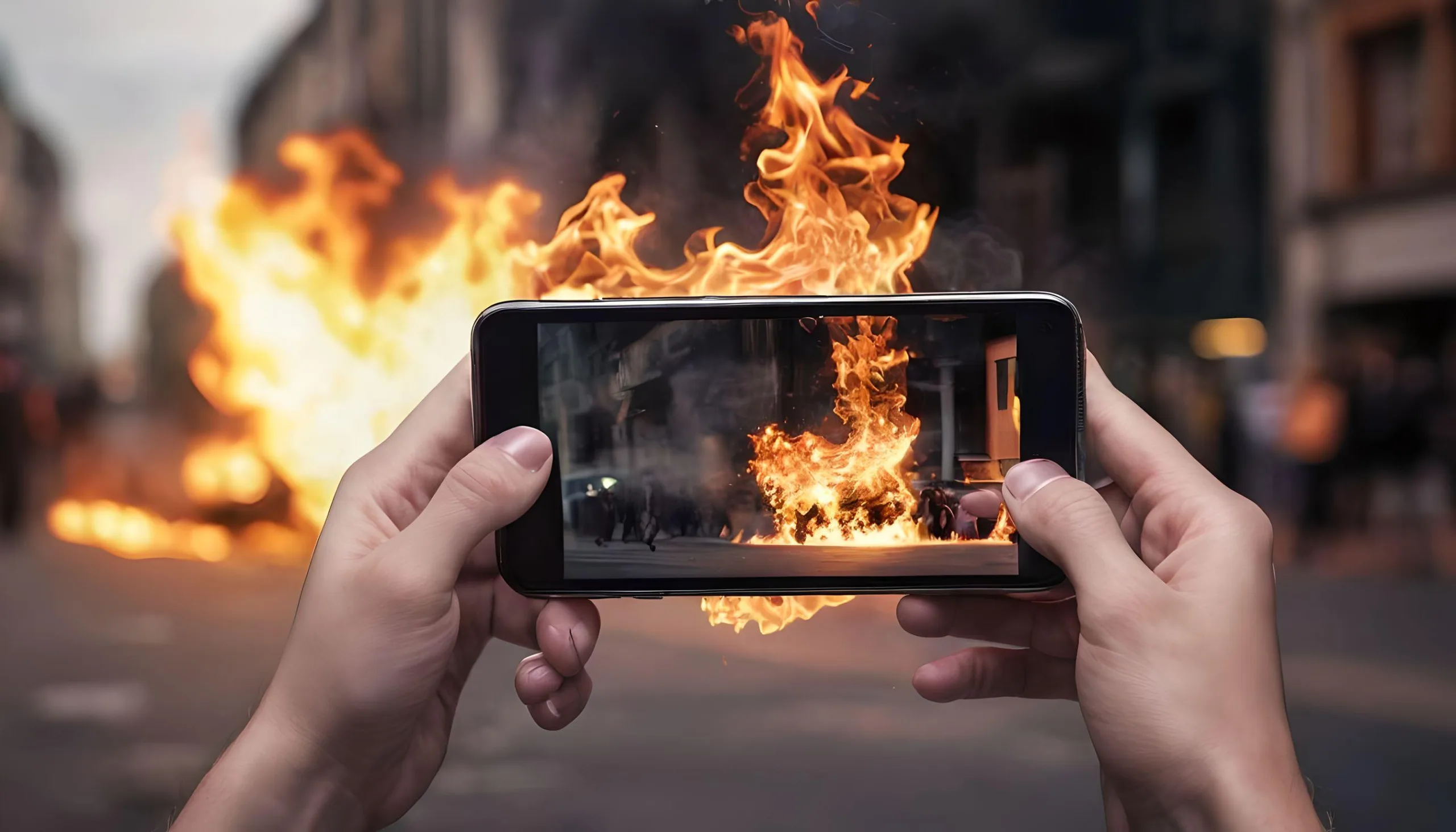
  • How to Keep Smartphones Safe From Overheating During High Temperature?

    How to Keep Smartphones Safe From Overheating During High Temperature?

    Overheating can lead to a triple threat for your device. It slows things down to a crawl, drains your battery faster, and in extreme cases, can even cause the battery to spark, posing a fire risk.

    Unlike us, our devices can’t sweat! This means all the actions we take, from running apps to charging, generate heat that gets trapped inside. USA Today explains how this build-up can lead to overheating.

    Summer’s heat can be brutal on your devices. Extreme heat buildup becomes more likely during this season, especially with scorching temperatures.

    Now that summer’s here, let’s learn how to keep our precious smartphones and gadgets cool and protected from the sweltering heat.

    10 Tips to Keep Your Smartphone Cool This Summer

    1. Beat the Sun: Avoid using your phone for extended periods in direct sunlight. If you must, crank down the brightness a bit or seek shade.
    2. Power Down the Power Drainers: Background Apps and features like Bluetooth, Wi-Fi, and GPS that you’re not actively using can silently drain your battery and generate heat. Close unnecessary apps and disable unused features.
    3. Give Your Phone a Breather: If you’re noticing your phone getting warm, especially during tasks like gaming or using the camera, take a break and let it cool down. Consider turning it off for a few minutes.
    4. Ditch the Case (Temporarily): Some phone cases, especially thick or insulated ones, can trap heat. If your phone is getting hot, remove the case for a while to allow better heat dissipation.
    5. Lower the Screen Brightness: Your phone’s display is a major source of heat generation. Reducing the brightness can significantly help keep things cool, especially when you’re not in direct sunlight.
    6. Mind Your Charging Habits: Avoid using low-quality chargers or charging your phone in hot environments. Consider removing the case while charging to improve airflow.
    7. Update Your Apps (But Not Too Much): App developers are constantly working on improvements, which can sometimes include optimizations for heat management. However, avoid excessive background app updates, which can contribute to heat generation.
    8. Turn Down the Processing Power: Many phones offer a battery saver mode that reduces processing power and background activity. This can be a great way to keep your phone cooler, especially when you don’t need peak performance.
    9. Invest in a Cooling Accessory: Several cooling accessories are available, from phone clips with built-in fans to mobile cooling pads. These can be a lifesaver on scorching days.
    10. Monitor Your Phone’s Temperature: Some phone manufacturers include built-in temperature gauges. If not, there are downloadable apps that can monitor your phone’s temperature. This will help you identify potential overheating issues before they become a problem.

    Even with modern safety features, overheating is still a risk for smartphones. Most devices will enter standby mode or shut down entirely when they get too hot.

    While these safety features can help, they’re not a foolproof shield. Extremely high temperatures can still damage your phone even if it shuts down.

    Major smartphone makers like Apple and Google recommend avoiding using your phone in very hot conditions.

    Most phone manufacturers recommend keeping your phone below 35°C (95°F) during use. If it’s powered off and stored, they allow slightly higher temperatures, around 45°C (113°F).

    Pushing your phone past these limits can fry its circuits, so it’s best to keep it cool.

    Don’t rely solely on the weather app! Even if it says 35°C, localized temperatures, especially near hot surfaces like car interiors, can be significantly higher. Play it safe and keep your phone cool.

    Leaving your phone on the dashboard of a hot, sunny car is a recipe for overheating disaster. The temperature inside a vehicle can soar much higher than the outside air, putting your phone at risk.