China’s Manus AI agent has been dubbed the “second DeepSeek moment,” representing a significant advancement in AI technology. Unlike existing standalone AI agents, Manus functions as a general AI agent capable of handling a diverse array of tasks. If you’re interested in learning more about how Manus AI operates and the team behind it, continue reading. This comprehensive overview will explore Manus AI, its underlying technologies, and much more.
What is China’s Manus AI Agent?
Manus serves as a general AI agent designed to autonomously navigate the web, execute code, and interact with computers to complete a multitude of tasks. It was developed by a Chinese company called Butterfly Effect, headquartered in Wuhan.
Butterfly Effect is a relatively small organization with a workforce of just a few dozen employees located in both Wuhan and Beijing. At this time, Manus AI is in the closed beta phase and is accessible only through invites.
What sets Manus apart is its integration of various tools into a cohesive workflow. For instance, OpenAI’s Operator agent is a computer-centric tool that interacts with cloud computing but is available as a distinct product. Similarly, OpenAI’s Deep Research agent is designed for web browsing to create comprehensive reports, but remains a separate entity.
Manus AI combines these various agents and tools to create a unified “general” AI agent capable of conducting deep web research, gathering information, generating detailed plans, operating a computer, and executing code in a controlled environment.
OpenAI has stated that GPT-5 will aim to unify its tools into a single AI system, but Manus AI has taken the lead in this direction before GPT-5’s release.
What Powers the Manus General AI Agent?
This raises the question: what fuels the Manus general AI agent? Yichao ‘Peak’ Ji, the chief scientist at Manus, shared in a post on X that Manus employs Anthropic’s Claude 3.5 Sonnet model, along with several fine-tuned versions of Alibaba’s Qwen models.
Additionally, Manus utilizes the open-source Browser Use AI agent (GitHub) to interact with websites via a web browser. There are reports suggesting that Manus has access to 29 different tools to enhance its capabilities.
Manus is currently testing Anthropic’s latest Claude 3.7 Sonnet unified model, which is expected to enhance the agent’s performance. Furthermore, Reuters reports that Manus is collaborating with Alibaba’s Qwen team to further improve its general AI agent.
What Can Manus AI Agent Do?
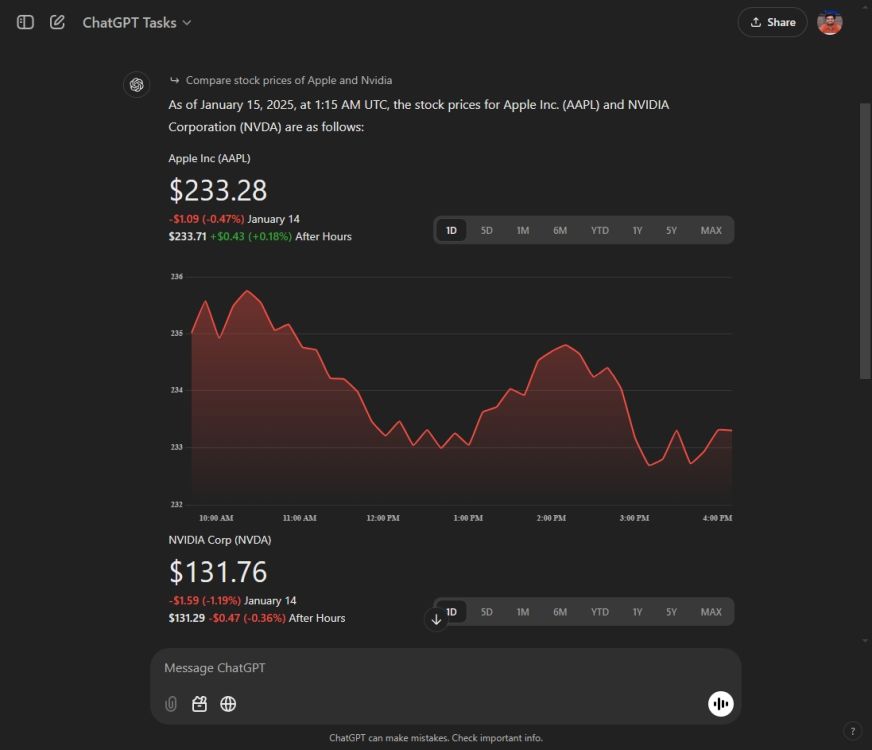
While Manus AI is not currently accessible to the public, the company has outlined various potential use cases on its website. Tasks that Manus is capable of performing include booking flight tickets, reserving restaurant tables, analyzing stocks and company earnings reports, conducting data analysis, and more. In addition, Manus can sort through resumes, evaluate the associated files, and generate comprehensive reports with candidate profiles and ranking suggestions.
Users can download files in Excel or Word formats directly to their local systems. Manus AI also features its own computing environment that allows it to preview files, interact with them, utilize a web browser, run Python code, and more. The agent breaks tasks into manageable steps, subsequently going online to complete each task sequentially.
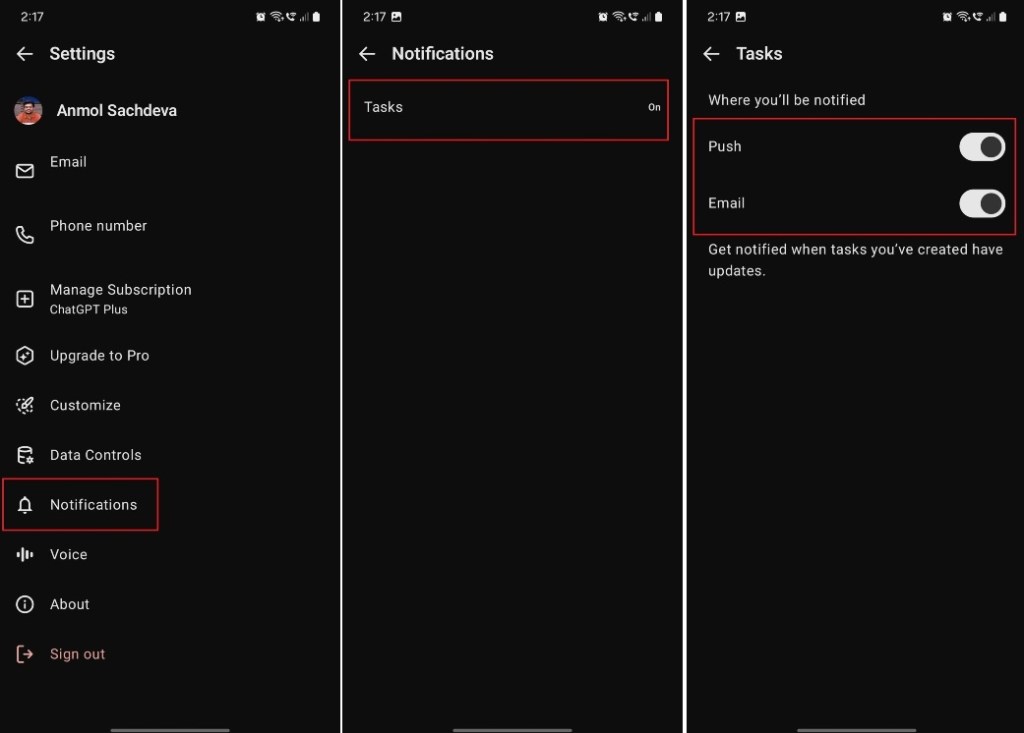
Users can monitor the agent’s progress and intervene should any issues arise. Once a task is completed, notifications are sent to the user’s computer or smartphone.
Manus AI Benchmark Performance
Manus AI has been evaluated using the GAIA (General AI Assistants) benchmark, which rigorously tests AI agents to address real-world challenges. This benchmark assesses a variety of fundamental abilities, including reasoning, multi-modality handling, web browsing, and proficiency in tool usage.

In the GAIA assessment, Manus achieved an impressive score of 86.5% in Level 1 tasks, surpassing OpenAI’s Deep Research agent, which scored 74.3%. For reference, humans typically achieve around 92% on GAIA tasks. Moreover, Manus performed better than OpenAI’s Deep Research agent in both Level 2 and Level 3 evaluations.
Overall, the Manus general AI agent represents a promising leap toward a future filled with intelligent agents. While some excitement surrounding it may be exaggerated, the Manus team has succeeded in integrating a broad range of tools. It’s important to note that Manus is still in closed beta, and the developers are committed to refining the technology before it becomes publicly available. It appears that OpenAI has a new contender in the AI agent arena, alongside DeepSeek, both emerging from China.