الوسم: iOS 18.2

  • iPhones That Run iOS 18.2 Can Likely Run iOS 19

    iPhones That Run iOS 18.2 Can Likely Run iOS 19

    Recent updates to the iPhone have ushered in significant changes, especially with the release of iOS 18.2, which introduced several innovative AI-driven features. If you’re using an older iPhone, it’s natural to wonder whether your device can keep up with future updates. Thankfully, there’s good news: if your iPhone is compatible with iOS 18, it should also support iOS 19, as suggested by a recent leak.

    This information comes from the French website iPhoneSoft. While Apple typically offers five years of support for its devices, some models enjoy extended compatibility. According to the leak, any device capable of downloading and running iOS 18 will also be able to install iOS 19, though certain features may be restricted.

    Limiting features to optimize update compatibility isn’t a new practice. This is part of the regular iPhone update cycle, and the latest update has already rolled out features that are exclusive to the newest iPhones. Even the iPhone 14 has fallen behind in this regard.
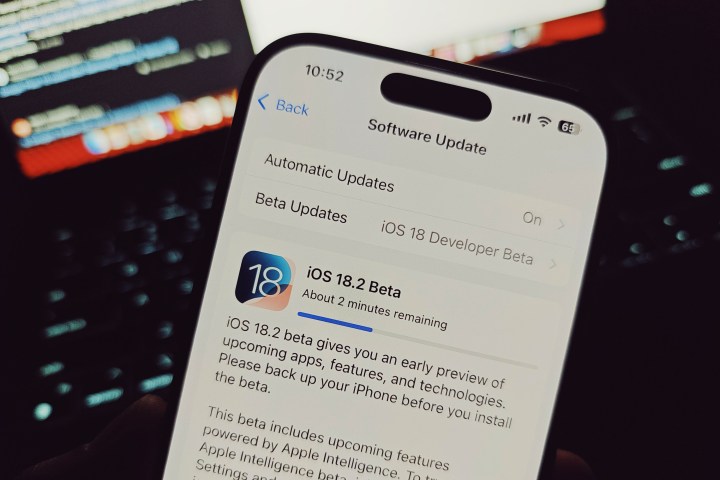
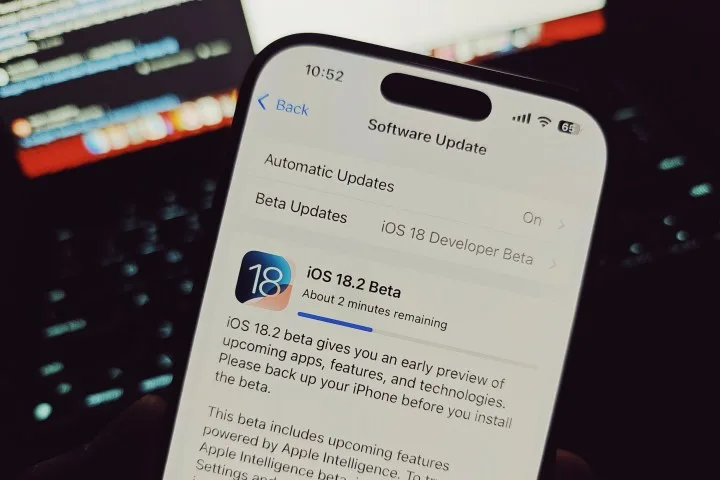
    iOS 18.2 update notification on an iPhone.
    Nadeem Sarwar / Digital Trends

    The leak indicates that any device starting from the iPhone XR and newer will be eligible for the upcoming update. This includes models like the iPhone XS, XS Max, and the 2020 iPhone SE, as well as the iPhone 11 and later. However, the upcoming iPadOS 19 will leave certain iPad models unsupported.

    The iPad Mini (5th generation), iPad (8th generation), iPad Air (3rd generation), and iPad Pro (2018 or newer) are expected to be compatible with the new update, while devices older than these will lack the necessary capabilities to run iOS 19.

    The continued support for devices as far back as 2018 suggests that iOS 19 might not represent a drastic shift from the current features. It seems Apple’s focus may lean more towards enhancing existing functionalities, particularly around its AI capabilities.

  • How to Use Visual Intelligence on Your iPhone with iOS 18.2

    How to Use Visual Intelligence on Your iPhone with iOS 18.2

    Table of Contents

    What is Visual Intelligence?

    How to Activate Visual Intelligence

    Practical Applications of Visual Intelligence


    What is Visual Intelligence?

    Visual Intelligence refers to the ability to interpret and analyze visual information, translating it into meaningful insights. It encompasses skills like recognizing patterns, understanding visual data, and making decisions based on visual cues.

    How to Activate Visual Intelligence

    To harness the power of Visual Intelligence, you may need to engage in specific practices and training. This could involve activities that foster your observation skills, enhance your ability to process visual data, and practice techniques for effective visualization of information.

    Practical Applications of Visual Intelligence

    Visual Intelligence can be applied in various fields, from enhancing business analytics and marketing strategies to improving design processes and facilitating effective communication. By leveraging visual data, individuals and organizations can make more informed decisions and improve overall performance.

  • How to Change Your iPhone Call and Messaging Apps in iOS 18.2

    How to Change Your iPhone Call and Messaging Apps in iOS 18.2

    Bryan M. Wolfe / Digital Trends

    The forthcoming iOS 18.2 update will grant users the ability to select their preferred calling and messaging applications on their iPhones. This means you won’t be required to stick with Apple’s built-in options. Below are the simple steps to make the change.

    Difficulty

    Easy


    Duration

    10 minutes

    What You Need

    • An iPhone running iOS 18.2 or later

    Note: iOS 18.2 is currently in beta, so these steps may change by the time the official version is released.

    How to Change Your Default Calling and Messaging Apps

    Changing your default calling and messaging apps is a straightforward process, thanks to Apple’s combined settings hub for managing defaults.

    Step 1: Launch the Settings app on your iPhone with iOS 18.2 or later.

    Step 2: Scroll down and select the Apps option.

    Step 3: In the Apps section, look for the new Default apps option at the top and tap on it.

    How to set default apps on iOS 18.2
    Bryan M. Wolfe / Digital Trends

    Step 4: You’ll see options for both Calling and Messaging. Choose one to modify.

    Step 5: You will be presented with a list of compatible apps installed on your iPhone. Select the app you want to set as your default for calling or messaging.

    How to adjust default apps on iOS 18.2
    Bryan M. Wolfe / Digital Trends

    Why Switch from Native Apps?

    You might wonder why you would want to switch your calling or messaging app. While Apple’s iMessage boasts impressive features like SharePlay and Memoji, and the Phone app is a standard for making calls, many users find value in alternatives. For example, applications like WhatsApp, Signal, and Telegram are preferred for their focus on international communication and enhanced security options.

    Some users appreciate alternative apps for their compatibility across various platforms, which can simplify communication with a broader audience. At the end of the day, you might favor a different app simply because it offers unique features that Apple’s apps do not. Once iOS 18.2 is publicly released, users will have the flexibility to select third-party applications as their default options, promoting increased choice and competition.

    The iOS 18.2 update is anticipated to be available to everyone by the end of the year.