الوسم: Deal With

  • Strategies for Handling Burglars in The Sims 4

    Strategies for Handling Burglars in The Sims 4

    Burglars have always been a part of earlier Sims games, but when The Sims 4 first came out, they were notably absent. After some time, however, these notorious thieves are back! Thanks to a free update, players can once again experience the mayhem that comes with burglaries!

    This guide will cover everything you need to know about burglars in The Sims 4. Even though they are a new addition, their mechanics are similar to previous game versions. If you’re not a fan of having thieves invade your property, you can easily turn off burglar appearances in your game settings.

    Since this feature is included in a free update, you won’t need to buy any expansions to access it.

    When Do Burglars Show Up?

    Burglar visits are entirely random; without using any cheats, you can’t predict exactly when they will arrive. This randomness is why having alarms in your home is crucial. We’ll dive deeper into this soon, but alarms will inform you right away if someone attempts to break in.

    Burglars will only visit during the night, so there’s no need to worry about them sneaking in while it’s light outside. Most Sims will be asleep then, so you have a good chance to catch the thief in the act. However, if your household consists of night-shift workers, be prepared for burglars to show up when the house is empty.

    How to Force a Burglar to Appear

    A player forcing a burglar in The Sims 4.

    To ensure a burglar appears, start by pressing “Ctrl/Command + Shift + C” on your PC or Mac, or all four shoulder buttons on your console to open the command console. Then type in “testingcheats on.”

    Next, go to the mailbox on your lot and shift-click it. For Xbox, hold B and click with A. For PlayStation, hold O and click with X.

    Once the shift-click option is available, select “Schedule Burglar Visit (Debug).” This guarantees a burglar will come on the following night. Remember that since they only appear at night, if you activate this cheat in the morning, you’ll have to wait until later (around midnight) to see the results.

    How to Boost Your Chances of a Burglar Visit

    A player looking at the heist havoc trait in The Sims 4.

    If you prefer not to use cheats, you can also increase the likelihood of a burglar visit by activating a new lot challenge. In Build/Buy mode, navigate to your lot’s information and go to the Traits and Challenges tab. From there, select the trophy icon where you’ll find the challenge option.

    How to Keep Burglars at Bay

    A burglar being stopped by an alarm in The Sims 4.

    To protect your home, set up security systems and alarms, just like in real life. In Build/Buy Mode, you can purchase an alarm called the Alertz Burglar Alarm, which costs $85. Remember to buy a separate alarm for each door leading outside rather than relying on just one for the entire house. This also applies if your lot has multiple buildings. Essentially, place an alarm near every accessible entry point.

    Keep in mind that when a burglar enters, you can’t access Build/Buy mode! This means you can’t buy an alarm during a robbery. If someone is around, you should react quickly, but if no one is home, you’ll be forced to watch the burglar steal from you.

    When the alarm sounds, it will wake up anyone in the house (if they are asleep). The sound itself can scare off the burglar, but you can also choose to confront them directly.

    How to Handle Burglars

    So a burglar is on your property—what should you do next? If there’s no alarm system, wake up your Sims! Clicking on the burglar will reveal three action options:

    • Fight!
    • Call the Police Station
    • Confront the Burglar

    The first time we encountered a burglar, we sent a strong Sim to confront them, and we won the fight! This frightened the burglar, causing them to flee. You can also call the police, but keep in mind that there’s a chance the burglar might still get away with some of your belongings. The police won’t arrive immediately, so you might witness the robbery.

    Confronting the burglar may not be the best choice for stopping them. We recommend either fighting them or calling the police instead.

    How to Disable Burglar Visits

    A player looking at the option to turn off burglars in The Sims 4.

    If you’re not a fan of burglars, there’s good news! You can easily turn off burglar visits. Just go into the settings menu, navigate to the gameplay section, and you’ll find the option to disable burglar encounters. If you change your mind later, you can always go back to turn them on again.

  • Managing Rats in Ender Magnolia: A Bloom in the Mist Guide

    Managing Rats in Ender Magnolia: A Bloom in the Mist Guide

    Rats are among the most frustrating foes you’ll encounter in Ender Magnolia: Bloom in the Mist. These little critters can turn even a simple bridge crossing into a nightmare with their speed and persistence, especially if you’re facing them for the first time.

    While they can certainly slow you down, don’t forget you can fight back against these nuisances. It may take a bit more effort, but with enough determination, you can put them in their place. At most, you might just lose a few lives in the process.

    Understanding Rats in Ender Magnolia

    As soon as you step into the Subterranean Waterway area, you’ll start encountering rats. You’ll find this zone after defeating Garm in the Magicite Mines and acquiring the Iron Stake ability. Use this ability to clear the blockage in the lower section of the Old Market to access the hidden sewer entrance.

    Once you’re in the waterway and you cross the initial shallow areas, be prepared for some pesky little rats lurking in the hallways. They may seem small and like any other regular enemy at first, but they can quickly become a major annoyance.

    Rats move quickly and love to attack in groups. To make things worse, they spawn from a machine that you need to destroy to stop their onslaught. However, reaching this machine isn’t easy with the rats swarming around you, and you might find yourself dying repeatedly in the process.

    How to Handle the Rats

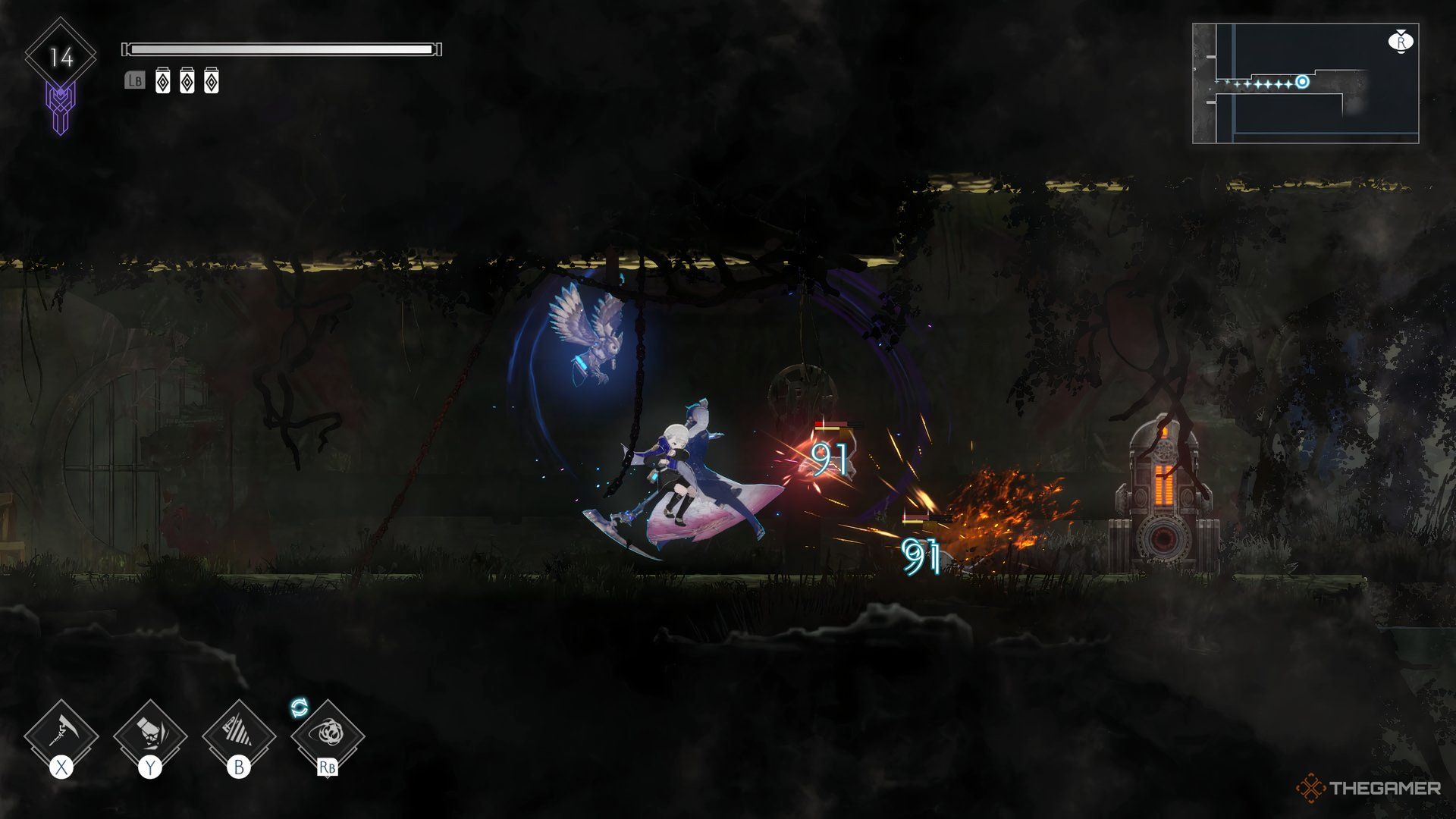
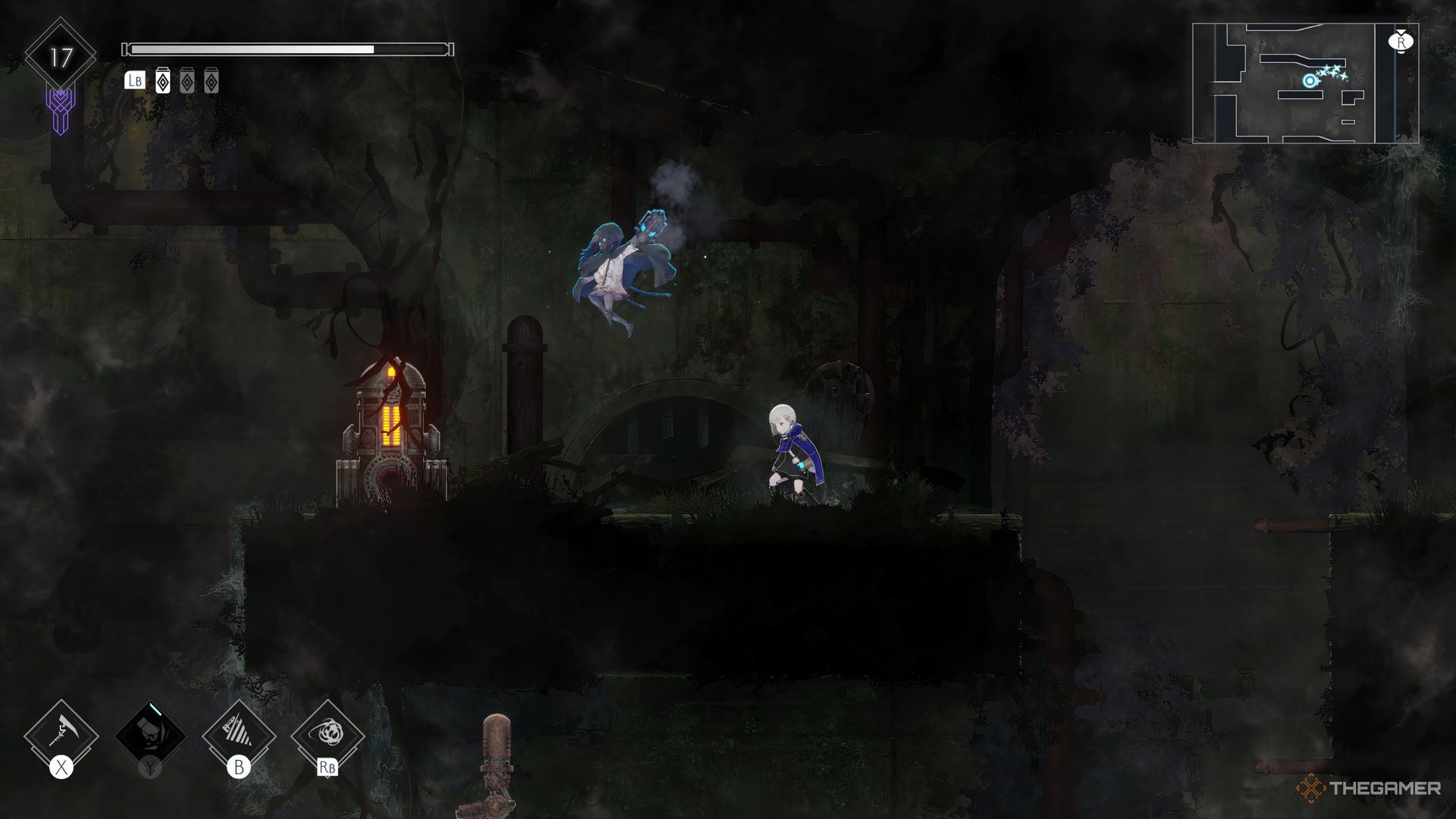
    Confronting a machine that spawns rats in Ender Magnolia.

    These rats are scattered throughout the Waterway zone, so you need to know how to effectively deal with them. Besides dodging their attacks, there are several strategies you can employ.

    Your primary objective should be to destroy the spawning machines first, but you need to find a way around the rats before you can achieve that. Here are some helpful tips to eliminate this rodent problem.

    Be Wary of the Rats

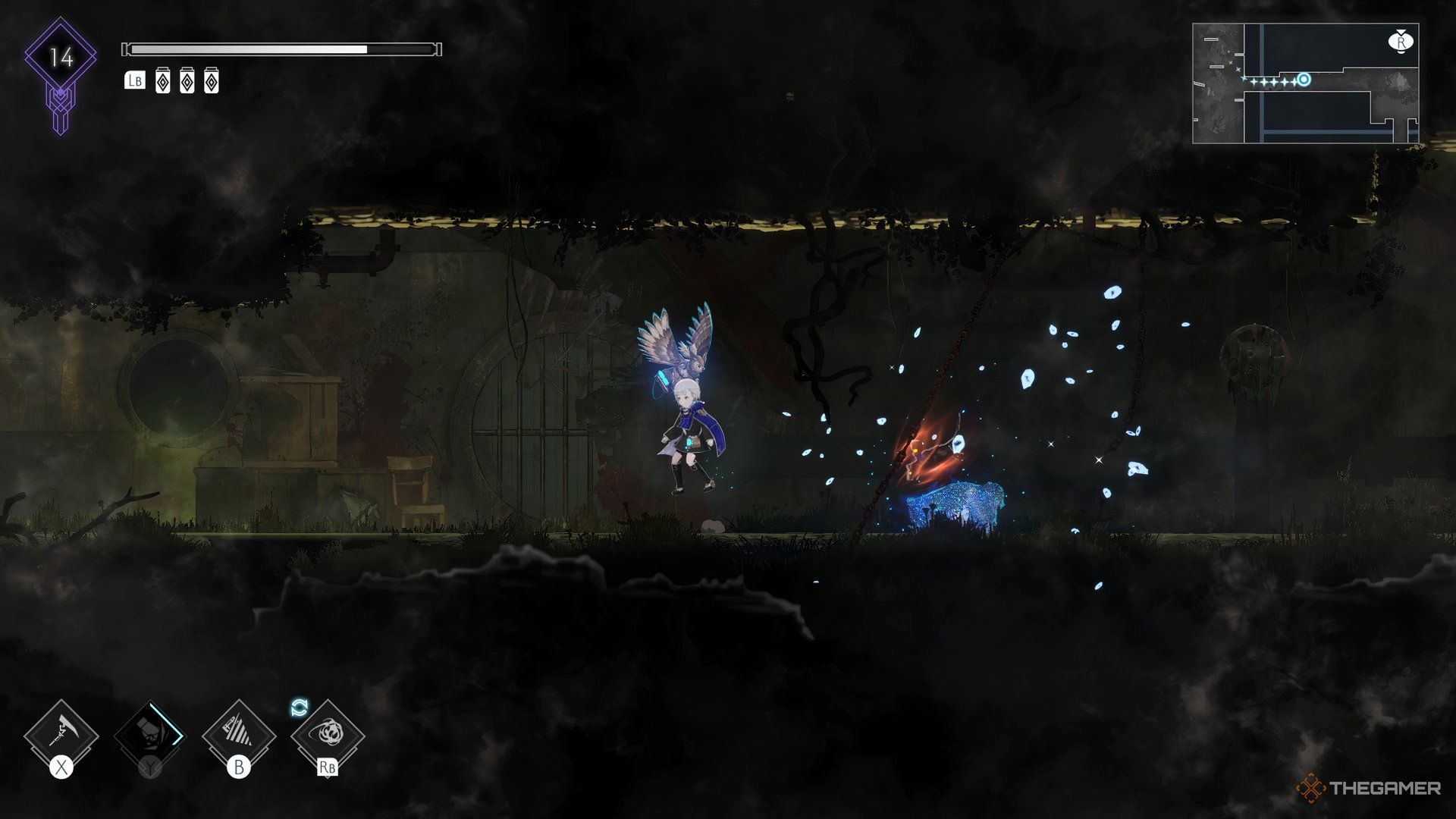
    Keeping distance while attacking rats in Ender Magnolia.

    When you spot the machines, your instinct may be to rush in and destroy them. However, first assess the number of rats you’re dealing with. Sometimes, there will be too many to fight all at once, so it’s better to take your time and tackle them individually.

    Though it may feel slow, avoiding unnecessary deaths is worth it. When the opportunity presents itself, a well-timed combo might allow you to break the machine, depending on your upgrades and level.

    Understand the Rats’ Attack Patterns

    A rat leaping towards the player in Ender Magnolia.

    Although pesky, rats have a single attack pattern: they leap at you. This can be swift, making it challenging to dodge when multiple rats are on the screen simultaneously.

    Thus, keeping your distance is your best strategy. This allows you to observe their movements and discover when to evade. Aim to take on no more than two rats at a time and escape if you spot more. Otherwise, you’re just opening yourself up to greater risk.

    Boost Your Defenses

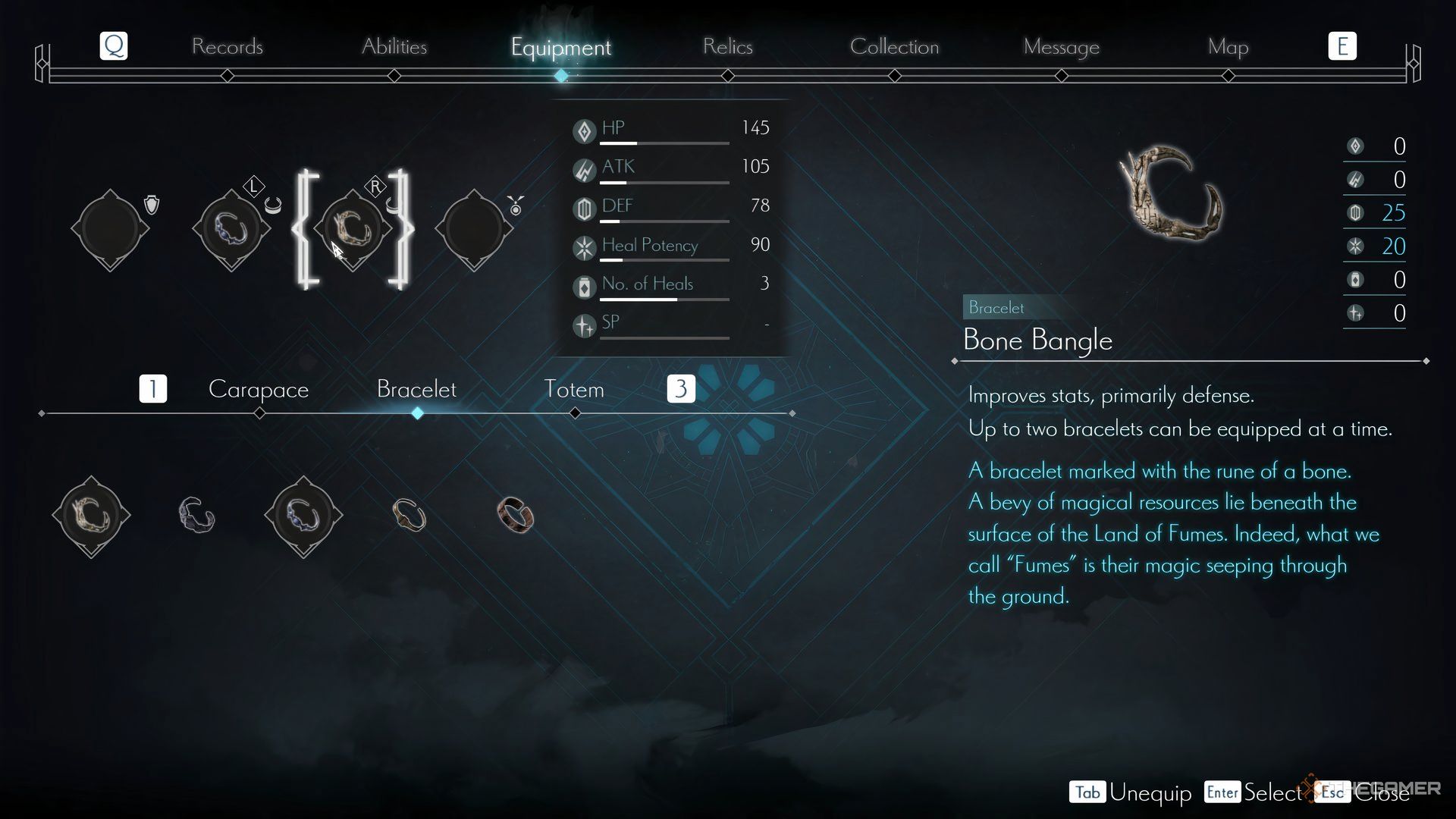
    Upgrading equipment in Ender Magnolia.

    Ensure you’re consistently upgrading your gear whenever possible. Discover new items in the Old Market shop by locating Grimoires throughout the game. The Bone Bangle and Thrist Bangle are particularly valuable.

    Additionally, you should collect more Charmed Fragments to boost your health. Around Level 15, rats can take you down in two or three hits, so every extra health point is critical.

    Utilize Lito Frequently

    Lito attacking a rat spawning machine in Ender Magnolia.

    Lito, one of your initial Homunculi companions, is a valuable ally you should utilize more. His attacks might have longer cooldowns, but they are highly effective against rats.

    His standard Blazing Fist attack strikes in a straight line, making it perfect for taking out both rats and their machines simultaneously. The Glacial Fist variant also works wonders if aimed correctly.

    Change Your Main Attack

    Using the scythe in Ender Magnolia: Bloom in the Mist.

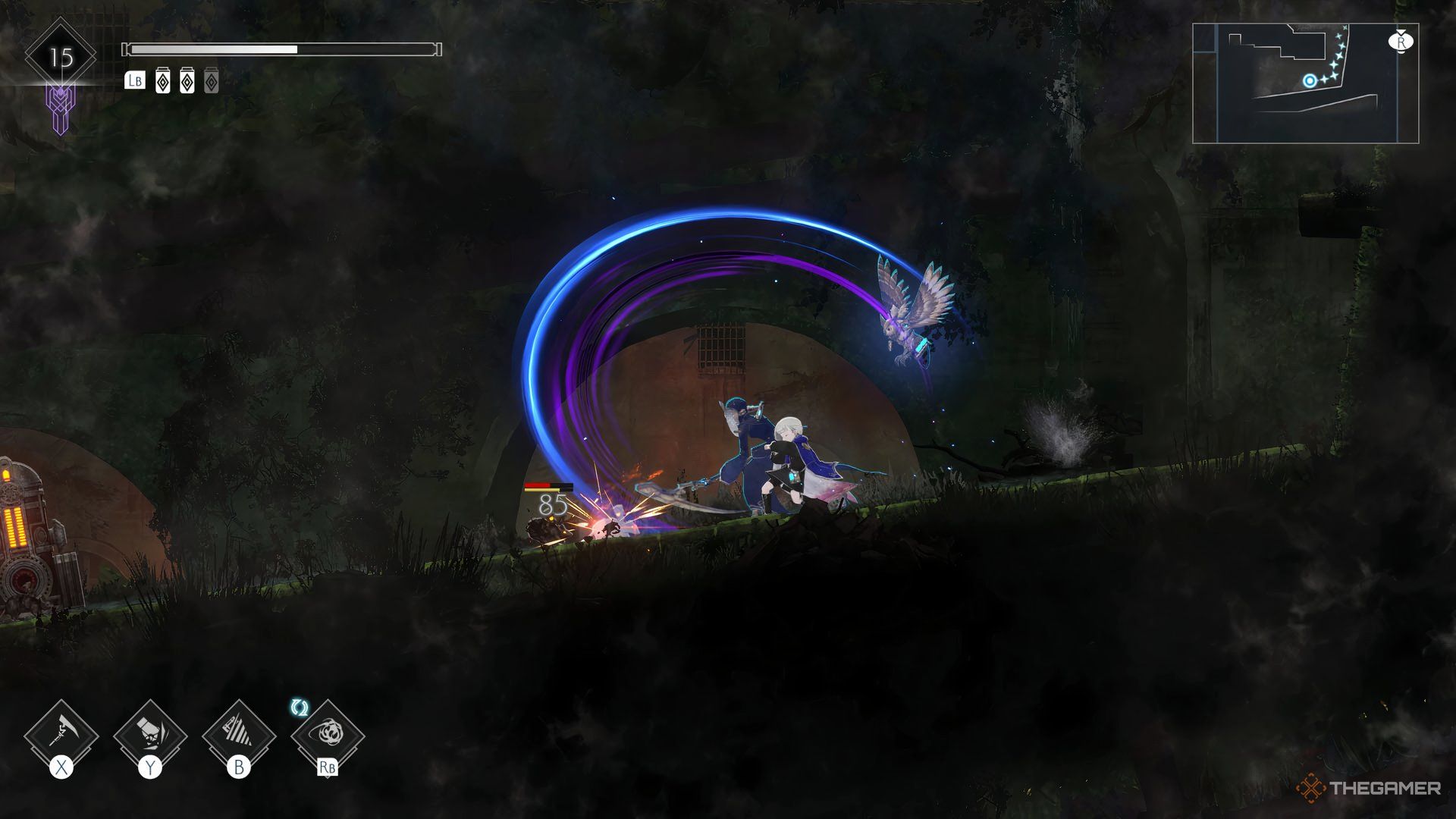
    If your usual sword strikes aren’t effective, consider modifying Nola’s attacks to a different style. The Soul Harvester scythe attacks, which you can acquire using the Unidentified Amplifier from a boss in the Magicite Mines, are quicker and cover a larger area, making them a solid option for battling rats.

    Avoid using the Vanquisher Axe if you have unlocked it, as it’s considerably slower than your other options despite being powerful.

    By having greater range, you’ll be able to dispatch more rats at once, which is crucial for staying alive. Combine this with Lito’s attacks and any moves from Yolvan, and you will effortlessly take down those pesky rodents without them harming you. At a minimum, you’ll break their spawning machines to deal with their remaining numbers later.

  • Confronting the Hidden Threats in Stalker 2: Heart of Chornobyl

    Confronting the Hidden Threats in Stalker 2: Heart of Chornobyl

    In the game Stalker 2: Heart of Chornobyl, one of the first super-powered mutants you’ll meet is the Bloodsucker. These humanoid beings look like hairless humans but have a mouth full of tentacles. You might not notice this detail right away, as one of their key abilities is to become invisible.

    Bloodsuckers are fast and aggressive, making them formidable foes. They can inflict significant bleeding damage, so how do you handle them? Thankfully, like everything else in the Zone, there are strategies to minimize both the damage you take and the ammo you waste. Here’s how to tackle these dangerous mutants.

    How to Defeat a Bloodsucker

    The Bloodsucker’s primary ability is invisibility, but it has some limitations. First, they aren’t always invisible. If a Bloodsucker hasn’t spotted you yet, it will be visible. Second, they must drop their invisibility to attack you.

    Similar to mutant dogs, Bloodsuckers prefer quick, hit-and-run tactics to confuse you and deal damage. This strategy makes long engagements ill-advised since their attacks can quickly lead to severe bleeding. They also have a screech attack that can slow and disorient you, but they tend to use this only when you’re at a distance, so staying grounded can help you avoid it.

    Trying to shoot them while they’re moving is usually ineffective due to their speed and invisibility. Instead, it’s best to let them approach and open fire when they’re close. While this will likely result in taking some damage, you’ll conserve ammo by not firing blindly at an invisible target.

    Most of the time, the Bloodsucker will retreat before you exhaust your magazine, giving you a chance to reload and heal if necessary.

    Emergency Escape

    In cases where it doesn’t retreat and continues to hit you, make sure to run away as soon as you’re out of ammo. Find a corner where you can safely reload.

    Using this approach, consider your environment:

    • If You’re Inside: Look for a narrow hallway where you can force them to approach from one direction. If there’s no hallway, back into a corner to limit their attack angles.

    • If You’re Outside or Outnumbered: Move backwards in one direction to lure them into attacking from the same side, preventing flanking attacks. Keep moving like this until you encounter an obstacle, then turn around and repeat as needed.

    Tips for Stealth and Strategy

    Bloodsuckers don’t have the sharpest senses, which may give you a slight advantage in stealth. You might not be able to sneak past them entirely, but you can line up a good sniper shot or toss a grenade at them before they realize you’re there to reduce their health.

    Gear Recommendations

    Due to their rapid assault style, choose a weapon with a decent magazine capacity and fast reload speed. While shotguns pack a punch, their slower reload times can be a disadvantage. Accuracy matters less here, as you’ll want to wait until they’re up close before firing.

    Equip yourself with artifacts that boost bleed resistance, like Mama’s Beads, since their attacks can build up considerable bleeding. Defensive artifacts are also a good choice.

    Post-Fight Considerations

    Post-battle, be prepared to use bandages to treat bleeding injuries, as they are more effective for that than for restoring health.