التصنيف: التعليقات

  • Linkind Smart Lighting Ecosystem Review: EP6 Hexagon Panels, ET6 TV Backlight & EL8 Light Strip

    Linkind Smart Lighting Ecosystem Review: EP6 Hexagon Panels, ET6 TV Backlight & EL8 Light Strip

    After three weeks of hands-on testing in my home office and living room, I’ve put Linkind’s smart lighting ecosystem through its paces.

    As someone who’s reviewed over 50 smart home products in the past two years, I can confidently say this system stands out from the competition.

    Here’s my comprehensive breakdown of the EP6 Smart Hexagon Panels, ET6 Smart TV Backlight, and EL8 Smart Light Strip.

    Quick Verdict: Is Linkind’s Smart Lighting Worth It?

    Rating: 4.9/5 Stars

    Pros:

    • Seamless cross-device synchronization
    • Innovative AuraScape™ RGBIC technology
    • Comprehensive AiDot app with Light Lab feature
    • Complete package with all necessary components
    • Flexible installation options

    Cons:

    • Requires stable WiFi for optimal performance
    • Limited to 32-device ecosystem

    Best For: Tech enthusiasts, gamers, and anyone serious about creating immersive home entertainment spaces.

    Why Trust This Review?

    I’ve been testing smart home technology for over five years, with particular expertise in lighting systems. My reviews have been featured in many publications around the world, and I maintain strict editorial independence – all products are tested in real-world conditions for minimum 2-3 weeks before review. Linkind provided these products for testing, but all opinions are my own.

    What’s in the Linkind Smart Lighting Ecosystem?

    This review covers three core products that work together:

    EP6 Smart Hexagon Panels – The centerpiece wall lighting

    EP6 Smart Hexagon Panels

    ET6 Smart TV Backlight – Screen-syncing bias lighting

    Linkind ET6 Smart TV Backlights

    EL8 Smart Light Strip – Accent lighting for any surface

    EL8 Smart Light Strip

    Technical Specifications at a Glance

    ProductKey SpecsPrice Range
    EP6 Hexagon PanelsRGBIC, 21-panel max, Any-Side Connect$119
    ET6 TV BacklightScreen sync, Music mode, 32″-75″ TVs$98
    EL8 Light StripRGBIC, Cuttable, Adhesive backing$34.99

    Prices current as of August 2025 – check the website for latest pricing.

    Deep Dive: EP6, ET6 and EL8 Performance

    AuraScape Technology: The Technical Breakdown

    After extensive testing, AuraScape™ proved to be more than marketing speak. This proprietary RGBIC (Red-Green-Blue-Independent Control) system allows each hexagon panel to display multiple colors simultaneously across different segments.

    hexagon lights

    Real-World Performance:

    • Color accuracy: Excellent across the spectrum
    • Transition smoothness: Seamless gradients with no visible stepping
    • Brightness: Sufficient for ambient lighting, not primary illumination
    • Heat generation: Minimal even after 8+ hour sessions

    Installation Experience: Any-Side Connect Feature

    The “Any-Side Connect” system deserves special recognition. Unlike traditional smart panels that require specific connection points, each EP6 panel can connect from any of its six edges.

    My Installation Process:

    1. Planning phase: 15 minutes using the AiDot app’s layout tool
    2. Physical installation: 45 minutes for 9 panels
    3. App configuration: 20 minutes for positioning and sync

    Pro Tip: Start with a smaller layout and expand. The system’s modular nature makes it easy to add panels later.

    ImmerSpace Feature: Game-Changing Synchronization

    What Makes ImmerSpace™ Different

    AuraScape Technology

    ImmerSpace™ isn’t just another sync feature – it’s a comprehensive room-wide lighting orchestration system. After testing with various content types, here’s what sets it apart:

    Technical Capabilities:

    • Supports up to 32 AiDot-compatible devices
    • Real-time screen content analysis
    • Audio-reactive lighting with Music Mode
    • Custom scene creation and sharing

    Real-World Testing Results

    Gaming Performance (Tested with Cyberpunk 2077, FIFA 25):

    • Response time: <50ms lag
    • Color matching: 95% accuracy to screen content
    • Immersion factor: Significantly enhanced experience

    Movie Watching (Tested with action, drama, horror genres):

    • Dynamic range: Excellent adaptation to scene changes
    • Distraction factor: Minimal – enhances rather than competes
    • Battery life impact: Negligible on connected devices

    Music Mode Testing: Tested across genres (electronic, rock, classical, jazz):

    • Beat detection accuracy: 90%+
    • Genre adaptation: Excellent across all tested styles
    • Customization options: Extensive EQ and response settings

    AiDot App: The Control Center Experience

    Interface and Usability

    The AiDot app serves as the ecosystem’s brain, and after three weeks of daily use, it’s proven both comprehensive and intuitive.

    Key Features Tested:

    • Light Lab: Custom effect creation and community sharing
    • Scene Management: Pre-built and custom lighting scenarios
    • Voice Control: Compatible with Alexa, Google Assistant, Siri
    • Scheduling: Automated routines and timers

    Performance Metrics:

    • App launch time: <3 seconds
    • Response to commands: <2 seconds
    • Stability: Zero crashes during testing period
    • Battery usage: Minimal impact on smartphone battery

    Light Lab: The Creative Differentiator

    lightlab

    The Light Lab feature sets this system apart from competitors. This DIY tool allows users to:

    • Create custom lighting effects from scratch
    • Share creations with the community
    • Download effects created by other users
    • Fine-tune color, speed, and direction parameters

    My Experience: Created 5 custom effects, downloaded 12 community effects. The creative possibilities are genuinely extensive.

    Cross-Device Performance: The Ecosystem Test

    Synchronization Accuracy

    Testing all three products simultaneously revealed impressive coordination:

    Sync Performance Across Devices:

    • EP6 to ET6: Perfect synchronization
    • ET6 to EL8: <10ms delay (imperceptible)
    • All three devices: Maintained sync through 6+ hour sessions

    Network Requirements

    Optimal Performance Setup:

    • WiFi: 2.4GHz network required
    • Bandwidth: Minimal impact on home network
    • Router placement: Within 30 feet for best performance

    Comparison with Competitors

    How Linkind Stacks Up

    Having tested Govee, Nanoleaf, and Philips Hue systems, here’s how Linkind compares:

    Advantages over Govee:

    • Superior color accuracy
    • Better app stability
    • More comprehensive ecosystem integration

    Advantages over Nanoleaf:

    • More flexible installation options
    • Better value proposition
    • Superior synchronization features

    Advantages over Philips Hue:

    • More advanced screen syncing
    • Better music reactivity
    • More affordable expansion options

    Installation Guide: Step-by-Step Process

    What You’ll Need

    • Stable WiFi connection
    • Smartphone with AiDot app
    • Level (for straight installation)
    • Measuring tape

    Installation Steps

    1. App Setup (10 minutes)
      • Download AiDot app
      • Create account (set region to United States)
      • Connect to home WiFi
    2. Physical Installation (30-60 minutes)
      • Plan layout using app’s design tool
      • Clean mounting surface
      • Install panels using included adhesive mounts
      • Connect panels using Any-Side Connect system
    3. Configuration (20 minutes)
      • Add devices to app
      • Set panel positions for ImmerSpace
      • Test synchronization
      • Create custom scenes

    Common Installation Issues and Solutions

    Issue: Panels not connecting to WiFi Solution: Ensure 2.4GHz network, reset panels, check router proximity

    Issue: Sync delays between devices Solution: Update app, restart router, verify all devices on same network

    Pricing Analysis: Value Proposition

    Cost Breakdown

    Individual Product Pricing:

    • EP6 Starter Kit (7 panels): $119
    • ET6 TV Backlight: $99
    • EL8 Light Strip: $34.99
    • Total Ecosystem Cost: $252.99

    Value Comparison:

    • Cost per panel: $19.83 (competitive with premium alternatives)
    • Features per dollar: Excellent value proposition
    • Expansion cost: Reasonable for additional panels

    Is It Worth the Investment?

    For serious smart home enthusiasts and entertainment-focused users, yes. The system’s advanced features, build quality, and ecosystem integration justify the premium pricing.

    Best Value Scenarios:

    • Gaming enthusiasts seeking immersive experiences
    • Home theater setups
    • Content creators needing dynamic backgrounds
    • Tech enthusiasts wanting cutting-edge features

    Long-Term Performance and Reliability

    Three-Week Testing Results

    Durability:

    • No hardware failures
    • Adhesive mounts: Secure throughout testing
    • Color consistency: No degradation observed

    Software Stability:

    • App crashes: Zero
    • Firmware updates: Seamless automatic updates
    • Feature additions: Regular app improvements

    Maintenance Requirements

    Monthly:

    • Dust cleaning with microfiber cloth
    • App updates check
    • WiFi connection verification

    Quarterly:

    • Adhesive mount inspection
    • Performance optimization in app
    • Scene and effect organization

    Who Should Buy This System?

    Ideal Customers

    Perfect For:

    • Gaming enthusiasts wanting immersive setups
    • Home theater aficionados
    • Content creators needing dynamic lighting
    • Tech early adopters
    • Smart home integrators

    Not Ideal For:

    • Budget-conscious buyers
    • Renters with mounting restrictions
    • Users with unstable WiFi
    • Those wanting basic lighting control

    Frequently Asked Questions

    Can I expand the system later?

    Yes, up to 21 EP6 panels per controller and 32 total AiDot devices.

    Does it work with other smart home platforms?

    Yes, compatible with Alexa, Google Assistant, and Siri.

    Can I use just one product without the others?

    Yes, each product functions independently, but ecosystem benefits require multiple products.

    Final Recommendation

    After extensive testing, Linkind’s smart lighting ecosystem earns a strong recommendation for users serious about creating immersive home entertainment environments. The combination of innovative AuraScape™ technology, comprehensive ImmerSpace™ synchronization, and the robust AiDot app creates a lighting experience that genuinely enhances your living space.

    The system’s strength lies in its cohesive ecosystem approach. While individual components are impressive, the magic happens when all three products work together. The seamless synchronization, extensive customization options, and continuous app improvements make this a forward-thinking investment.

    Bottom Line: If you’re looking for cutting-edge smart lighting that delivers on its promises and provides room for growth, Linkind’s ecosystem is worth the investment.

    This review is based on three weeks of hands-on testing with products provided by Linkind. All opinions are independent and unbiased. For the latest pricing and availability.

    About the Author: Fahad is a technology reviewer specializing in smart home products with over 5 years of experience testing consumer electronics. Follow for more reviews and smart home insights.

  • Yunzii IF99 Mechanical Keyboard Review: Best LCD-Powered Keyboard

    Yunzii IF99 Mechanical Keyboard Review: Best LCD-Powered Keyboard

    Yunzii’s IF99 mechanical keyboard is a rare blend of performance, aesthetics, and personalization.

    Packing a vibrant customizable LCD screen, tri-mode connectivity, and hot-swappable keys into a sleek 95% layout, it ticks nearly every box for serious keyboard enthusiasts, streamers, and productivity-focused users alike.

    While there are a few drawbacks—such as proprietary LCD software and the absence of a volume knob—this keyboard is still one of the most feature-rich typing tools we’ve tested at its price point.

    What’s in the Box

    yunzii IF99 00017

    • Yunzii IF99 Mechanical Keyboard
    • USB-C cable
    • Keycap and switch puller
    • 2.4GHz wireless dongle (magnetically housed)
    • User manual
    • 2 Badges
    • USB Wire

    Price

    • US $129.99

    Build Quality & Design

    From the moment you lift the IF99, you can tell it’s crafted for enthusiasts. At 1.23kg, it’s no featherweight—but the heft adds to the premium feel.

    yunzii IF99 00004

    The gasket-mounted structure gives it a soft, cushioned typing experience. PBT keycaps are double-shot for durability and pre-lubed stabilizers reduce rattling out of the box.

    A magnetic aluminum badge smartly conceals the wireless receiver—a clever touch.

    • Weight: 1.23kg
    • Layout: Compact 95% (retains numpad)
    • Keycaps: Durable PBT with shine-through legends
    • Structure: Gasket mount for better acoustics and feel
    • Badge: Magnetic aluminum badge hides dongle

    Connectivity & Features

    The IF99’s tri-mode connectivity (Bluetooth 5.0, 2.4GHz, and wired USB-C) is flawlessly executed, allowing you to pair up to five devices—including iPads, Macs, PCs, and even consoles—and switch between them on the fly. It’s a dream for multi-device users.
    yunzii IF99 00013
    The standout feature is the fully customizable LCD screen. Whether you want to display the time, battery life, a meme GIF, or a personal logo, this screen transforms your keyboard into something uniquely yours. Just keep in mind it doesn’t support VIA for screen customization—you’ll need proprietary software.
    • LCD Screen: Displays time, battery, GIFs, custom image
    • Connectivity: Tri-mode – Bluetooth 5.0/3.0, 2.4GHz, and USB-C
    • Battery: 8,000mAh – weeks of use per charge, fast charging supported
    • Device Support: Switch between 5 devices seamlessly
    • Dongle Storage: Magnetic badge concealment

    Customization & Software

    If customization is your thing, the IF99 excels. The hot-swappable PCB supports both 3-pin and 5-pin mechanical switches, making it perfect for switch modding without soldering. QMK/VIA compatibility allows for deep-layer remapping, macros, and RGB control across four programmable layers.

    yunzii IF99 00006

    But there’s a catch—while VIA and QMK handle key functions and lighting well, the LCD screen customization is tied to proprietary software. This means open-source fans may find it limiting.

    Real-World Use

    In daily use, the IF99 delivers one of the smoothest and most comfortable typing experiences in its class. The combination of pre-lubed stabilizers, gasket-mounted construction, and quality keycaps makes every keystroke a joy. It’s built for long hours—whether you’re editing spreadsheets, coding, or gaming.

    However, it lacks a volume knob, and while you can remap volume keys, it’s less tactile. Portability is also limited due to its size and weight, and there’s no carrying case included.

    Pros and Cons

    Pros

    • Customizable LCD screen adds fun and function
    • Tri-mode connectivity with up to 5 device switching
    • Hot-swappable PCB for easy switch modding
    • QMK/VIA support for deep key remapping
    • Premium build with PBT keycaps and gasket mount
    • Massive 8,000mAh battery with long life and fast charging
    • Compact 95% layout preserves numpad, saves space

    Cons

    • Proprietary LCD software limits open-source flexibility
    • No volume knob for physical audio control
    • Bluetooth latency possible due to hybrid 3.0/5.0
    • Heavy build (1.23kg) makes it less travel-friendly
    • No wireless charging or travel case included

    Final Verdict

    The Yunzii IF99 is more than a keyboard—it’s a platform for personalization and performance. With its vibrant LCD screen, enthusiast-grade build quality, and deep customization options via QMK/VIA, it’s one of the most complete keyboards in the sub-$150 bracket.

    Recommendation: Ideal for gamers, streamers, and creative professionals who demand a balance between aesthetics and function. If you want a keyboard that performs well and stands out visually—without entering the $200+ enthusiast territory—the IF99 is a superb pick.

    While it stumbles slightly with proprietary software for screen control and the lack of a volume knob, those minor setbacks are overshadowed by the wealth of features on offer.

  • Marham.pk Review: Scam – Avoid at All Costs!

    Marham.pk Review: Scam – Avoid at All Costs!

    How a Healthcare App Turned Into a Financial Trap

    Marham.pk claims to be Pakistan’s leading online medical consultation platform, offering an easy and reliable way for patients to book appointments with doctors. At least, that’s what I thought when I booked my consultation with Dr. Shehla Ahmed. I paid my fee of PKR 1,000 for a video consultation on April 19, 2025, expecting a smooth and professional service. What followed, however, was a frustrating and costly experience that revealed Marham.pk is running what seems to be a systematic scam.

    The People Behind the Scam: Leadership Must Be Held Accountable

    The leadership behind Marham.pk, especially the following key figures, must be held accountable for the growing issues plaguing the platform:

    • Ehsan Imam – Co-Founder and Executive
    • Aatif Awan – Investor and Advisor
    • Weihan Lew – Executive and Stakeholder
    • Asma Salman Omer – Management and Operations

    These individuals oversee the platform and its operations. It’s under their leadership that Marham.pk continues to collect payments from customers without providing the services they paid for. Their complete lack of accountability is concerning, and it’s clear that they have failed to address or fix the issues their users are facing.

    My Experience: Payment Taken, No Appointment, No Support

    On April 19, 2025, I booked a video consultation with Dr. Shehla Ahmed through the Marham.pk platform. After making the payment of PKR 1,000, I received no confirmation and could not access the appointment on the app. My payment was deducted immediately, but my appointment was nowhere to be found. This was the beginning of my frustrating journey with Marham.pk.

    I immediately contacted Marham.pk’s support team, hoping for a quick resolution. But instead, I was met with the most ineffective customer service I’ve ever encountered.

    Four Support Calls, Zero Solutions

    I called Marham.pk’s customer support four times, and each call left me more frustrated than the last:

    1. Call 1: I was advised to log out and log back in. This didn’t solve anything.
    2. Call 2: The agent simply asked me to wait, with no indication of how long it would take.
    3. Call 3: The agent acknowledged that they had received my payment but said it was a glitch. I was told to wait for another 10 minutes, but after 15 minutes, still no resolution.
    4. Call 4: A female representative flat-out refused to issue a refund and told me she could not help. I was left with no answers, no solutions, and no appointment.

    Not Just Me: A Growing Number of Victims

    After my own frustrating experience, I did some digging. It turns out, I am far from the only one being scammed by Marham.pk. I found numerous complaints from other users who had the same issue: payment taken, appointment confirmed, but nothing delivered. It’s clear that this is not just an isolated case, but rather part of a much larger pattern of fraud.

    Evidence of a Pattern: Screenshots, Calls, and Complaints

    I have compiled strong evidence that clearly shows the ongoing scam:

    Marham pk scam 00001 Marham pk scam 00008 Marham pk scam 00007 Marham pk scam 00006 Marham pk scam 00004 Marham pk scam 00003 Marham pk scam 00002

    These evidences show that Marham.pk is consistently failing to provide services after accepting payments, and it’s clear that this is happening on a much larger scale than just my case.

    What You Can Do If You’ve Been Scammed

    If you’ve been scammed by Marham.pk, here are the steps you should take:

    1. File a complaint with FIA Cyber Crime: Gather all your evidence (payment receipts, app screenshots, support call logs) and report the scam.
    2. Leave a Review: Share your experience on Trustpilot, Google, or any platform where others can see the issue.
    3. Speak Out: Don’t stay silent. The more people who come forward, the more pressure we put on Marham.pk to take responsibility for their actions.

    Final Thoughts: Public Trust Has Been Broken

    Marham.pk started with the promise of providing an easy, reliable healthcare service for Pakistanis. However, the platform has turned into a scam, exploiting users by taking payments and failing to deliver services. The leadership, including Ehsan Imam, Aatif Awan, Weihan Lew, and Asma Salman Omer, must be held accountable for this large-scale fraud.

    As someone who believed in the convenience of online healthcare, I’m deeply disappointed in Marham.pk’s failure to deliver on its promises. If you’ve been scammed, join the movement to demand accountability and ensure this company is held responsible.

  • Ronin Smart Tracker HONEST Review: Weak Tracking Solution

    Ronin Smart Tracker HONEST Review: Weak Tracking Solution

    The Ronin Smart Tracker is a compact tracking device designed exclusively for iOS users, boasting global tracking capabilities with no range limitations. Marketed as a lightweight, Nano Track-style solution that integrates seamlessly with Apple’s “Find My” feature, this tracker promises up to six months of standby time on a single battery charge. However, real-world performance may not live up to these ambitious claims.

    What’s in the Box

    • Ronin Smart Tracker device
    • Keychain attachment
    • User manual

    Key Features & Performance

    The Ronin Smart Tracker is tailored for iPhone users, requiring iOS 14.5 or later and compatible with iPhone 6S and newer models. With a global tracking range and a design that emphasizes portability (weighing just 7.5 grams), it positions itself as an affordable and versatile tracking solution. The device integrates with Apple’s “Find My” feature, offering precise and reliable tracking when the device is in an open space.

    Key Feature Highlights:

    • Compatibility: Exclusively for iOS devices (iPhone 6S and up, iOS 14.5+).
    • Tracking Range: Global tracking with no range limitations.
    • Battery: 225mAh rechargeable lithium battery; advertised to last up to six months.
    • Physical Design: Ultra-lightweight and precision-crafted in a Nano Track style.
    • Integration: Seamlessly works with Apple’s “Find My” feature.
    • Reset Functionality: Reset by pressing the button four times and holding it.

    My Honest Exprience

    While the Ronin Smart Tracker is compact and offers seamless connectivity with iOS devices, there are significant drawbacks based on hands-on use. I used it to track my car, and despite the promise of a six-month battery life, the battery died within just 10 days. This discrepancy means that, practically, you might incur additional recurring costs—around $3 per month—just to maintain battery replacements. On the plus side, tracking accuracy is excellent when the device is exposed; however, it fails to track when covered. Additionally, there’s no dedicated app for firmware updates, limiting the device’s future-proofing and functionality.

    • Tracking Accuracy: Reliable and precise when in open spaces.
    • Battery Life: Severely under-delivers compared to the advertised six months.
    • Firmware Updates: Lacks an app, making firmware updates impossible.
    • Environmental Sensitivity: Stops tracking when covered or obstructed.

    Pros and Cons

    Pros

    • Delivers reliable tracking data when exposed.
    • Integrates effortlessly with iOS devices.
    • Lightweight and easy to handle.
    • Competitively priced at just $9.
    • Offers a low-cost tracking solution in open conditions.

    Cons

    • Fails to meet the advertised six-month battery life. Only lasts less than 10 days.
    • Stops tracking when covered.
    • No app support for firmware updates.

    Final Verdict

    The Ronin Smart Tracker offers a promising set of features at an attractive price point, particularly for users who require a basic, globally capable tracking solution. Its integration with Apple’s “Find My” system and seamless connectivity with iOS devices make it appealing.

    However, the stark reality of its underwhelming battery life and the inability to update firmware are significant drawbacks. If you need a tracker for continuous, long-term use, the recurring cost of battery replacements and the environmental sensitivity might make it less viable. Overall, it earns a cautious rating, making it best suited for users with minimal tracking demands and those willing to tolerate its shortcomings.

    Recommendation: For occasional tracking in environments where the device remains uncovered, the Ronin Smart Tracker can be a budget-friendly option. However, if you require reliable, long-term tracking or plan to update firmware for enhanced functionality, you might need to consider alternative solutions.
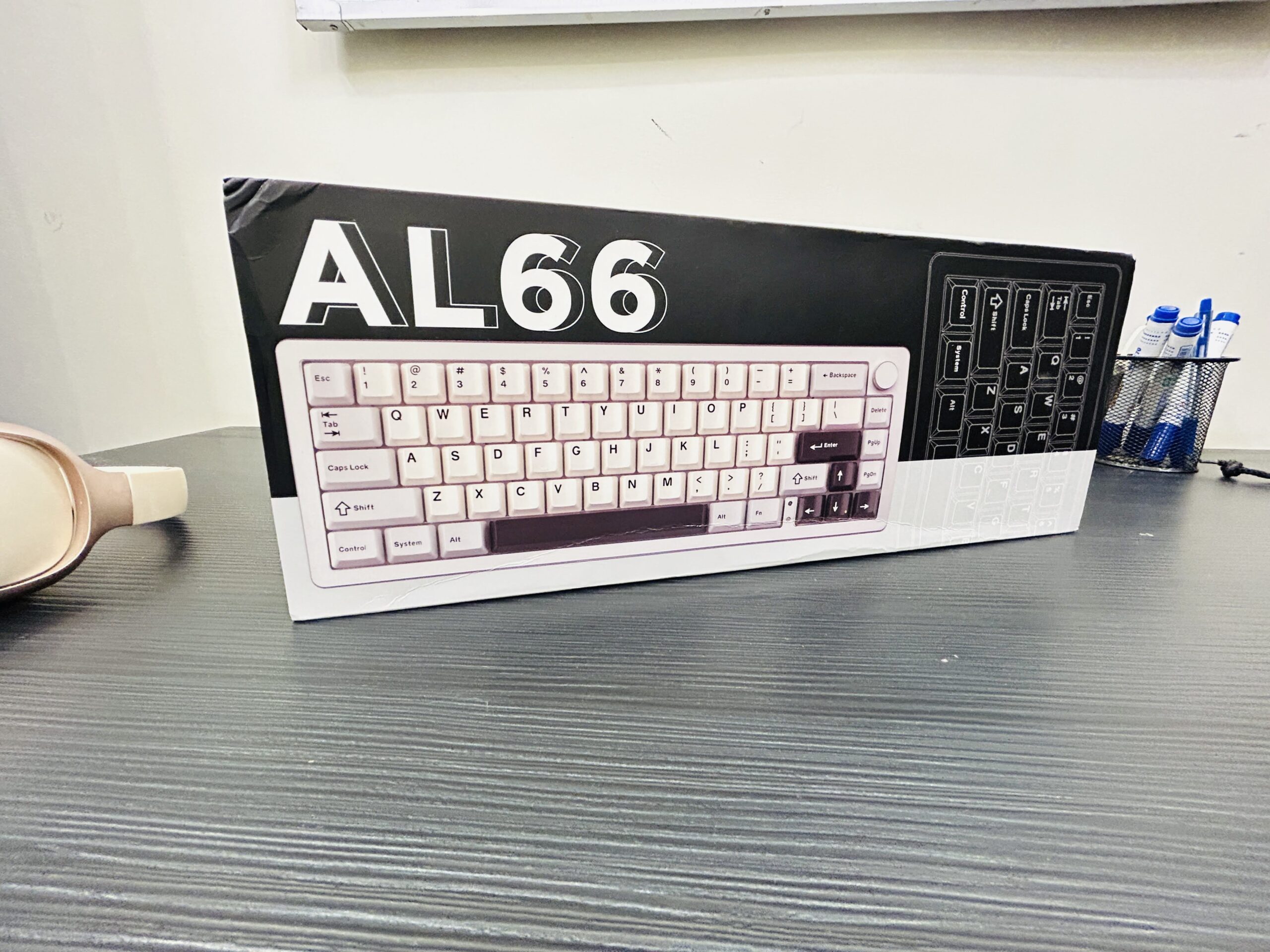
  • Yunzii AL66 Keyboard Review: A Premium Multi-Device Workstation Essential

    Yunzii AL66 Keyboard Review: A Premium Multi-Device Workstation Essential

    2026/2027 UPDATE:

    • We do not recommend buying it as of 2026 or 2027.
    • Since the launch, the keyboard performed well, but poor buddy firmware update made this model not worth it anymore.
    • The disconnection issue presist.
    • Keyboard keep restarting no matter if you put it in any mode (BT, WIRED or LINE).
    • Lots of users who bought this have started complaining about the software not detecting the keyboard.
    • The software became so outdated, that it won’t allow customization of the keys.

    The Yunzii AL66 Keyboard aims to bridge the gap between aesthetic appeal and robust functionality. Built with an aluminum frame and equipped with a multifunctional knob, this keyboard is designed for professionals and gamers alike who need seamless connectivity between Mac, Windows, and wired setups.

    What’s in the Box

    1. Yunzii AL66 Keyboard
    2. USB cable for connectivity and charging
    3. Quick-start guide and warranty information
    4. Extra keys
    5. Key ejector

    Price

    • US $89.99

    Premium Design & Build

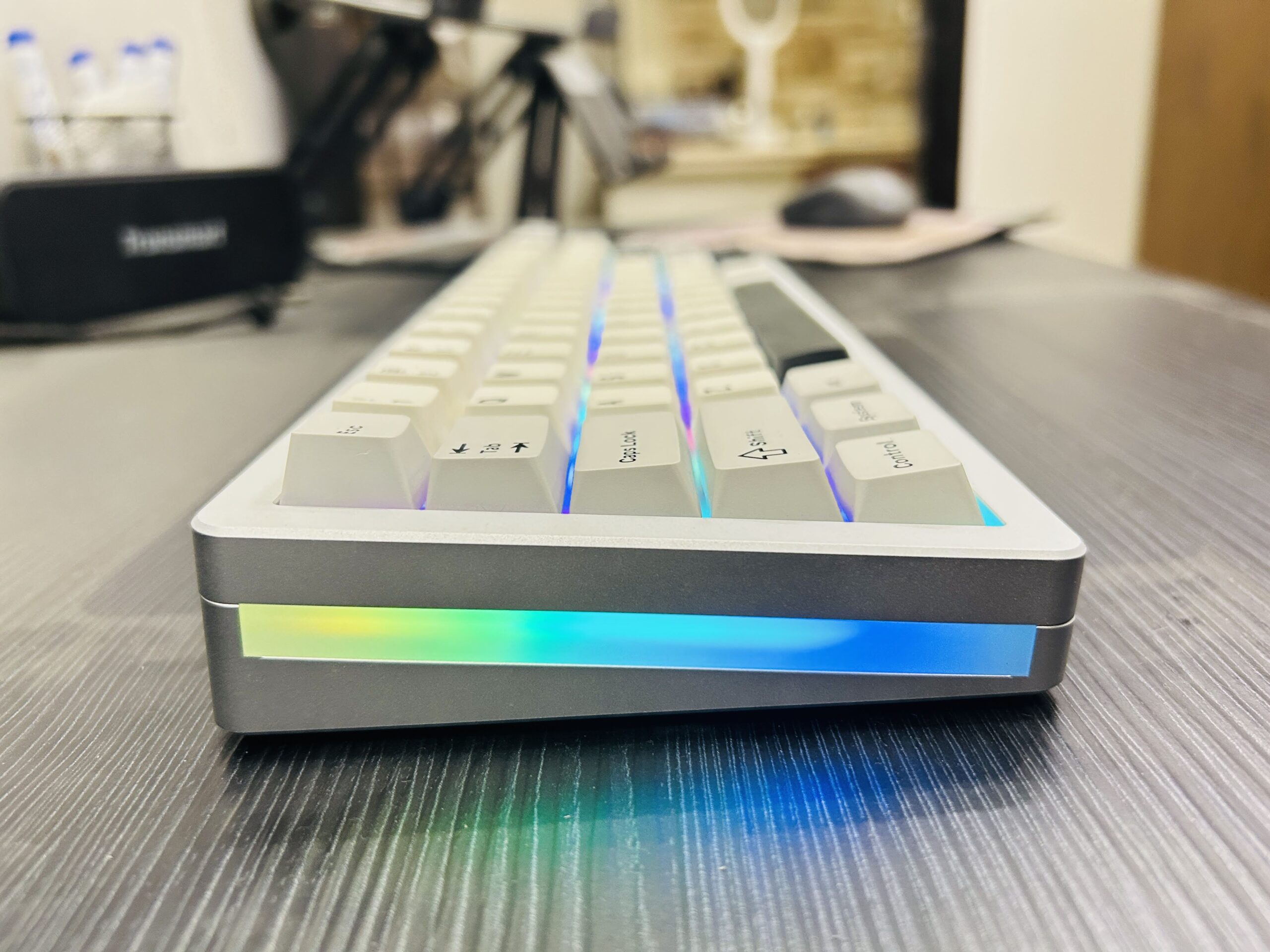
    The AL66 exudes a premium feel from the moment you unbox it. Its all-aluminum frame not only adds a sleek, modern look but also ensures durability under heavy use. The semi-silent keys provide a quiet typing experience—ideal for shared workspaces—while the integrated control knob offers intuitive, multi-functionality.

    yunzii AL66 00009

    Solid Build: Aluminum construction ensures longevity and a high-end feel.
    Quiet Typing: Semi-silent key switches minimize noise during extended use.
    Innovative Control: A versatile knob enhances productivity by serving multiple functions.

    Connectivity & Functionality

    One of the standout features of the AL66 is its ability to connect with three devices simultaneously. Whether you’re switching between a Mac, a Windows PC, or a wired connection, the keyboard adapts seamlessly to your workflow. Additionally, it boasts an impressive battery life, ensuring that you stay powered throughout your day without frequent recharges.

    yunzii AL66 00013

    Multi-Platform Support: Easily connects to Mac, Windows, and wired setups.
    Battery Performance: Great battery life reduces downtime and keeps you productive.
    RGB Customization: A variety of lighting options let you tailor the keyboard’s look to your style or mood.

    Software & Customization

    Windows users will appreciate the comprehensive firmware updates and official software that allow extensive customization of key functions and RGB settings. Unfortunately, Mac users are left without similar support, which can limit the keyboard’s potential on that platform.

    yunzii AL66 00012

    Windows Advantage: Firmware updates and a dedicated software suite offer deep customization options.
    Mac Limitations: Lack of firmware support on macOS means fewer customization possibilities.

    Real-World User Experience

    In everyday use, the AL66 impresses with its smooth key travel and responsive controls. The integrated knob proves versatile for tasks ranging from volume adjustments to scrolling through documents. However, its heavier design might be a drawback for users who prioritize portability, especially if you’re constantly on the move.

    yunzii AL66 00011

    Comfort & Response: Enjoy a satisfying tactile feel with efficient key travel.
    Portability Concerns: The substantial build, while robust, may not suit users needing a lightweight solution.
    Cross-Platform Consistency: Excellent on Windows thanks to robust software; Mac users may encounter limitations.

    Pros and Cons

    Pros

    • Premium Build: Durable aluminum frame and high-quality construction.
    • Seamless Multi-Device Connectivity: Effortlessly switches between Mac, Windows, and wired connections.
    • Value for Money: Packed with features that justify the price.
    • Quiet Operation: Semi-silent keys reduce noise in busy environments.
    • Versatile Control: The multifunctional knob enhances productivity.
    • Extended Battery Life: Keeps you working without frequent recharges.
    • RGB Lighting: Customizable options add a personal touch.


    Cons

    • Heavier Build: Not ideal for those who need to travel light.
    • Limited Mac Software Support: Lack of firmware updates and customization tools on macOS.

    Final Verdict

    The Yunzii AL66 Keyboard stands out as a robust and feature-packed option for users who work across multiple platforms. Its premium design, solid build, and innovative control knob make it a great choice for professionals and gamers who don’t mind sacrificing a bit of portability for enhanced functionality. Windows users will particularly benefit from the available software support, while Mac users should be aware of the limitations.

    Recommendation:

    If you primarily work from a fixed setup and appreciate the value of extensive connectivity and customization, the AL66 is an excellent investment. However, if you require a lightweight solution or need full software support on macOS, you might want to explore other options.

    Overall, the Yunzii AL66 Keyboard offers a compelling mix of style, utility, and performance, earning its place as a premium multi-device workstation essential.

  • Meta Verified Business Standard, Plus, Premium, and Max Review

    Meta Verified Business Standard, Plus, Premium, and Max Review

    Meta’s new Verified Business subscription tiers—Standard, Plus, Premium, and Max—promise businesses enhanced visibility, better reach, and exclusive features. However, after testing the highest tier, Meta Verified Business Max, priced at a whopping $400/month, the results are underwhelming. Here’s a breakdown of the experience with a focus on its pros, cons, and whether it’s worth the investment.

    Verdict

    Meta Verified Business Max offers high-priced features with limited tangible results. Despite promises of improved reach, personalized strategy consultations, and prioritized support, the overall experience feels incomplete and poorly executed.

    Rating: 2/5

    Pros and Cons of Meta Verified Business

    Pros:

    • Verification Badge: Adds authenticity to your page, which can enhance trustworthiness.
    • Prioritized Support: Theoretically faster responses to issues via chat and email (though real-life execution is lacking).
    • Potential for Content Strategy Calls: If implemented properly, these consultations could offer valuable insights.
    • Status Symbol: For businesses that care about appearances, being at the Max tier shows commitment to growth.

    Cons:

    • No Noticeable Reach Improvements: Organic reach and follower growth did not improve, despite being a key selling point.
    • Overpriced: At $400/month, the features do not justify the cost.
    • Content Strategy Feature Unavailable: Attempts to schedule the biannual call resulted in errors, with no resolution.
    • Generic Support: Chat responses felt automated and failed to address specific concerns.
    • Minimal Ad Replacement Value: This service does not reduce the need for traditional ad spend.

    Key Features Across All Tiers

    Standard ($49/month)Plus ($99/month)Premium ($199/month)Max ($400/month)
    • Blue verification badge for authenticity.• Includes all Standard features.• Everything from Plus.• Biannual content strategy consultations with a “real person.”
    • Access to basic support.• Slightly improved organic reach.• Prioritized support and case monitoring.• Alleged maximum visibility boost.

    Detailed Experience with Meta Verified Business

    1. The Verification Badge

    While the badge is a nice addition for credibility, it doesn’t seem to have a direct impact on engagement or organic reach. It’s more of a status symbol than a functional feature.

    2. Prioritized Support

    Support responses came quickly, but they felt generic and automated, offering little actual help. For example, when trying to schedule a content strategy call, I was told the feature was “not fully established yet.”

    3. Content Strategy Calls

    This was one of the most anticipated features, but it was entirely unavailable. Attempts to schedule a session resulted in error messages, and follow-ups with support provided no solutions.

    4. Organic Reach

    There was no noticeable improvement in organic reach or follower growth, despite Meta’s claims of visibility enhancements.

    5. Case Monitoring

    This feature seems promising for handling critical issues but wasn’t something I actively tested during the review.

    Who Should Buy It?

    • Large Enterprises: Companies with big budgets that can afford to experiment with new services.
    • Early Adopters: Businesses willing to invest in unproven features to stay ahead of competitors.

    Who Should Avoid It?

    • Small to Medium Businesses: The price is too high for the limited benefits.
    • Ad-Driven Marketers: If you rely heavily on boosting and ads, this subscription won’t reduce those costs or efforts.
    • Businesses Expecting Immediate Results: Organic reach improvements are marginal at best, making this a poor choice for those looking for quick wins.

    Meta Verified Business Max (and its lower-tier counterparts) feels like an unfinished product. While the promises of improved reach, personalized strategy, and enhanced support sound great on paper, the reality is far from satisfactory. At this stage, the service appears overpriced and underdelivered, making it hard to recommend for most businesses.

    Until Meta resolves the issues with this offering, businesses are better off sticking to tried-and-true growth strategies like targeted ads and content marketing.

  • Linkind ET6 Smart TV Backlights Honest Review

    Linkind ET6 Smart TV Backlights Honest Review

    The Linkind ET6 Smart TV Backlights with HDMI 2.0 Sync Box offers a powerful, immersive experience for any home theater.

    With the AiDot App, you can easily configure these backlights to sync with your TV screen, allowing the lights to shift dynamically in response to on-screen action. The system’s “Immersive Entertainment” mode is a highlight, enhancing every scene for an atmospheric, captivating viewing experience.

    With customizable colors, smart home integration, and the LumiSync AI technology, this product is ideal for users looking to transform their TV or gaming setup into a cinematic environment.

    Verdict

    The Linkind ET6 Smart TV Backlights are a top choice for those seeking immersive, dynamic lighting that matches their TV content.

    With easy app-based configuration, precision color sync, and extensive customization options, this system is well-suited for movie lovers, gamers, and anyone looking to add ambiance to their home. While the setup may require a bit of patience, the system’s features are well worth the effort.

    Rating: 4.5/5

    Pros:

    • Creates an immersive and captivating viewing environment.
    • Easily pairs with TVs and other devices for a streamlined setup.
    • Offers a wide range of customization and control features.
    • Lights sync with music for an engaging audio-visual experience.
    • Suitable for various TV sizes with in-app adjustments.
    • Works seamlessly with Amazon Alexa and Google Home for voice control.

    Cons:

    • Full functionality requires using the app, limiting options for those who prefer manual control.

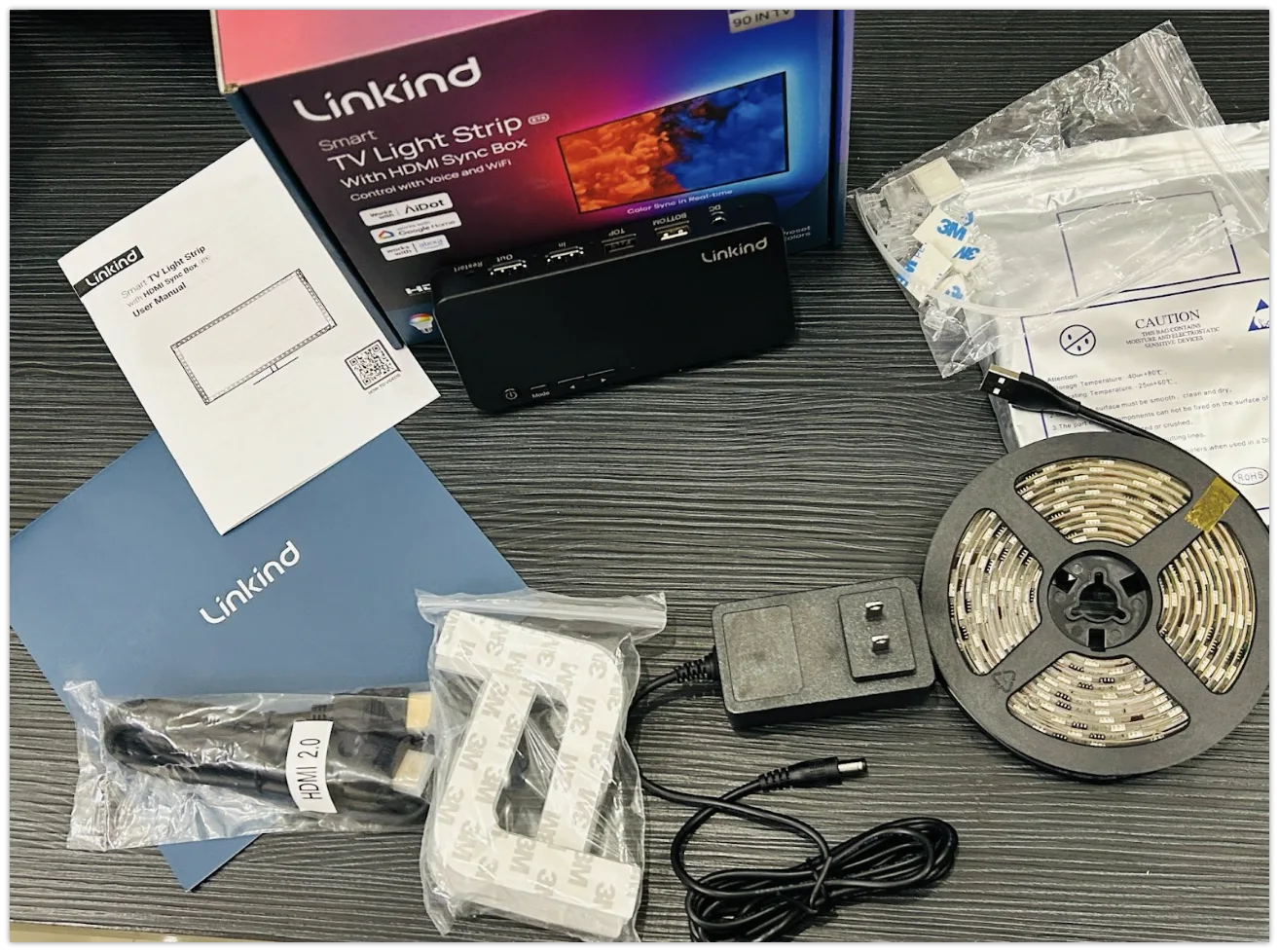
    What’s in the Box

    1. Linkind ET6 Light Strips (2 x 10 feet)
    2. HDMI 2.0 Sync Box
    3. Power Adapter
    4. Installation Kit
    5. User Manual
    LINKIND ET6 WHATS IN THE BOX

    Connection with App

    Connecting the Linkind ET6 to the AiDot App is a straightforward process, giving users access to full control over the lighting system’s features, including “Immersive Entertainment” mode. Here’s how to set it up:

    1. Download the AiDot App: Find the AiDot App on iOS or Android by searching “AiDot” or scanning the QR code provided in the user manual.
    2. Log In or Register: Open the app and sign in or create an AiDot account.
    3. Add the ET6 Backlights: Tap the “+” symbol in the app, select “Add Device,” and follow the prompts. Ensure your device is in connection mode by following the steps in the manual.
    4. Pairing and Setup: Once paired, you’ll be able to adjust brightness, color, and other settings right from your smartphone.

    For a more visual guide, check out this helpful video tutorial on connecting the Linkind ET6 to the AiDot app. This video walks you through each step, ensuring a smooth setup.

    TV Sync Feature

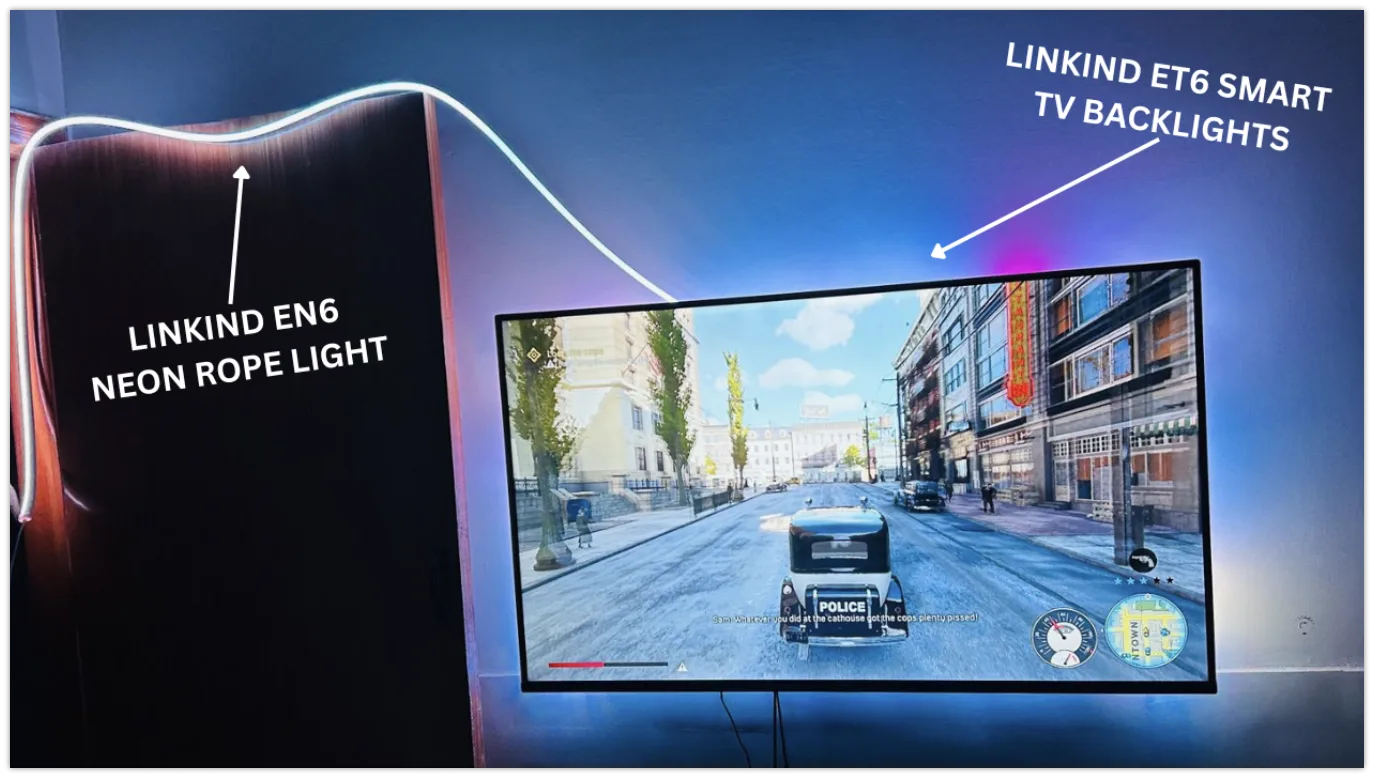
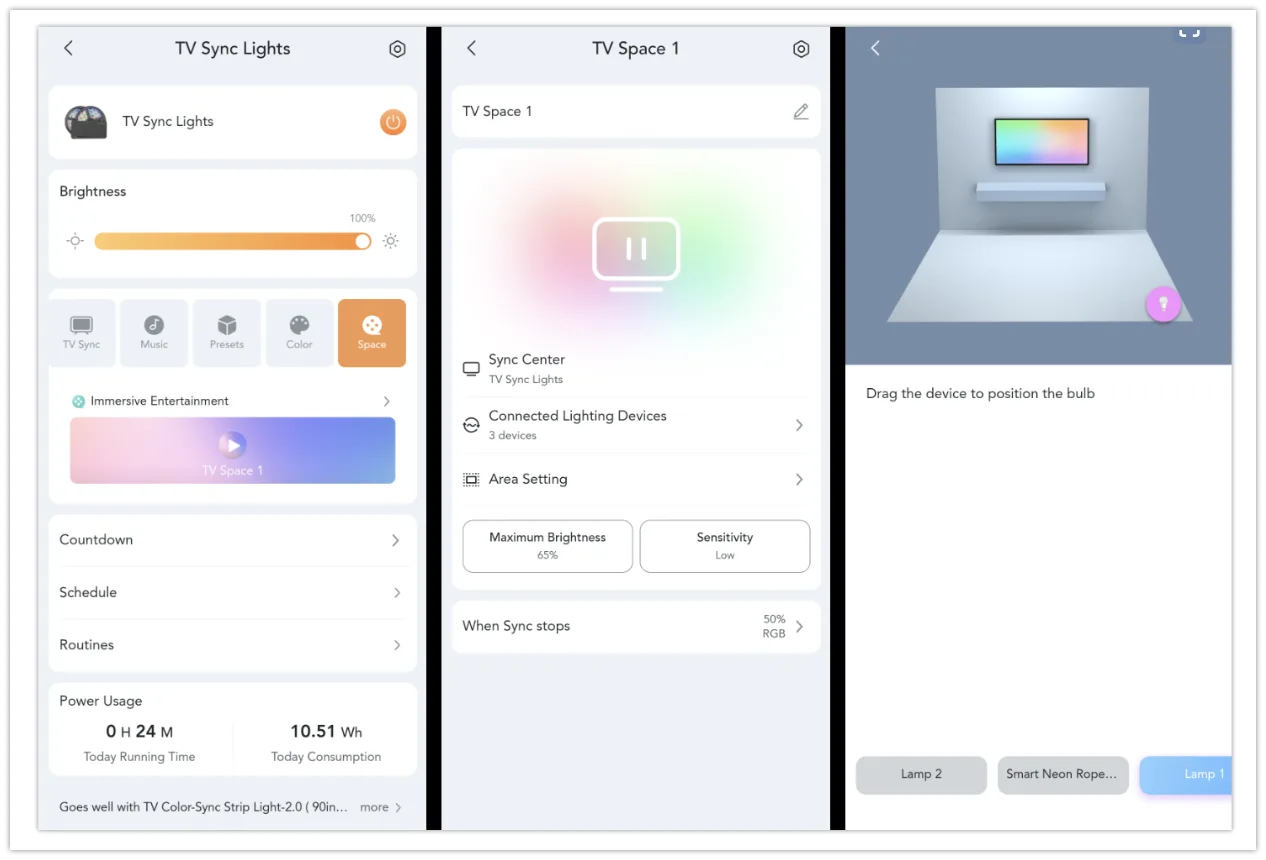
    For those seeking simplicity without sacrificing immersion, the TV Sync feature is a fantastic option. This mode also supports the ability to select specific spots for synchronization between the ET6 backlights and the Linkind EN6 Neon Rope Light.

    tv back lights sync

    Without requiring extensive setup, I was able to highlight key areas in my room for synchronization, ensuring that the lighting effects complemented the TV content while maintaining a clean, minimal configuration. The automatic synchronization was smooth and precise, delivering an enhanced viewing experience with minimal effort.

    Immersive Entertainment Mode

    During my testing, the Immersive Entertainment mode proved to be an extraordinary feature, especially when paired with the Linkind EN6 Neon Rope Light. This mode allows users to customize their lighting setup by selecting specific spots for synchronization between the ET6 backlights and the EN6 Neon Rope Light.

    syncing linking ET6 with EN6

    Through the AiDot app, I was able to position and configure the EN6 light strips around my room, creating a dynamic and immersive environment. By choosing the precise areas where I wanted the lighting effects to sync, I tailored the experience to suit the layout of my space. Whether I was enjoying a movie or diving into a video game, the combination of the ET6 and EN6 working in harmony added a breathtaking level of depth and interactivity to the visuals.

    How to Set Up Immersive Entertainment Mode

    enabling immersive mode et6
    1. Install the AiDot App: Download the AiDot App (available on iOS and Android) and create or log in to your account.
    2. Connect the ET6 Backlights and Sync Box: Open the app, pair the ET6 backlights and Sync Box, and follow the prompts to connect them to your TV.
    3. Enable Immersive Entertainment Mode: In the AiDot app, navigate to the settings and enable “Immersive Entertainment” mode. This option will allow the ET6 lights to adapt in real-time to the colors on your screen, creating an engaging atmosphere.
    4. Configure Light Positioning: After activating the mode, adjust the settings to match the positioning of the backlights around your TV screen.
    5. Test the Sync: Play colorful content on your screen to see the backlights synchronize dynamically with your TV content.

    Music Mode: Synchronizing Lights with Ambient Sound

    One of my favorite features of the Linkind ET6 Smart TV Backlights has to be the Music Mode. When I tested it, the lights synced beautifully with the ambient sound, creating a completely new layer of atmosphere in my space. As the music played, the lights would pulse and shift colors, responding perfectly to the rhythm and beats. It was especially impressive how well the lights reacted to everything from low bass drops to sharp snare hits in songs. Whether I was listening to an upbeat playlist or just enjoying background music, the lights added a dynamic visual element that enhanced the overall mood. 

    linkind et6 music sync

    Customizable and Responsive Features

    What stood out most to me was how customizable and responsive this feature was through the AiDot App. I loved how easy it was to control, and I spent some time experimenting with different color patterns to match the tempo of whatever music I was playing. It was a fantastic addition when I had friends over, instantly turning the room into a lively, club-like space without needing any extra equipment.

    Even when gaming, the Music Mode added an exciting touch, with the lights reacting to the game’s sound effects, making it feel even more immersive. Overall, the Music Mode gave me a completely new way to experience my entertainment, making it feel interactive and alive.

    Optimizing for 4K Resolution

    To ensure the best visual experience, use a 4K-compatible streaming device such as the Roku Stick 4K and follow these instructions specific to popular TV brands for enabling optimal HDMI settings. These steps may vary by model and could be updated with software changes, so consult your TV’s user manual if needed.

    Manufacturer Instructions:

    • Hisense:
      Switch to Roku player input > Menu > Picture > HDMI 2.0 Format > Enhanced Format
    • LG:
      Home > HDMI > Settings > Advanced > Picture > HDMI ULTRA DEEP COLOR > On > Restart
      Alternate: All Settings > Picture > Additional Settings > HDMI ULTRA HD Deep Color > Select Roku player input > On
    • Philips:
      Preferences > HDMI Mode > Select Roku player input > 4K Mode
    • Roku TVs:
      Settings > TV Inputs > Select Roku player input > HDMI Mode > Standard or Auto
    • Samsung:
      Menu > Picture > Picture Options > HDMI UHD Color > On > Restart
      Alternate: Settings > General > External Device Manager > HDMI UHD Color > On
    • Sony:
      Home > Settings > Channels & Inputs > External Inputs > HDMI Signal Format > HDMI > Select Roku player input > Enhanced mode > TV will reboot
    • Vizio:
      Menu > Input Settings > Select Roku player input > Full HD Color > On
    • Toshiba:
      Home > Picture > Advanced Settings > HDMI Input Mode > Mode 2 (2.0)

    Following these instructions will optimize your TV for 4K content, enhancing the performance of the Linkind ET6 for a sharper, more vivid experience.

    Precision HDMI Sync

    The HDMI 2.0 Sync technology is a key feature of the Linkind ET6, enabling seamless color synchronization with on-screen content. Whether you’re watching movies, playing games, or streaming music videos, the system’s lag-free color transitions mirror the action on screen. This feature works hand-in-hand with the Immersive Entertainment mode, ensuring that the backlighting feels like an extension of your screen.

    Customizable Lighting Options

    The ET6 offers 16 million colors and more than 6 preset lighting effects through the AiDot App, allowing users to tailor the atmosphere for any occasion. Set the lights to warm, dim colors for a relaxing movie night or brighten them up for a party. Customization options are plentiful, and with individual control over lighting segments, you can further personalize the setup to suit your style.

    LumiSync AI Technology

    With LumiSync AI, the Linkind ET6 automatically adjusts lighting transitions based on the brightness, color, and movement of each scene, adding depth to the viewing experience. This technology ensures that the lighting enhances the mood, offering smooth adjustments that match the tone and tempo of the content.

    Smart Home Integration

    The ET6 Smart TV Backlights integrate with both Amazon Alexa and Google Assistant, making it easy to control the lights hands-free. With simple voice commands, users can turn the backlights on or off, change colors, and adjust brightness without needing a remote or smartphone.

  • GameSir Cyclone 2 Controller Review: Best PC Controller

    GameSir Cyclone 2 Controller Review: Best PC Controller

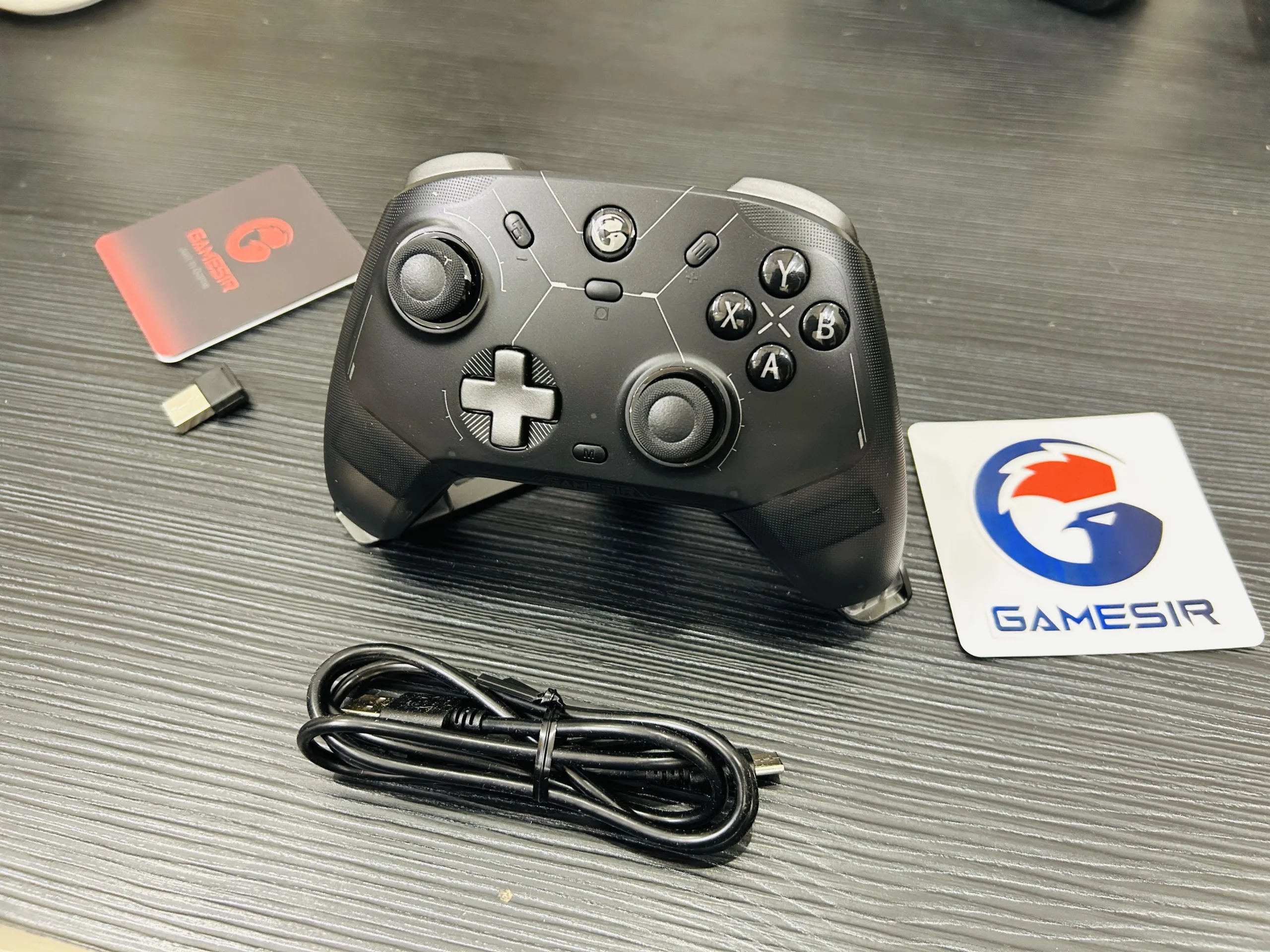
    The GameSir Cyclone 2 is a robust and versatile gaming controller designed for gamers who value cross-platform compatibility and aesthetic appeal. With its RGB lighting and wide device support, it offers features that cater to both casual and serious gamers. However, its suitability for mobile gaming might be questionable, depending on your setup.

    Verdict

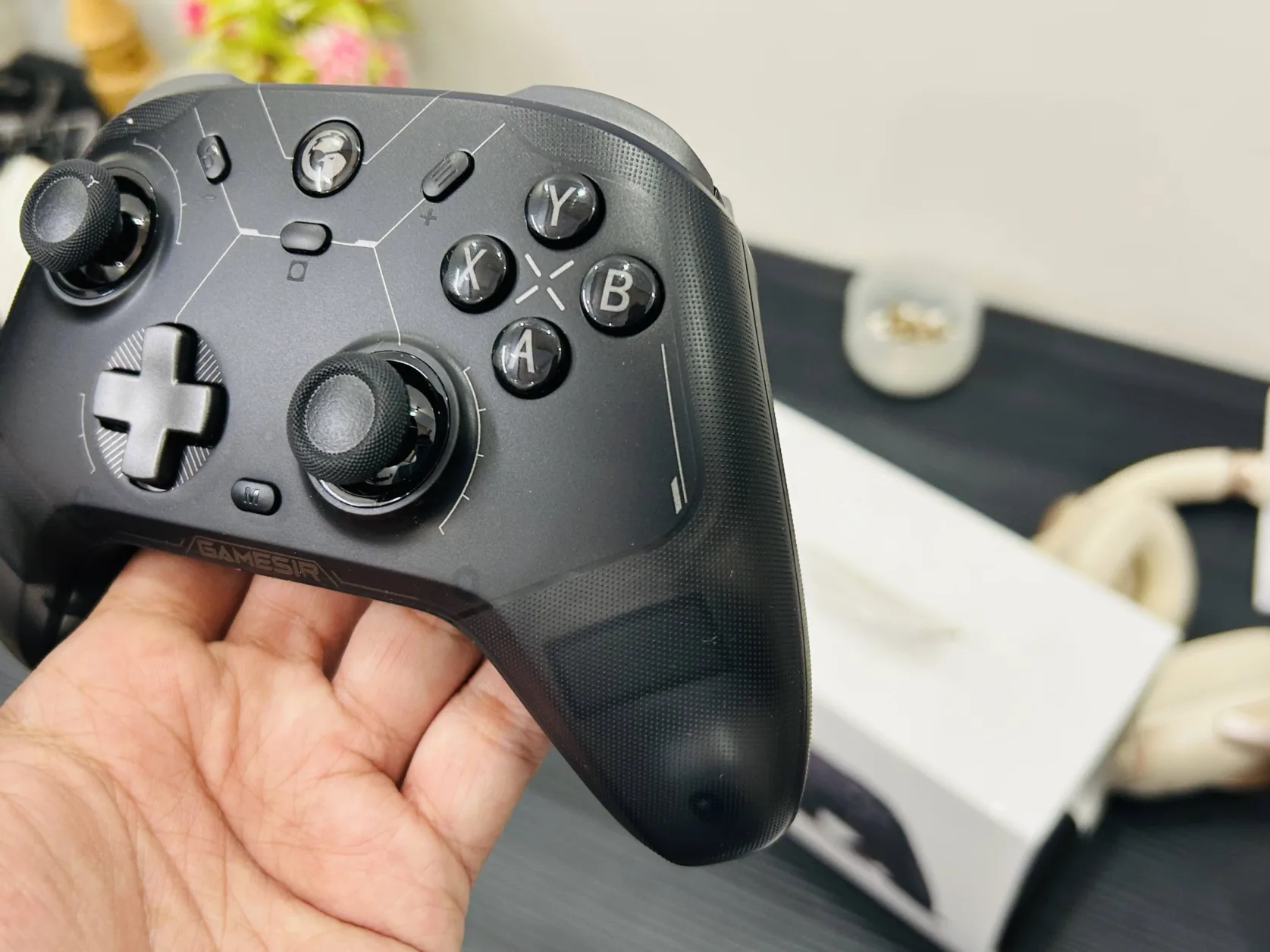
    GameSir Cyclone 2 00003

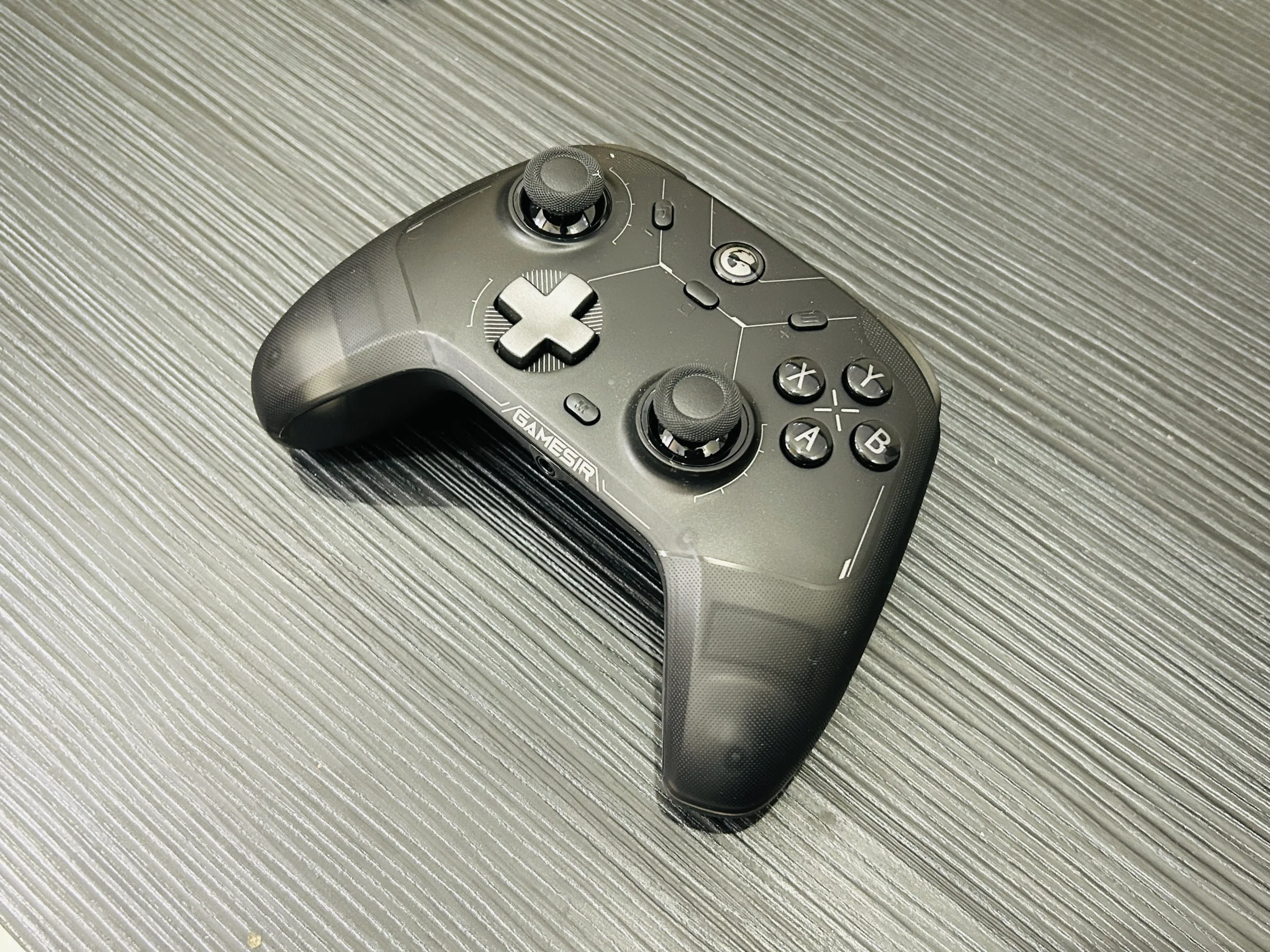
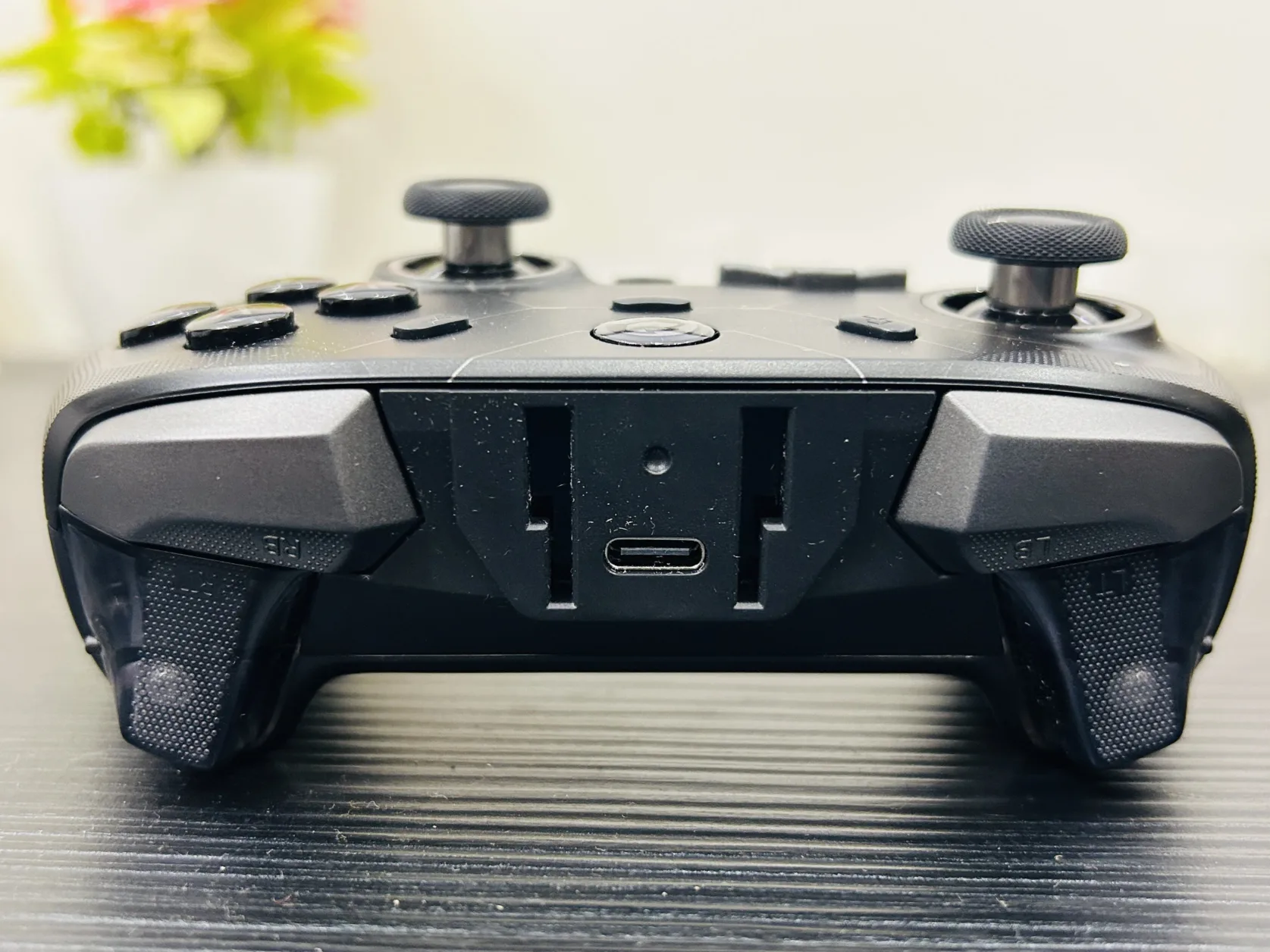
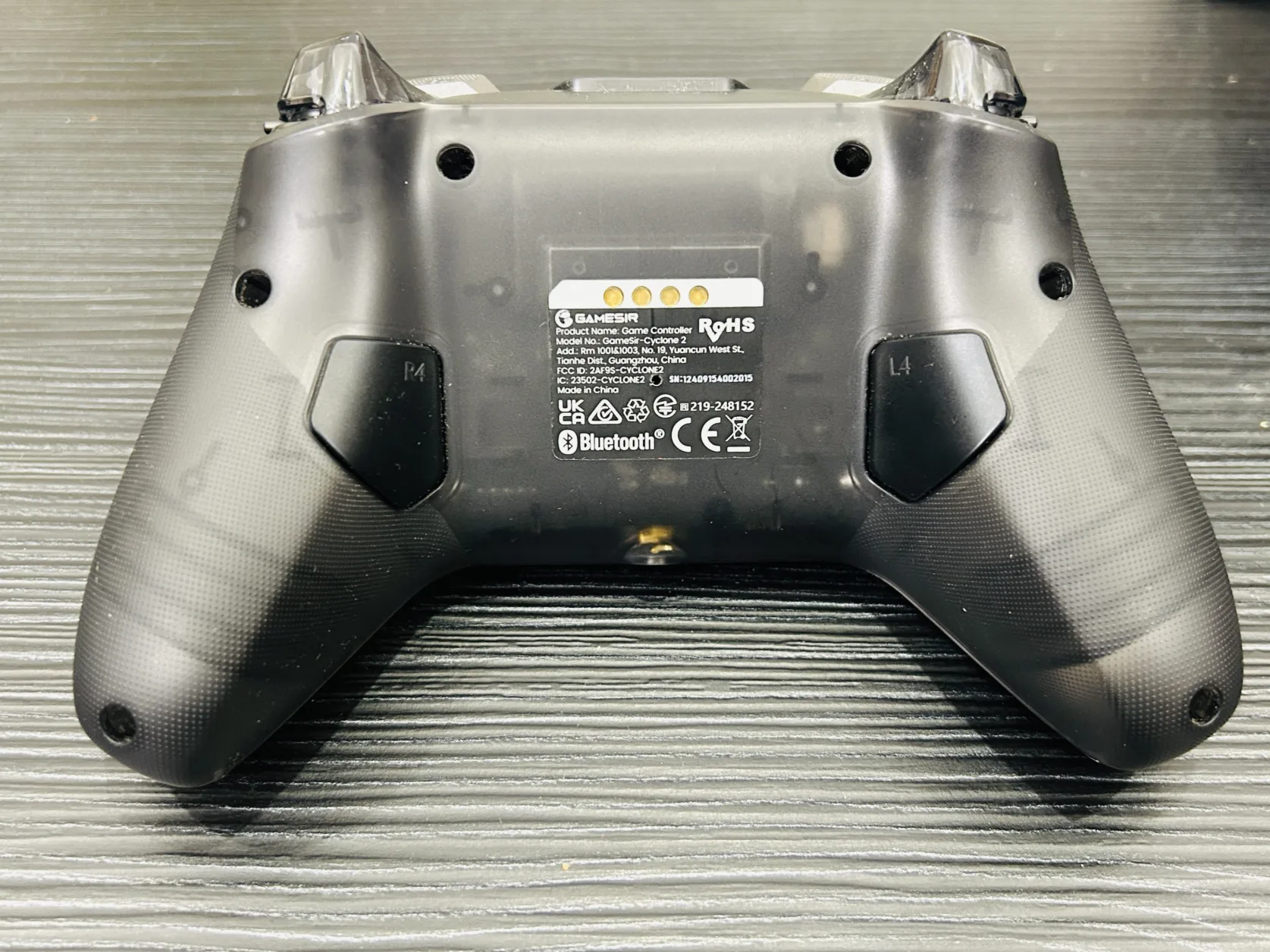
    The GameSir Cyclone 2 shines as a feature-packed controller, particularly for PC, Nintendo Switch, and console-style gaming. While it offers compatibility with Android and iOS, its bulky size makes it less practical for mobile gaming. If you’re after a stylish, high-performance controller for larger screens, this is a solid choice.

    Rating: 4/5

    Pros

    • RGB Lighting: Adds a vibrant, customizable aesthetic to your gaming setup.
    • Multi-Platform Support: Compatible with PC, Nintendo Switch, Android, and iOS, making it a versatile choice for gamers with multiple devices.
    • 1000Hz Polling Rate: Ensures fast response times and smooth gameplay, perfect for competitive gaming.
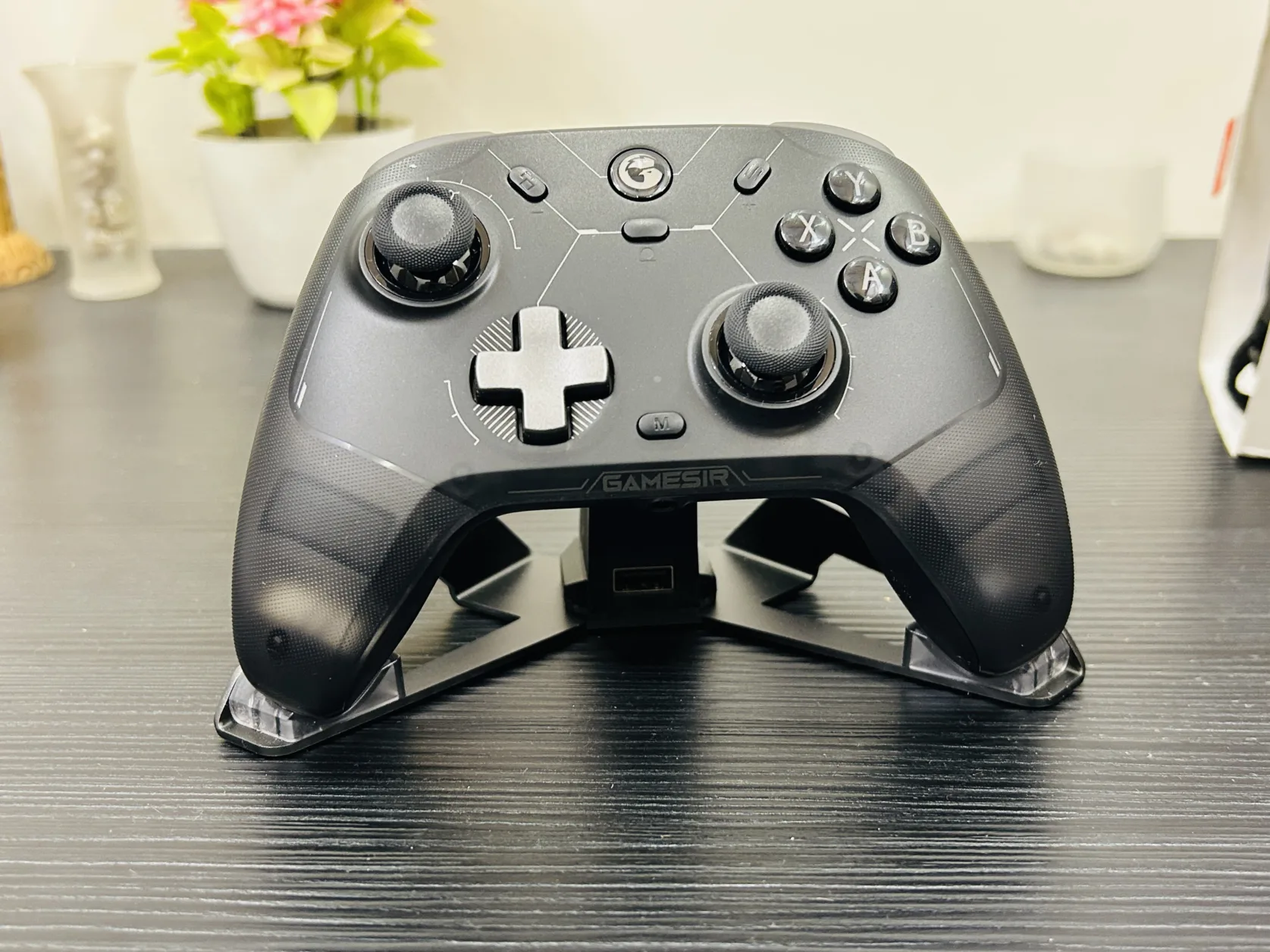
    • Rechargeable Stand: Includes a convenient stand for charging and display.

    Cons

    • Not Ideal for Mobile Gaming: The controller’s size and weight feel disproportionate for smaller screens, making it less practical for Android and iOS gaming.

    What’s in the Box?

    GameSir Cyclone 2 00001

    1. GameSir Cyclone 2 Controller
    2. Charging Stand
    3. Type-C Charging Cable
    4. GameSir Sticker
    5. Bluetooth Connector
    6. Authenticity Card
    7. User Manual

    RGB Lighting

    The RGB lighting on the GameSir Cyclone 2 is a standout feature, providing a visually appealing touch. You can customize the lighting patterns and colors, adding a personal flair to your gaming sessions.

    Wide Compatibility

    With support for PC, Nintendo Switch, Android, and iOS, the Cyclone 2 ensures you can use one controller across various platforms. This makes it an excellent choice for gamers who frequently switch between devices.

    1000Hz Polling Rate

    The controller’s high polling rate means ultra-responsive controls, crucial for fast-paced games where precision and timing are everything.

    Rechargeable Stand

    The included stand is not just for display—it’s a charging station, ensuring your controller is always ready for action. This feature also makes the Cyclone 2 a neat addition to your gaming desk.

    Who Should Buy It?

    • PC and Console Gamers: If you’re looking for a high-performance controller with multi-platform support, this is a great option.
    • Gamers Seeking Style: The RGB lighting and charging stand make it a visually appealing addition to your gaming setup.
    • Those Who Value Versatility: If you switch between devices frequently, the Cyclone 2 offers seamless compatibility.

    Who Shouldn’t Buy It?

    • Mobile Gamers: For Android or iOS gaming, the controller feels oversized. Consider the GameSir G8 or G8 Plus for a more practical mobile gaming experience.

    The GameSir Cyclone 2 is a fantastic controller for gamers looking for a multi-platform option with strong performance and style. While its size may not suit mobile gaming, it’s an excellent choice for PC and console-style gaming, offering reliability, responsiveness, and visual flair. If you’re building a versatile gaming setup, the Cyclone 2 deserves a spot on your list.

    Coupons [10% FLAT OFF]

    Here’s the updated version with countries bundled based on coupon codes for Amazon:


    10% Off Coupons for the GameSir Cyclone 2

    Amazon

    Coupon CodeCountriesActive Time
    Cyclone2United States, Canada, Brazil, United Kingdom, Germany, Spain, France, Japan, Australia11/25/2024 to 02/25/2025
    Cyclone22Italy11/25/2024 to 02/25/2025

    Official Website

    Coupon CodeActive Time
    C2FANS11/25/2024 to 02/25/2025

    AliExpress

    Coupon CodeActive Time
    GAMEC211/22/2024 to 02/19/2025
  • GameSir G8+ Controller Review

    GameSir G8+ Controller Review

    The GameSir G8+ Controller is designed with mobile and console gamers in mind, offering smooth Bluetooth connectivity for Android, iPhone, and Nintendo Switch. With its responsive controls and customizable buttons, it’s ideal for gamers looking to elevate their experience across multiple platforms.

    Verdict

    The GameSir G8+ is a solid Bluetooth controller that excels with Android, iPhone, and Nintendo Switch. While it doesn’t connect to PC, it’s packed with features like remappable buttons, responsive triggers, and long battery life, making it a strong choice for mobile and Switch gamers.

    Rating: 4.4/5

    Pros

    • Seamless Bluetooth Connectivity: Easily connects with Android, iPhone, and Nintendo Switch, offering versatility across devices.
    • Customizable Buttons: Features multiple remappable buttons to tailor your gaming experience.
    • Responsive Triggers: Quick and precise, ideal for action-heavy games.
    • Long Battery Life: Extended play without frequent recharging.
    • Ergonomic Build: Comfortable grip for long sessions.

    Cons

    • No PC Compatibility: Limited to Android, iOS, and Switch, so not suitable for PC gamers.
    • No Vibration Feedback: Lacks rumble, which may impact immersion in some games.
    • No Wired Option: Bluetooth-only connection, which may not suit all gamers.

    What’s in the Box

    gamesir g8 plus 4

    gamesir g8 plus 9

    1. GameSir G8+ Controller
    2. USB Charging Cable
    3. User Manual
    4. Guide for Button Customization
    5. Bluetooth Connectivity

    The GameSir G8+ is designed specifically for mobile and Nintendo Switch gaming, connecting smoothly over Bluetooth with Android and iOS devices as well as the Switch. It provides a stable and lag-free connection, making it great for fast-paced gameplay.

    Customizable Buttons

    gamesir g8 plus 5 gamesir g8 plus 6

    The G8+ shines in its customization options, allowing gamers to remap multiple buttons to suit various game styles and preferences. This feature, accessible through the GameSir app, enables players to set up unique controls, enhancing gameplay for different types of games.

    Responsive Triggers

    gamesir g8 plus 8 gamesir g8 plus 7

    With mechanical triggers, the G8+ offers quick, precise feedback, perfect for action and racing games. The responsiveness adds an edge to competitive gaming, giving players the control they need for split-second decisions.

    Long Battery Life

    The controller’s battery is built to last, ensuring hours of uninterrupted playtime. This long battery life is especially helpful for extended gaming sessions on the go.

    Real-Time Customization via GameSir App

    The GameSir App allows players to remap buttons and adjust settings in real time, making customization convenient without interrupting gameplay. This feature is essential for players who need to tweak their setup mid-game.

    The GameSir G8+ Controller is an excellent choice for mobile and Nintendo Switch gamers looking for a flexible, high-quality Bluetooth controller. With remappable buttons, responsive triggers, and reliable Bluetooth connectivity, it brings solid functionality and performance to Android, iPhone, and Switch. If you’re after a comfortable and customizable Bluetooth controller for your mobile or console gaming, the G8+ is a strong option.

  • Top iPhone MagSafe Battery Packs to Check Out in 2024

    Top iPhone MagSafe Battery Packs to Check Out in 2024

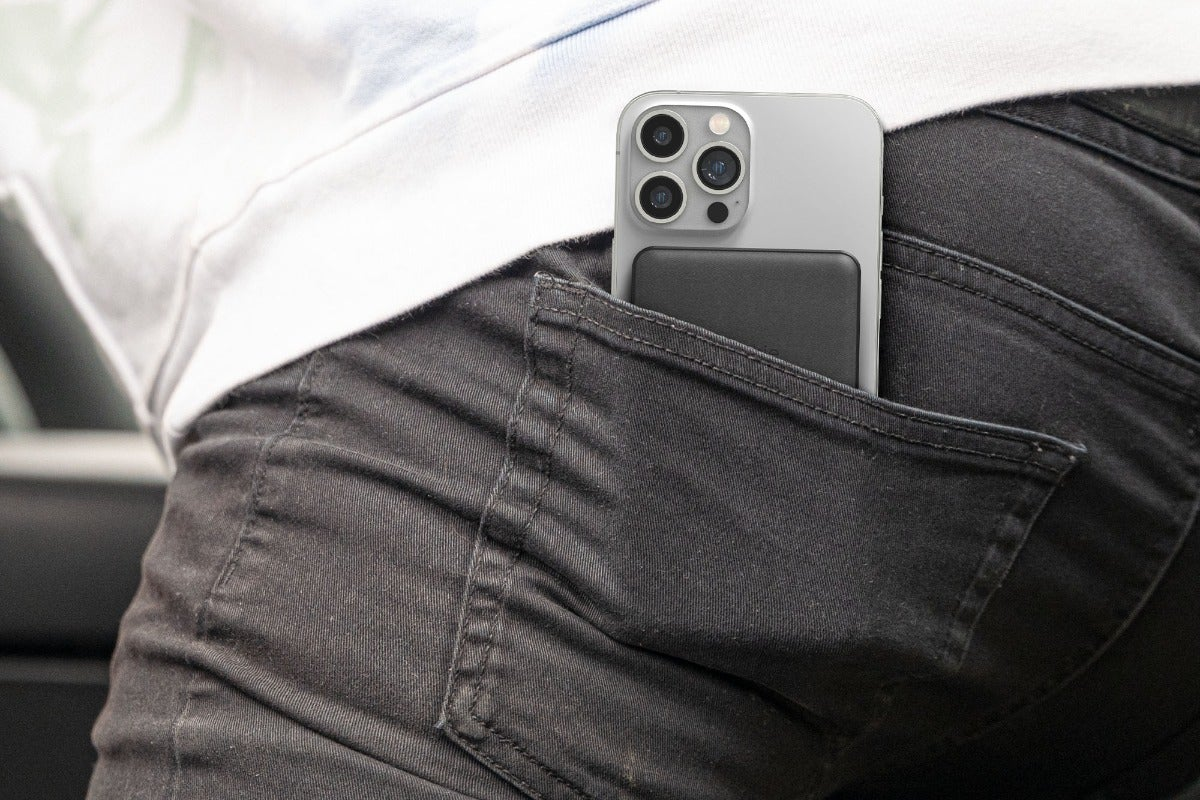
    MagSafe battery packs provide a convenient method to recharge your iPhone while you’re out and about. Utilizing Apple’s MagSafe technology, these battery packs magnetically connect to your phone to charge it wirelessly. Here’s a look at some of the top MagSafe battery options available today.

    Anker

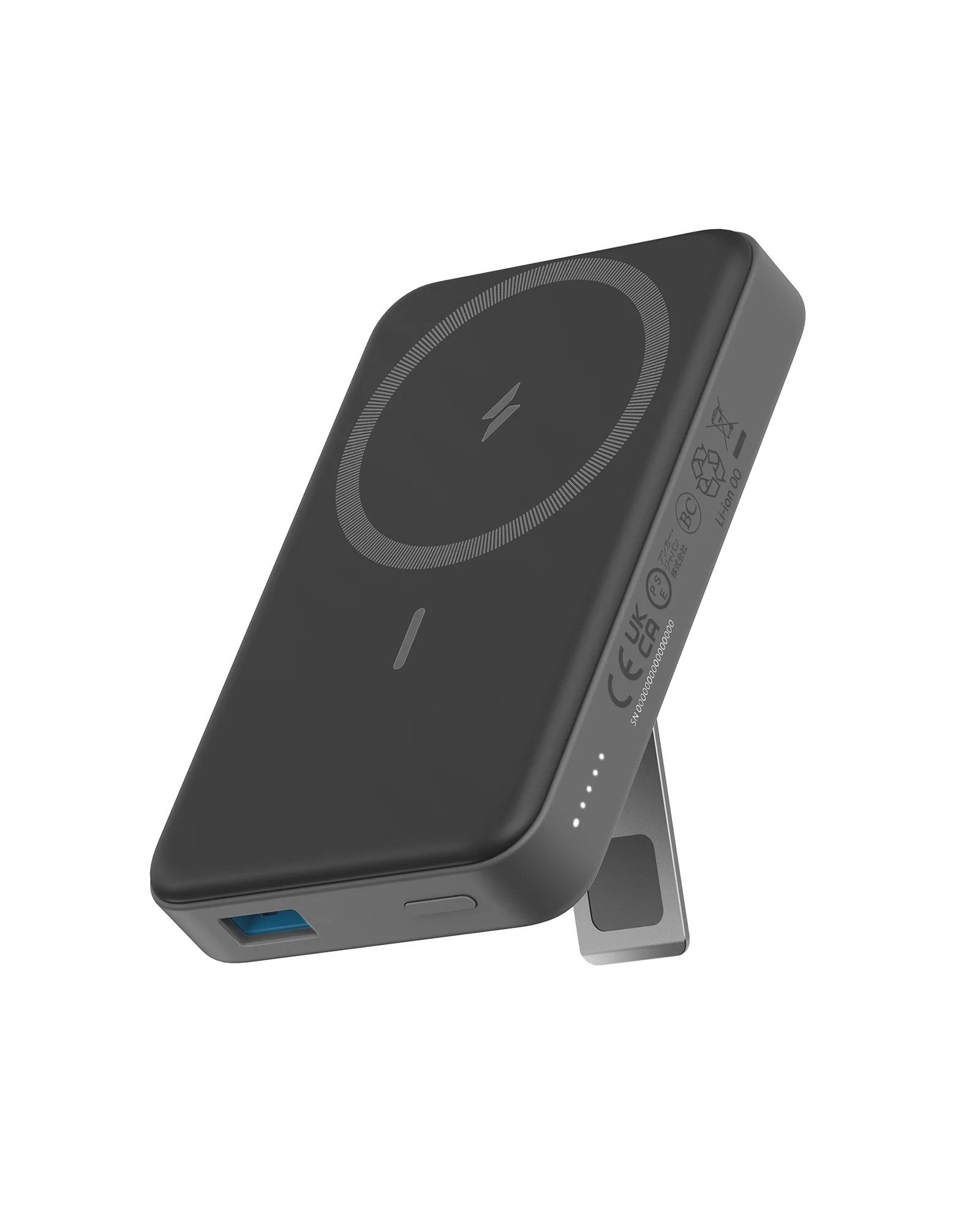
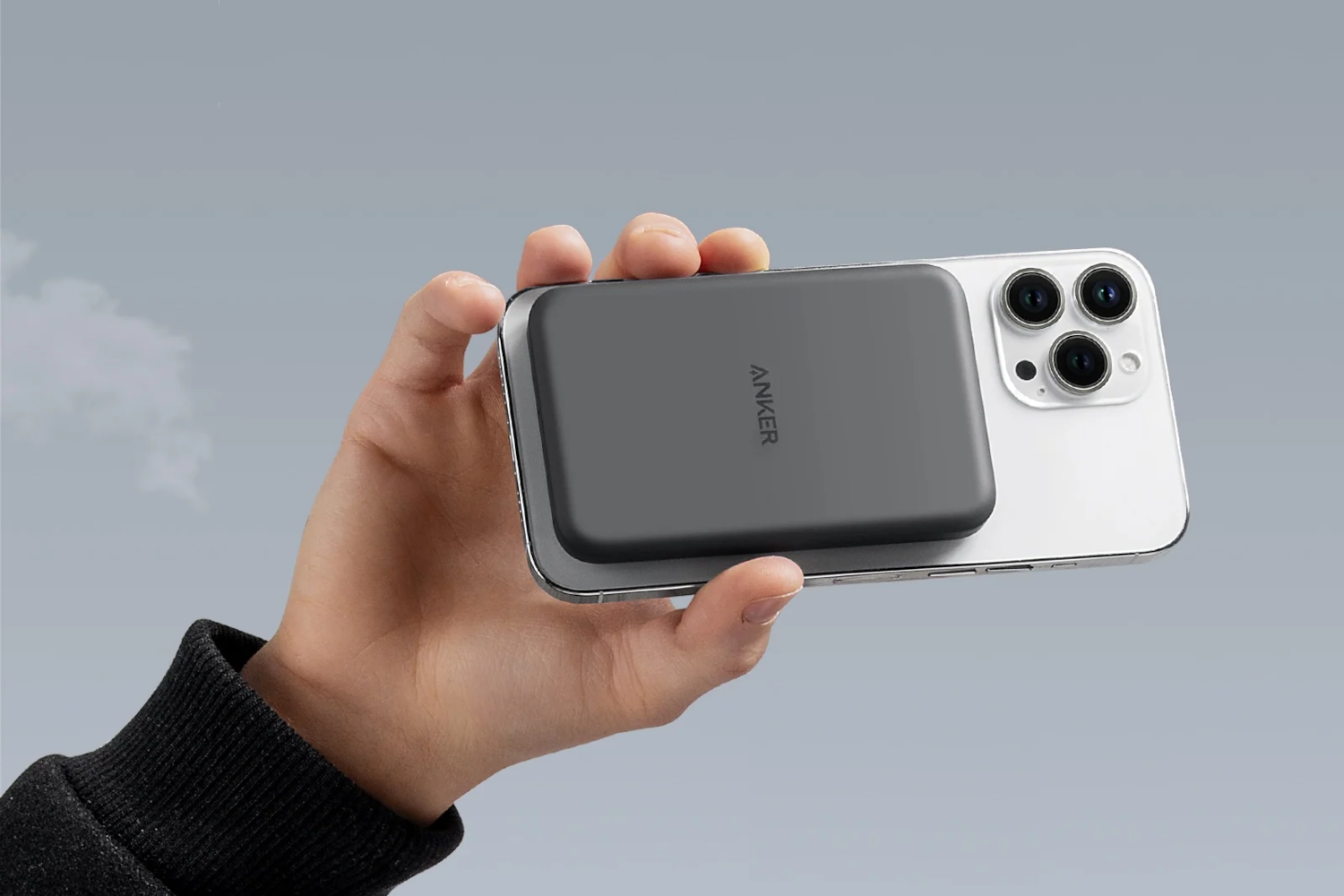
    Leading the way in charging accessories, Anker introduces the Anker 633 Magnetic Battery. This 10,000mAh power bank is compatible with MagSafe and is priced significantly lower than Apple’s option while offering more capacity and features.

    The Anker 633 can fully charge any iPhone model, including the latest iPhone 15 and 14. It supports 7.5W wireless charging and provides up to 20W and 18W through its USB-C and USB-A ports, respectively, letting you quickly power your iPhone while also charging two other devices simultaneously.

    With a strong magnetic attachment, the 633 Magnetic Battery easily snaps to the back of your iPhone and stays securely in place. It features a built-in kickstand for hands-free viewing, LED indicators that display remaining power, and comes in three different colors to match your personal style.

    Anker 633 Magnetic Battery

    Best Overall

    Anker 633 Magnetic Battery

    $55 $80 Save $25

    Anker is a well-regarded brand for charging devices, and the 633 Magnetic Battery is a robust power bank that can charge the latest iPhones at least once, along with added features like USB-C and USB-A ports and a practical kickstand.

    Pros

    • Excellent 10,000mAh capacity
    • Doubles as a phone stand
    • Can charge three devices at once
    • Available in three colors

    ugreen slim
    UGREEN

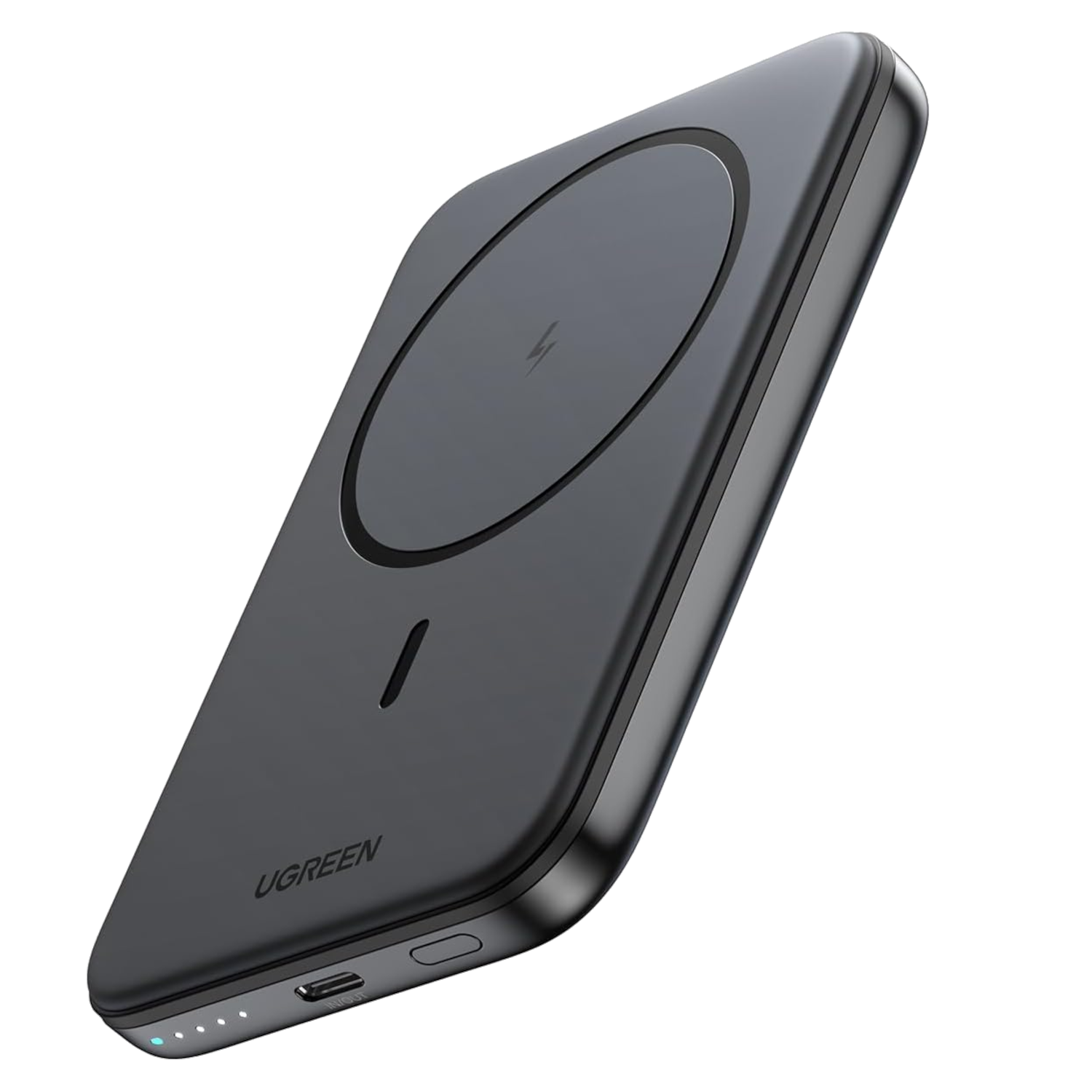
    If you’re looking for an affordable yet reputable option, consider the UGREEN Slim Magnetic Power Bank. With a capacity of 5,000mAh, it can deliver a full charge, making it perfect for keeping you powered up while on the move.

    The UGREEN Slim Magnetic Power Bank is offered in two colors (black and white), and its slim profile makes it easy to handle even when charging. Although the slight overhang may be a drawback, its budget-friendly price compensates for it.

    ugreen slim battery pack

    Best Budget

    UGREEN Slim Magnetic Power Bank

    Combining affordability with quality, the UGREEN Slim Magnetic Power Bank is the ideal charging solution at just $30, allowing you to stay free and unfettered during your daily activities.

    Pros

    • Slim, low-profile design
    • Strong magnetic connection
    • Provides full charge capability
    • Incredibly budget-friendly

    mophie snap+
    Mophie

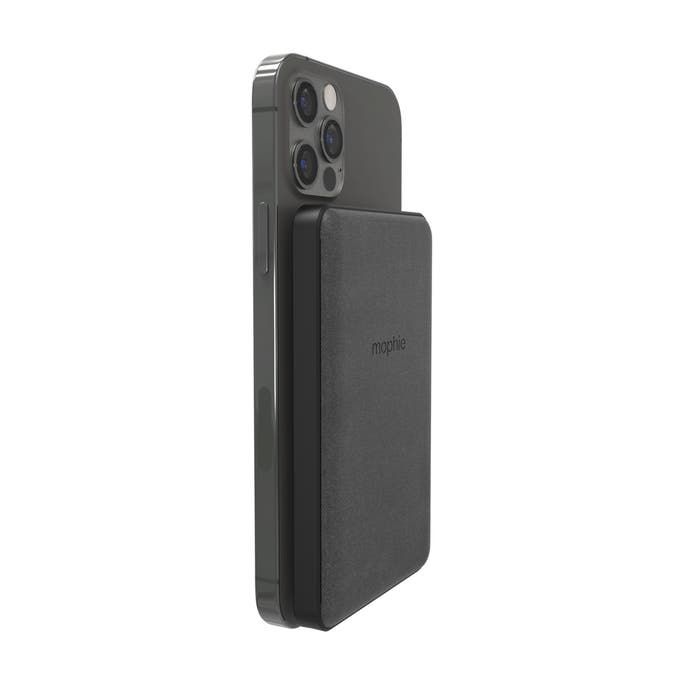
    The Mophie Snap+ Juice Pack Mini strikes a perfect balance between style and functionality, combining a kickstand with a 5,000mAh battery capacity. Its kickstand design is excellent for vertical viewing, making it ideal for enjoying short videos on platforms like Instagram and TikTok.

    Charging the Mophie Snap+ is straightforward, thanks to its dual-purpose USB-C port, which can both charge the power bank and connect devices. Its ability to support wired charging makes it a versatile power bank since some accessories, like headphones, may not support wireless charging.

    mophie snap plus juice pack mini

    Best With Kickstand

    mophie snap+ juice pack mini

    The mophie snap+ juice pack mini is unique among MagSafe battery packs as the only model supporting magnetic wireless charging on both the latest iPhones and older non-MagSafe models. It includes a small magnetic adapter that can be attached to your phone or case to add MagSafe functionality to almost any phone with wireless charging, including certain Android devices.

    Pros

    • Highly versatile
    • Effective vertical kickstand
    • Slim and easy to carry with your phone
    Cons

    • Can become warm during use
    • Relatively smaller capacity compared to others

    ugreen foldable kickstand
    UGREEN

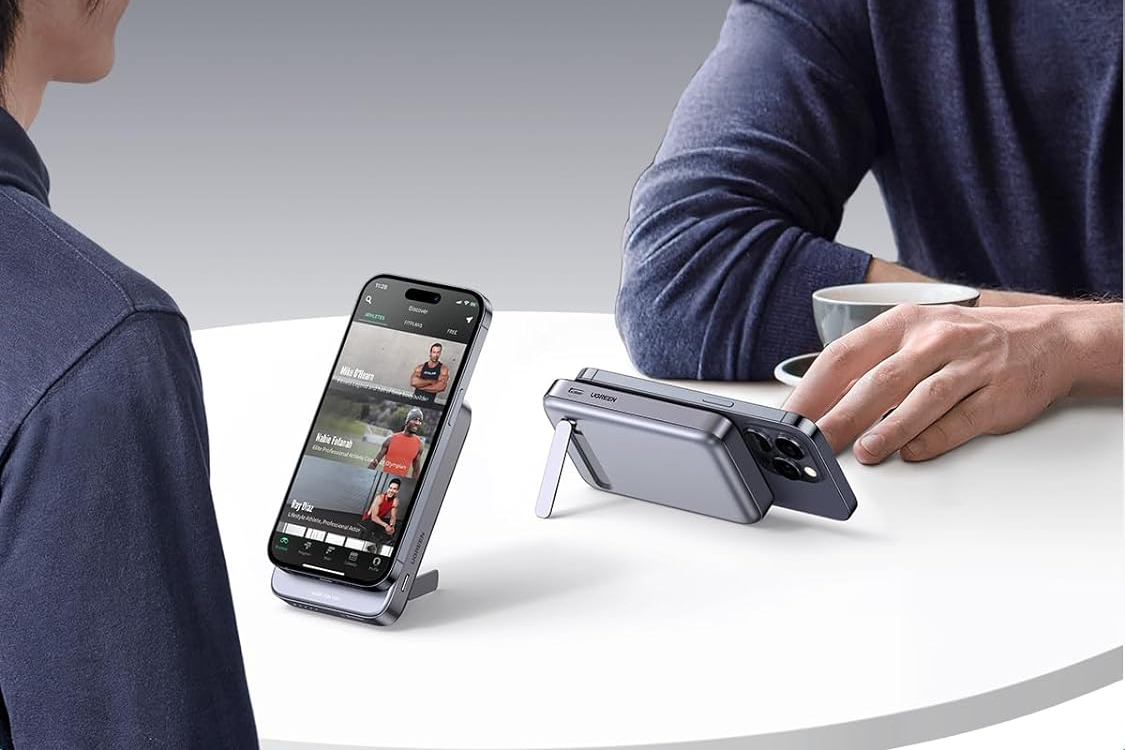
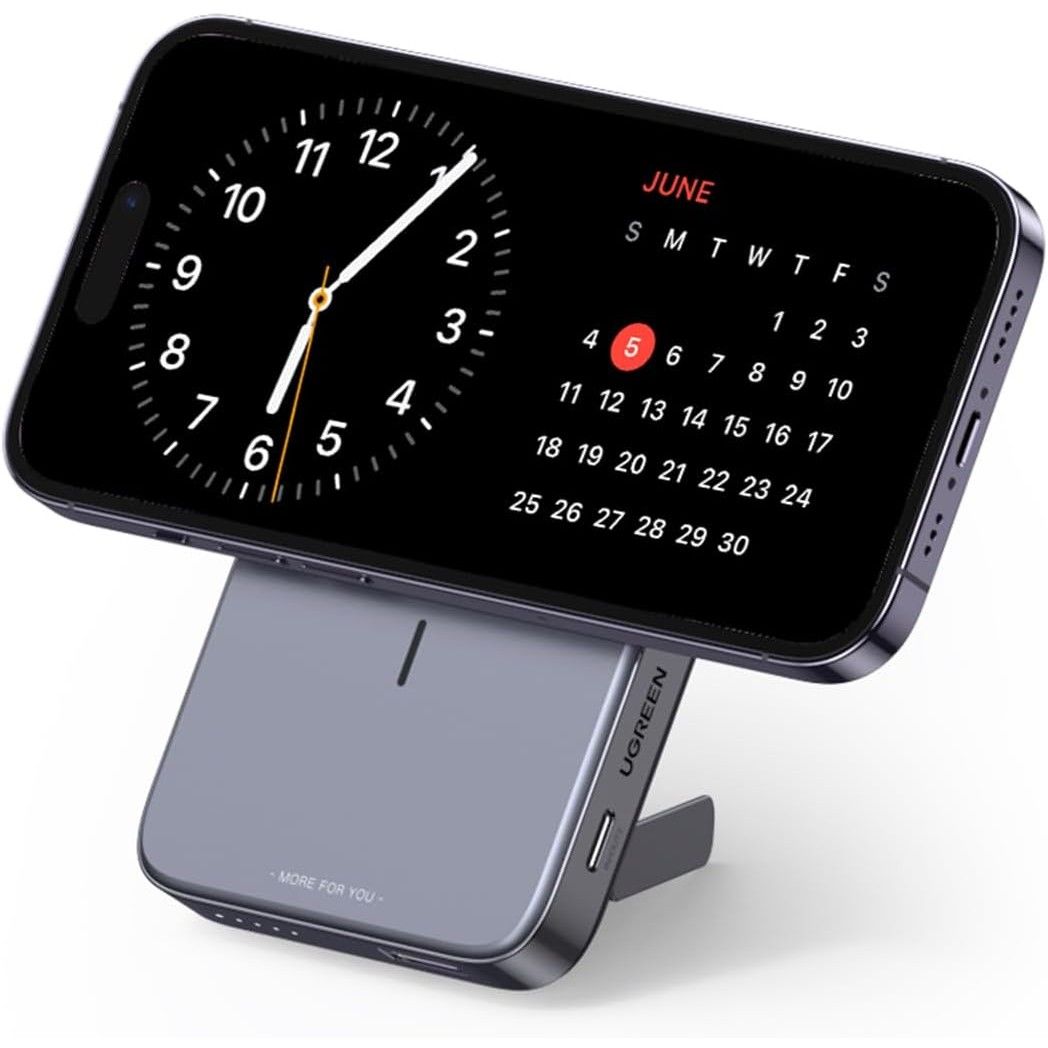
    The UGREEN Foldable Kickstand Magnetic Battery rivals the Anker 633 Magnetic Battery, both boasting a substantial 10,000mAh capacity, enabling charging for three devices simultaneously while featuring a flip-out kickstand for effortless hands-free use. However, UGREEN provides slightly faster charging with a 15W wireless module (up to 7.5W for iPhones), a 20W USB-C port, and a 22.5W USB-A port.

    Available only in one color, this power bank exudes a premium quality, aligning perfectly with the Pro iPhones. You can adjust the stand for vertical video calls or horizontal movie viewing. Its only downside is that it adds noticeable thickness to your phone, though it offers solid grip and stability.

    Ugreen Foldable Kickstand Magnetic Battery

    Best for Fast Charging

    UGREEN Foldable Kickstand Magnetic Battery

    $40 $60 Save $20

    If you frequently travel with multiple devices, the UGREEN Foldable Kickstand Magnetic Battery can charge three devices simultaneously at exceptional speeds. Its 10,000mAh battery enables multiple charges for your iPhone and boasts a sleek design reminiscent of Apple products.

    Pros

    • Up to 15W wireless and 20W USB-C charging
    • Charges three devices at once
    • Elegant, premium design
    • Built-in stand

    anker 621
    Anker

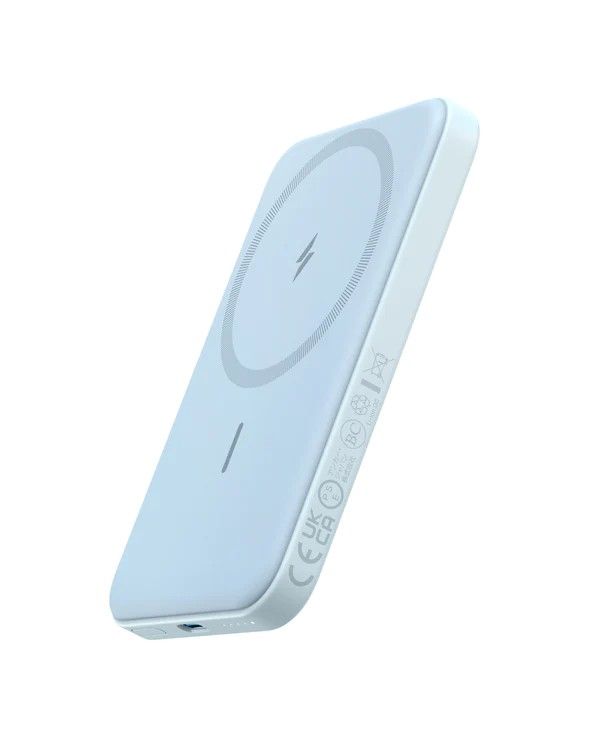
    The Anker 621 Magnetic Battery is another impressive MagSafe option, known for its compact size and lightweight design. Available in five vibrant colors, it allows users to customize the look to match their iPhones without adding much bulk, providing a comfortable grip.

    The 5,000mAh battery capacity is commendable for its price, especially when compared to official alternatives. It comes equipped with desirable features such as pass-through charging, 7.5W fast wireless charging, and strong magnets, plus you can also charge a second device through the USB-C port.

    Anker 621 Magnetic Battery Blue

    Most Portable

    Anker 621 Magnetic Battery

    The Anker 621 Magnetic Battery is the ideal choice for those who prefer lightweight solutions. It is the slimmest and lightest MagSafe power bank available and comes in five colors for personalized matching with your iPhone.

    Pros

    • Wireless and USB-C charging options
    • Compact and lightweight
    • Reliable strong magnet attachment
    • Variety of colors to coordinate with your iPhone

    FAQ

    Q: What is MagSafe?

    MagSafe is a technology utilized by iPhones, enabling them to magnetically attach to wireless charging devices for a secure connection. While wireless chargers include features to prevent overheating or accidents, MagSafe enhances this by ensuring that your charger maintains a secure hold without falling off.

    Q: Can I only use MagSafe with an iPhone?

    MagSafe technology is exclusively designed for iPhones, as they are the only devices equipped with this feature. It’s important to note that while MagSafe is a unique technology, many other smartphones can use wireless charging through compatible wireless power banks, like those designed for Samsung phones.

    Q: Is MagSafe superior to wireless charging?

    MagSafe and wireless charging serve different functions, so a direct comparison isn’t applicable. MagSafe’s magnetic functionality provides a more reliable connection than many wireless chargers that lack magnets, reducing the risk of your phone falling off the charging pad. Overall, MagSafe chargers generally provide superior charging consistency.

  • Top 7 Web Browsers to Watch in 2025

    Top 7 Web Browsers to Watch in 2025

    Our web browsers have evolved beyond simple applications on our devices. They have become the center of our online lives—used for everything from collaboration and productivity to shopping and streaming movies. However, many people still stick to the default or most popular options without carefully considering how these choices impact their daily routines.

    It’s essential to know that your browser options extend beyond those made by major tech companies like Apple and Google—though, as you’ll discover later, I think those are solid choices. Innovative startups such as Brave and The Browser Company are redefining web browsing with fresh designs and novel features.

    Over the last twenty years, I’ve jumped between different web browsers according to my evolving preferences and requirements. For this article, I evaluated all the leading web browsers to determine the best in their respective categories—here’s what I discovered.

    What Determines the Best Internet Browser?

    Modern web browsers do more than just access websites. They can execute advanced web applications, support console-quality gaming, enhance functionality through extensions, and protect your online identity. For someone like me who operates predominantly in the cloud, my web browser often serves as the primary tool for managing my digital existence. While each user has their own way of interacting with browsers, a few key features must be right: smooth performance that doesn’t drain system resources and an unobtrusive interface.

    Here are some features I was keen to evaluate:

    • Flexible Tab Management: A good browser should accommodate various multitasking styles, whether you prefer to keep numerous tabs open or utilize windowed sessions.
    • Third-Party Support: Users should be able to enhance or customize their browsing experience with tools they rely on.
    • Unique Features: Some browsers offer complete interface customization, while others introduce AI capabilities or robust privacy options that set them apart.

    I spent several weeks testing the most popular web browsers to see how they fit into everyday workflows. What I ultimately found were seven distinct browsers that I would recommend to anyone considering a change.

    The Top Web Browsers at a Glance

    Best Overall Web Browser: Google Chrome

    Pros:

    • Easy to learn and navigate
    • High performance
    • Extensive library of third-party extensions

    Cons:

    • Resource-intensive on devices

    Google Chrome is one of the most recognized web browsers globally, and for a good reason: it has established a dominant reputation through consistent performance and feature richness. It’s designed for speed, even on older machines, and it supports thousands of extensions, making it highly versatile. Its user-friendly minimalist design ensures a quick learning curve.

    However, Chrome does consume a significant amount of RAM—my experience on a Mac with 8GB of RAM showed extra memory usage of about 500-800MB with just a dozen tabs open. Chrome is packed with productivity features like tab grouping and bookmark management, plus the innovative Google Gemini AI integration lets you engage with intelligent search capabilities directly from the address bar.

    Given its widespread use, Google typically avoids significant overhauls, making Chrome more suitable for users seeking a traditional browsing layout over cutting-edge designs (like vertical tab management). Additionally, Google’s advertising interests may hinder its commitment to privacy-focused innovations, as it still accommodates third-party cookies.

    Best Browser for Mac and Other Apple Devices: Safari

    Pros:

    • Seamless integration with Apple devices
    • Optimized for performance on Macs
    • Strong privacy features

    Cons:

    • Can feel overly simplistic

    Safari is the go-to browser for Apple devices, optimized for seamless compatibility with macOS, iOS, and iPadOS. This means you can easily start browsing on one device and continue on another. Notably, it offers strong performance while consuming less battery, making it ideal for Mac users.

    Safari is packed with useful features, including a Distraction Control tool to minimize clutter on web pages. The Reading List helps users save articles for later, while privacy features like Intelligent Tracking Protection help block malicious sites and invasive trackers.

    However, while Safari’s clean interface is appealing, it can sometimes come off as overly minimalist, hiding shortcuts behind extra menus. New users may find that its flat, monochrome icons complicate navigation.

    Best Browser for Productivity: Arc

    Pros:

    • User-friendly sidebar for tab management
    • Supports split-screen browsing
    • Numerous productivity tools

    Cons:

    • Desktop-only
    • Steep learning curve

    For those who juggle many tabs, Arc presents a fresh design that strays from conventional browser layouts. It replaces the top search bar with a sidebar that allows users to create workspaces and organize tabs more intuitively.

    Arc includes productivity features like split-screen capabilities for up to four tabs and a comprehensive search function to access quickly. While beneficial for power users, be prepared for some learning to get familiar with its unique setup, particularly since it lacks some traditional elements like the bookmarks bar and is primarily desktop-focused.

    Best Browser for AI Features: Microsoft Edge

    Pros:

    • Integrates with Microsoft’s AI tools
    • Battery-efficient compared to Chrome

    Cons:

    • Can feel cluttered

    Microsoft Edge, the default browser for Windows, brings AI features to the forefront with its dedicated panel for the Copilot chatbot. This allows users to ask contextual questions while browsing, along with generating visuals from AI.

    While Edge’s AI functionalities are impressive, they can clutter the user interface. Still, its energy efficiency and compatibility with Chrome’s extension store make it a compelling alternative to Google Chrome.

    Best Browser for Privacy: Mozilla Firefox

    Pros:

    • Independent from tech giant influence
    • Lightweight and fast

    Cons:

    • Occasionally sluggish with heavy media

    Mozilla Firefox remains a standout for privacy-conscious users. Running on its own open-source engine, it provides a unique browsing experience free from advertising interests. Firefox is lightweight, making it suitable for devices with less RAM, and includes features like a built-in PDF editor and tracking blocker.

    However, Firefox can struggle with heavy media playback, making it less ideal for users who heavily consume video content.

    Best Browser for Ad-Free Browsing: Brave

    Pros:

    • Blocks ads and trackers by default
    • Rewards users for viewing ads

    Cons:

    • Some services still need further development

    Brave distinguishes itself by offering an ad-free browsing experience from the start. It blocks intrusive ads and trackers, resulting in faster page loads and reduced data consumption. Moreover, when users opt-in to view Brave’s ads, they earn rewards to support their favorite content creators.

    Nevertheless, Brave’s additional services aren’t as polished as mainstream alternatives, and the constant prompts to try them can be distracting.

    Best Browser for Customization: Vivaldi

    Pros:

    • Extremely customizable
    • Unique approach to tab management

    Cons:

    • Requires more time to set up

    Vivaldi is a customizable browser built on Chrome’s architecture, allowing users to personalize it extensively. Users can modify every facet of the interface and functionality, from button placements to theme colors.

    Vivaldi’s innovative tab management allows for stacked rows of tabs, helping to keep your workspace organized. Additionally, users can pin panels in the sidebar for quick access to notes and file history.

    Which Browser Is Right for You?

    There’s no single web browser that meets everyone’s needs perfectly—if such a solution existed, I would have simply recommended it upfront. Since everyone uses the internet differently, it’s essential to choose the browser that best suits your online habits, supplementing it with tools and extensions that help you navigate your digital life.

    For multitasking among numerous tabs, Arc really impresses, while Brave provides relief for those tired of online distractions. The beauty of switching browsers is that it takes just minutes to import your existing data, allowing you to explore a few options over a couple of weeks and find the best fit for your unique workflow.

  • Top Smart Locks to Consider in 2024

    Top Smart Locks to Consider in 2024

    Smart Locks: Enhancing Security and Convenience

    Smart locks provide an innovative solution for improving home security and convenience. With a variety of options available, you can find the perfect smart lock to fit your specific needs and budget. Whether you’re interested in integrating your lock with a smart home system or require sophisticated access management, there’s a smart lock made for you.

    Schlage Encode Smart Wi-Fi Deadbolt

    The Schlage Encode Smart Wi-Fi Deadbolt stands out as an ideal option for users seeking a secure and easy-to-install lock. Designed for residential doors, this lock combines ease of use with strong security features, making it our top overall recommendation.

    This smart lock boasts an extensive range of features and includes built-in Wi-Fi for remote control without the need for extra devices. Via the Schlage Home or Key by Amazon apps, you can manage your lock and generate up to 100 customizable access codes. These codes can be set for recurring, temporary, or permanent access, offering great flexibility.

    However, it’s important to note that the Schlage Encode mainly supports Alexa and Google Assistant. Unfortunately, there is no compatibility with Apple HomeKit or IFTTT, although the Wi-Fi feature works seamlessly on both iOS and Android.

    Key Features:

    • Price: $230 (Regular Price: $300 – Save $70)
    • Pros:
      • Fingerprint-resistant touchscreen
      • Built-in alarm with robust security features
      • User-friendly app
      • No smart hub required
      • Physical key option
      • Integration with Ring doorbells and cameras
    • Cons:
      • No compatibility with Apple HomeKit and IFTTT
      • Lacks geofencing features
      • No fingerprint reader available

    Wyze Lock Bolt

    If you’re looking for a budget-friendly smart lock, consider the Wyze Lock Bolt, which offers quick, keyless entry with both fingerprint recognition and a keypad. This lock features anti-peep technology, allowing you to enter random digits before or after your actual access code to prevent anyone from easily stealing your code.

    The Wyze app lets you track who accesses your home via Bluetooth, making it a great option for anyone who wants to monitor entries and maintain more control over access, particularly for Airbnb hosts.

    Wyze Lock Bolt

    Key Features:

    • Pros:
      • Stores up to 50 fingerprints
      • Anti-peep feature for added security
      • Budget-friendly and reliable
      • Long battery life
      • Waterproof design
    • Cons:
      • Lacks built-in Wi-Fi
      • Requires pairing with Wyze Doorbell Pro for full remote functionality

    August Wi-Fi Smart Lock (4th Generation)

    For homeowners wanting to upgrade their existing deadbolt, the August Wi-Fi Smart Lock is a top-notch choice. This award-winning device maintains a traditional design while incorporating modern technology, ensuring security without sacrificing aesthetics. It also retains a key and keyhole for backup.

    Installation takes about ten minutes, and the August app makes locking and unlocking your door quick and silent. It even allows you to manage multiple locks and assign access levels to guests.

    August Wi-Fi Smart Lock

    Key Features:

    • Price: $158 (Regular Price: $230 – Save $72)
    • Pros:
      • Compatible with various smart home systems
      • Easy installation process
      • Discreet and compact design
      • Schedule permissions for guests
      • Auto-lock and unlock features
    • Cons:
      • No 5GHz connectivity
      • Battery life could be improved

    Yale Assure 2

    Ideal for Airbnb hosts, the Yale Assure 2 provides flexible access methods. Its keypad allows guests easy entry, and it can be remotely managed to provide temporary codes while maintaining security. Built-in Wi-Fi permits unlocking from anywhere, which is perfect for accidental lockouts.

    This smart lock seamlessly integrates with major home automation systems, enabling hosts to manage access easily and control the door with voice commands.

    Yale Assure 2

    Key Features:

    • Price: $190 (Regular Price: $240 – Save $50)
    • Pros:
      • Bluetooth and physical key alternatives
      • Compatible with popular smart home ecosystems
      • Remote management capabilities
      • User-friendly app
      • Matter compatibility
    • Cons:
      • Battery life is below average
      • More complex installation than some other models
      • Lacks 5GHz support

    Level Lock Plus

    The Level Lock Plus offers excellent compatibility for Apple HomeKit users, blending seamlessly into existing setups. While it comes with a higher price tag, it boasts sleek design and intuitive access management.

    All Apple devices connected to your HomeKit will easily recognize the lock, allowing for precise access control and voice command functionality via Siri.

    Level Lock Plus

    Key Features:

    • Pros:
      • Uncluttered, classic design with no visible branding
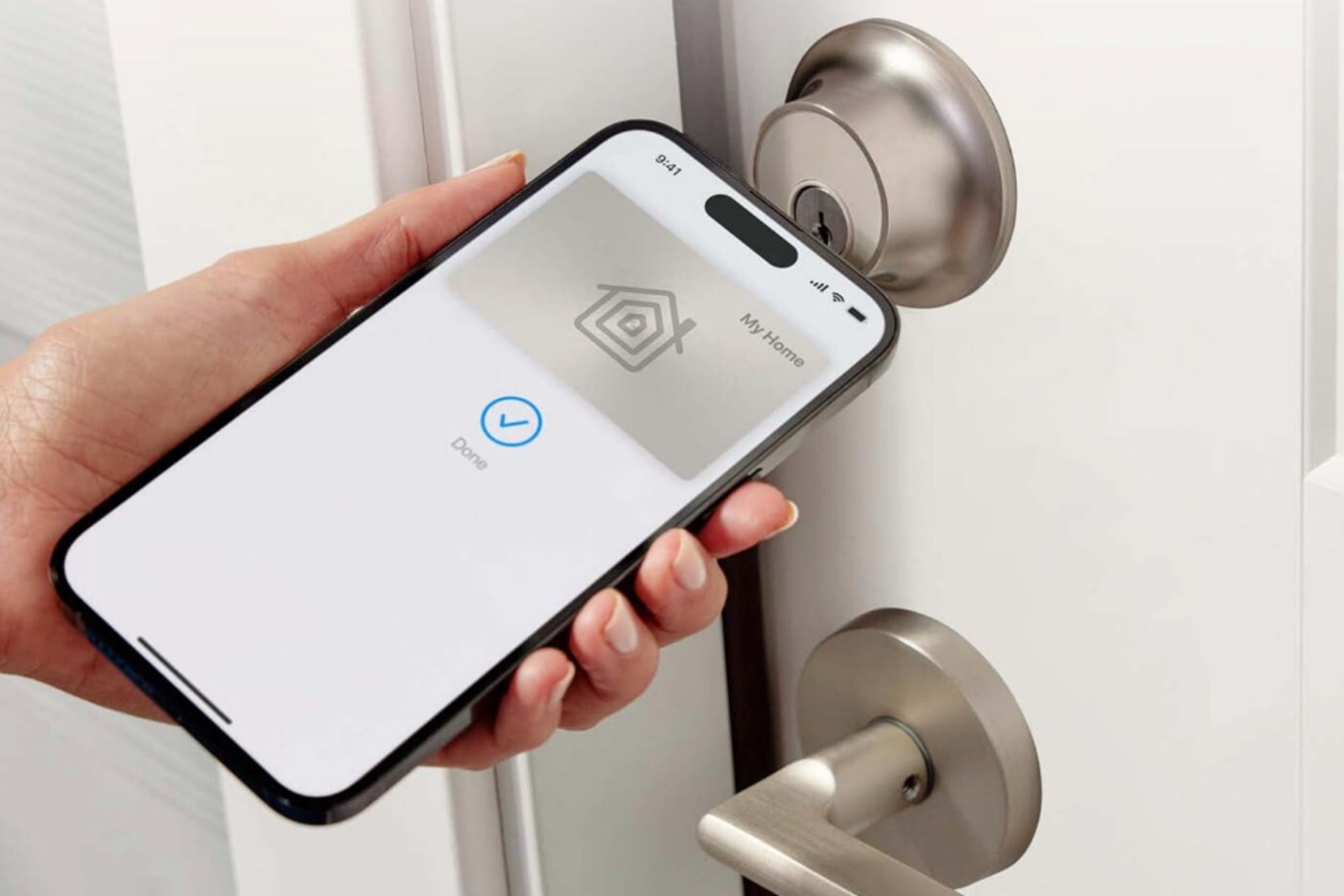
      • Simple unlocking with Apple Home Key
      • Easy installation process
      • Long-lasting battery
    • Cons:
      • Pricier than many competitors
      • Keypad sold separately

    Frequently Asked Questions

    Q: Can I install a smart door lock on any door?
    Yes, most doors can accommodate smart locks, but ensure the lock is compatible with your door’s dimensions and existing locking mechanism.

    Q: Can a smart door lock be installed in a rental property?
    It’s best to consult your landlord first, as they may have rules about modifications.

    Q: Are smart door locks vulnerable to hacking?
    While there is a risk of hacking, you can minimize it by implementing strong security practices.

    Q: Do all smart locks work with every smart home ecosystem?
    Not all smart locks are universally compatible, so always verify compatibility before making a purchase.

  • Top 1440p Gaming Monitors for Every Budget

    Top 1440p Gaming Monitors for Every Budget

    A 1440p monitor, often referred to as a 2K display, is an excellent middle ground, especially for gaming enthusiasts. While it may not offer the crispness of 4K resolution, it significantly surpasses 1080p displays in terms of detail. With a higher pixel count and greater pixel density, 1440p monitors come in various models to suit every budget—ranging from high-end, premium specifications to affordable, entry-level options.


    Top Choice for 1440p Gaming: Gigabyte M27Q

    Gigabyte

    The GIGABYTE M27Q is an impressive yet budget-friendly 1440p gaming monitor, especially great for those who value wide viewing angles. Thanks to its IPS panel, users can enjoy more flexibility in monitor placement, complemented by the stand’s height and tilt adjustments. However, its performance specifications truly outshine these features.

    This monitor’s 1440p resolution delivers stunning visuals, enhanced by HDR400 and a DCI-P3 color gamut of 92%. On the competitive gaming side, its standout feature is the rapid 170Hz refresh rate, paired with AMD FreeSync technology to minimize screen tearing.

    Another notable aspect is its ultra-fast 0.5ms MPRT response time, which significantly reduces motion blur. This monitor is an ideal choice for competitive gamers looking for high performance without breaking the bank.


    Best Mid-Range 1440p Monitor: MSI Optix MAG274QRF-QD

    MSI Optix MAG274QRF-QD
    MSI

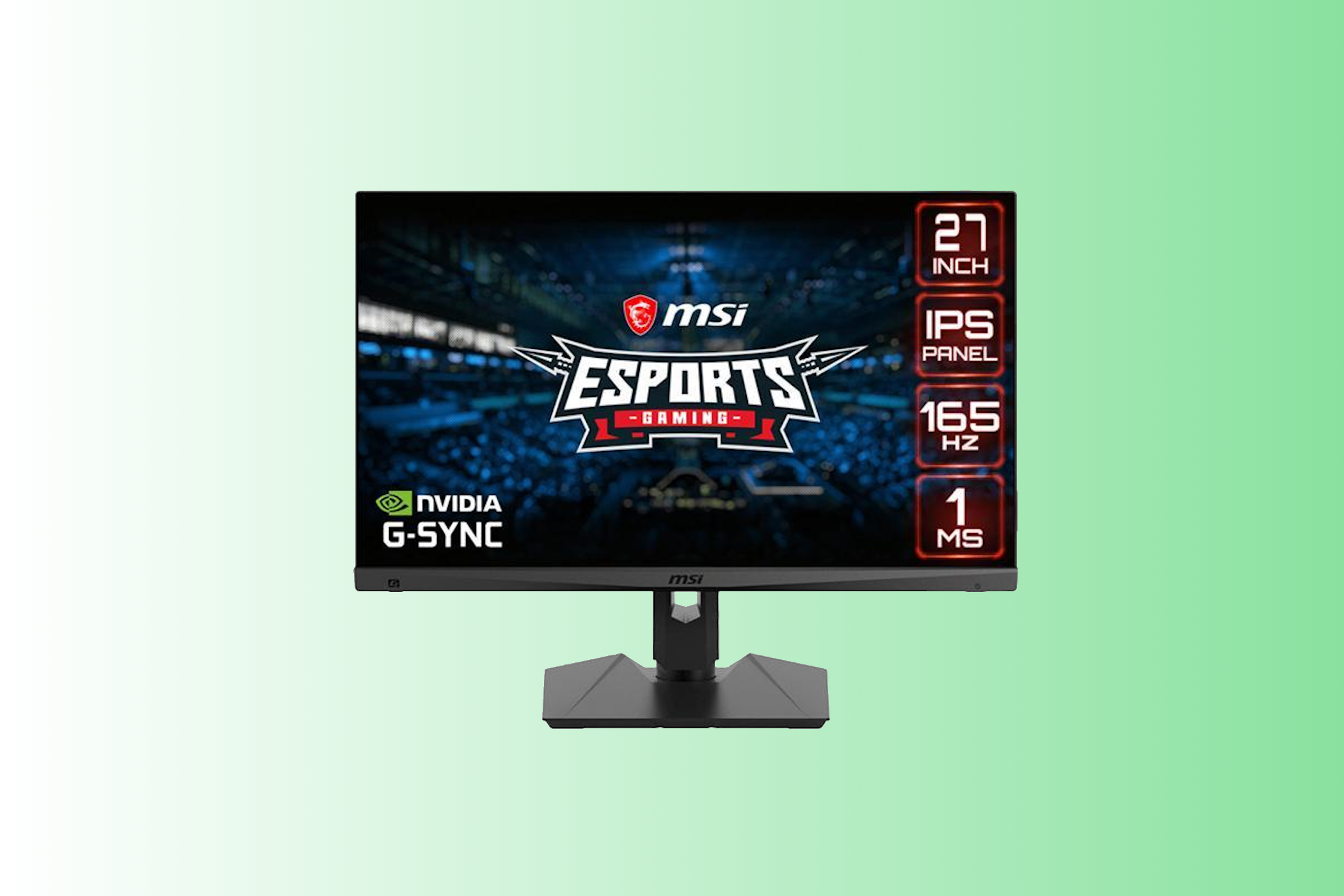
    If you’re aiming to save a few bucks while still enjoying excellent gaming performance, consider the MSI Optix MAG274QRF-QD. This 27-inch monitor packs a punch with a native refresh rate of 165Hz. With compatibility for both G-Sync and FreeSync, it adjusts the refresh rate based on your GPU, ensuring a smoothly flowing gaming experience, especially with its 1ms GTG response time.

    Additionally, its versatile stand allows for tilting, lowering, raising, swiveling, and pivoting, making it a perfect fit for various gaming setups. The ultra-thin bezel will seamlessly integrate into your gaming space.


    Best Budget 1440p Gaming Monitor: Acer V277U

    Acer V277U
    Acer

    For gamers wanting an affordable entry into 1440p, the Acer V277U is an exceptional choice. This 27-inch monitor offers an accessible price with the essential features needed to enjoy 1440p gaming without pushing your budget. Its compact stand design takes up minimal space on the desk and has tilting capabilities. Additionally, you can mount it to the wall via VESA mounting for further convenience.

    With a refresh rate of 75Hz and a respectable 4ms response time, it’s suitable for casual gaming while still providing a decent visual experience.


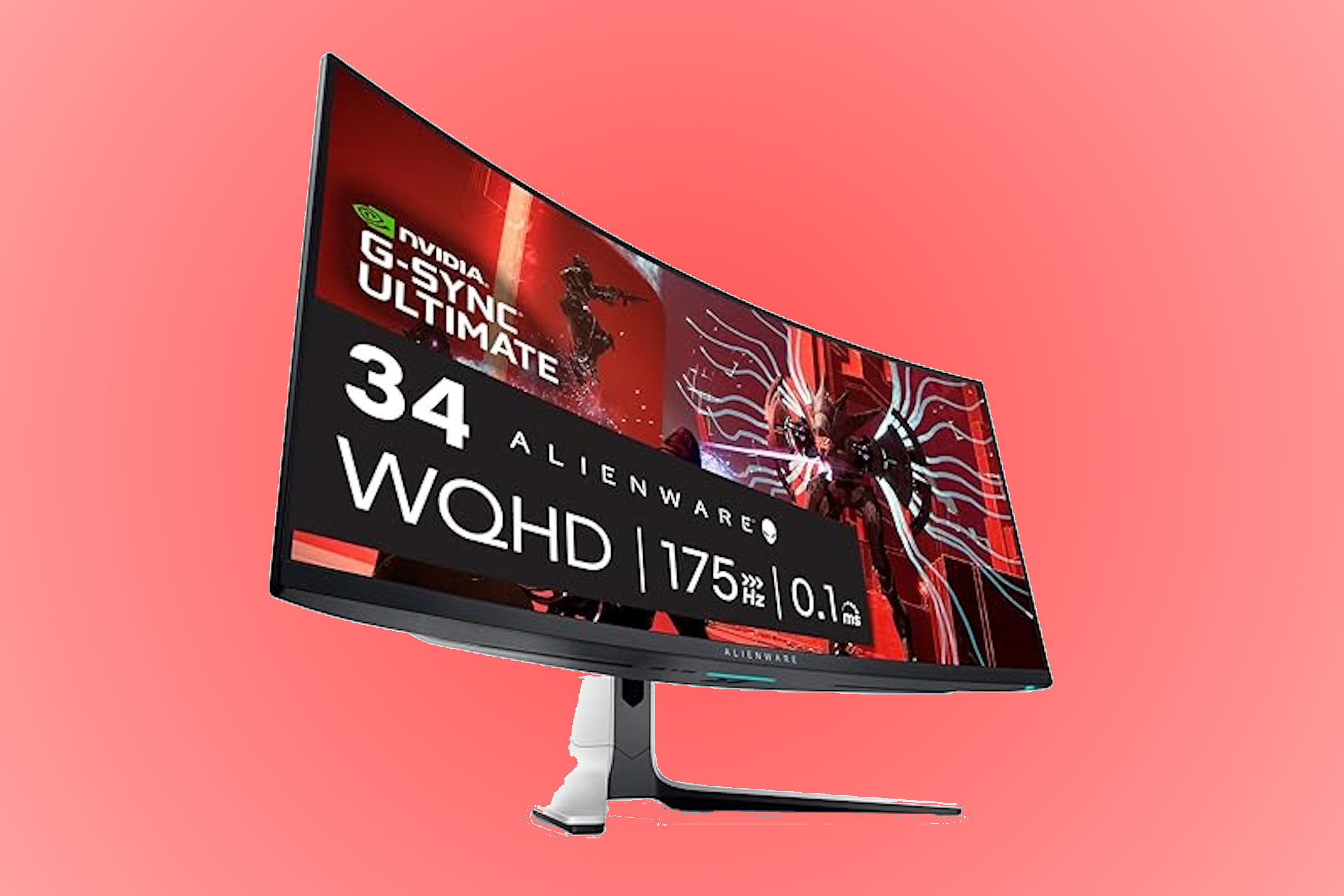
    Best Ultrawide 1440p Gaming Monitor: Alienware AW3423DW

    Alienware AW3423DW
    Alienware

    If you want to elevate your gaming experience, the Alienware AW3423DW is a fantastic choice, especially for color enthusiasts. Its quantum dot display offers rich, vibrant colors and impressive contrast, making your games look stunning.

    This monitor requires significant desk space but offers height, tilt, and swivel adjustability. It also supports VESA wall mounts, making installation straightforward.


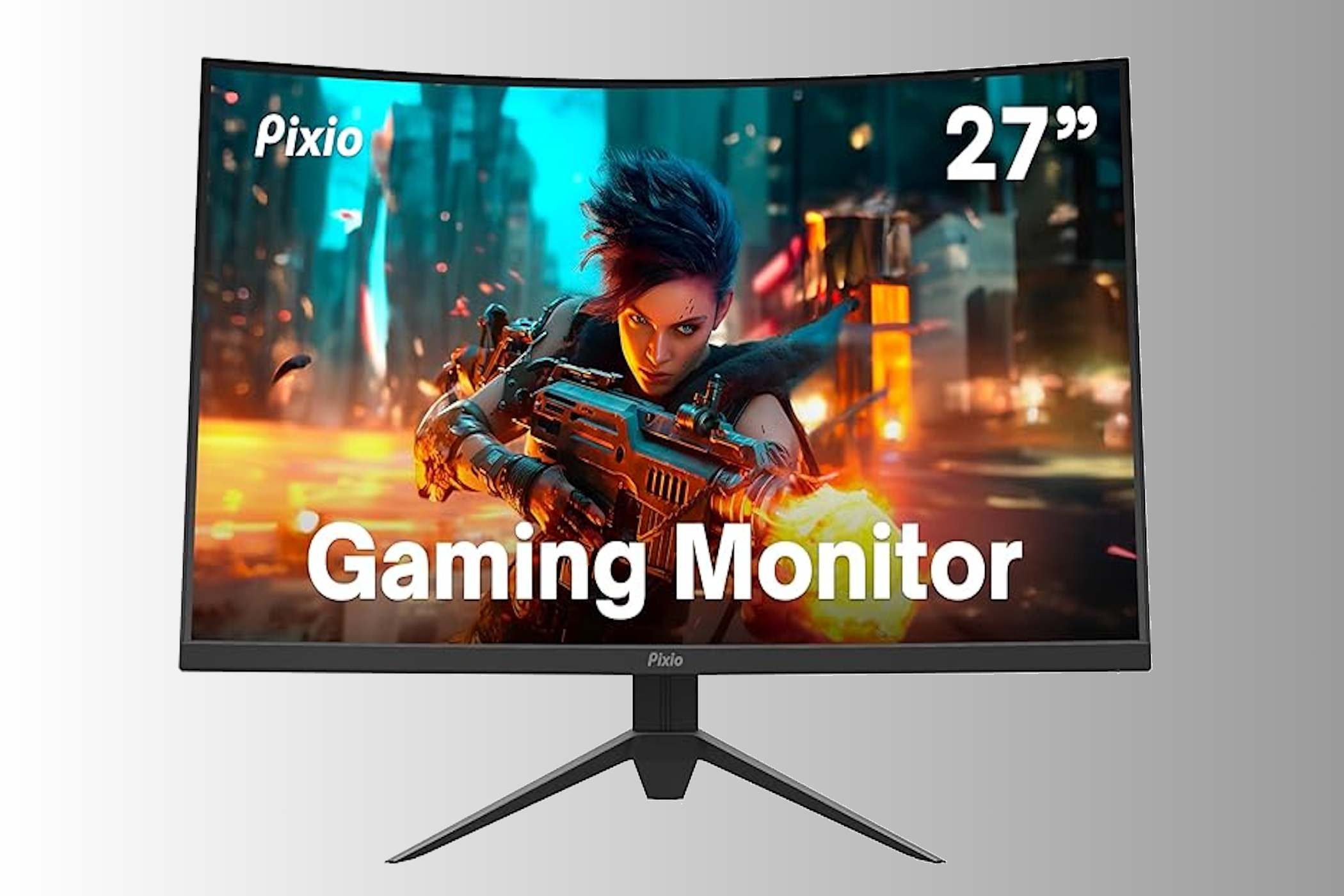
    Best Curved 1440p Gaming Monitor: Pixio PXC277 Advanced

    Pixio PXC277 Advanced
    Pixio

    Curved monitors offer immersive experiences, and the Pixio PXC277 Advanced combines affordability with performance. This 27-inch model maintains excellent resolution without compromising pixel quality. For those who desire a larger display, a 32-inch version is also available.

    The PXC277 supports adaptive sync technology, enhancing your gaming visuals and ensuring smooth gameplay.


    FAQs

    Q: Is 1440p resolution actually 2K resolution?
    A: The 1440p (or Quad HD) resolution measures around 2560 x 1440 pixels. While it’s colloquially known as 2K, it’s more accurately described as a 2.5K resolution.

    Q: How much better is a 1440p monitor compared to a 1080p monitor?
    A: A 1440p monitor features 2560 x 1440 pixels, while a 1080p monitor has 1920 x 1080 pixels. This results in 3,686,400 pixels for 1440p versus 2,073,600 for 1080p, meaning the former shows significantly more detail.

    Q: Should I consider a 4K monitor?
    A: A 4K monitor is worth considering for tasks like video editing due to its sharpness and detail. However, for everyday use or casual gaming, a 4K display might be excessive.

    Q: Can an ultrawide 1440p monitor replace two monitors?
    A: An ultrawide monitor can potentially replace two separate monitors, provided it’s sufficiently large, but it primarily refers to the screen’s aspect ratio rather than its size.

  • Top Printers to Consider in 2024

    Top Printers to Consider in 2024

    Finding the right printer can be a daunting task, especially with the vast array of choices available. The market is flooded with options, making it tricky to select one that fits your needs. The primary goal is to find a printer that offers both quality output and value for money.

    Epson

    The Epson EcoTank Photo ET-8500 emerges as our top pick for a printer for various reasons. Though it may not be the best fit for corporate environments, it excels as an all-in-one (AIO) household printer.

    This model is capable of producing high-quality, vibrant color photos and crisp monochrome documents, along with delivering excellent scanning and photocopy results. It can print borderless photos up to 8.5 x 11 inches, and for larger images up to 13 x 19 inches, you might consider the ET-8550. It even adds a personal touch by allowing you to print directly onto CDs and DVDs for family collections.

    Its cartridge-free design results in substantial long-term savings. Printing photos can cost as little as four cents each, and the ink bottles can last up to two years with a yield of up to 6,200 color pages. This design also benefits the environment by minimizing waste from discarded cartridges.

    Epson EcoTank Photo ET-8500

    Best Overall

    Epson EcoTank Photo ET-8500

    $634 $700 Save $66

    Excellence as a household all-in-one printer, with vibrant color photo output, borderless printing up to 8.5 x 11 inches, and eco-friendly ink bottles.

    Pros

    • User-friendly, 4.3-inch touch interface
    • Compatible with iOS and Android devices
    • Prints via Ethernet, USB, Wi-Fi, or SD card
    • High-resolution, double-sided scanning
    • Print speeds of 12ppm for color and 16ppm for monochrome
    • Automatic duplex printing
    Cons

    • Not suitable for large office spaces
    • Larger size may be inconvenient
    • Higher initial investment

    A Canon Pixma MG3620 printing a color photo of a boy.
    Canon

    If you’re in the market for an affordable AIO home printer, the Canon Pixma MG3620 is an excellent choice. This reliable 3-in-1 inkjet printer not only scans and photocopies but also produces sharp, detailed documents along with surprisingly vibrant color photos. Though the print speed is only adequate, its price point is more than reasonable. It features a 100-sheet capacity and automatic double-sided printing.

    With economical cartridges, the cost-per-print remains low. The printer supports various connectivity options, including USB, Wi-Fi, Apple AirPrint, Mopria for Android, and the Canon PRINT app. An added benefit is Alexa integration, which enables voice-activated printing and notifications when ink levels are low, along with the capability to reorder ink through Amazon automatically.

    Canon Pixma MG3620

    Best Budget

    Canon Pixma MG3620

    $60 $80 Save $20

    An excellent budget option for anyone seeking a cost-effective all-in-one printer. This inkjet offers superb print and scan quality with crisp, accurate colors. Although it is slightly slower in print speed, the cost per print remains appealing due to its economical cartridges, along with wireless capabilities via Wi-Fi and compatibility with various wireless printing apps.

    Pros

    • Exceptional value with cost-efficient printing
    • ENERGY STAR certified
    • High color accuracy with 48-bit color depth
    • 4800 x 1200 resolution for sharp text
    Cons

    • Not designed for large office use
    • Lacks an automatic document feeder (ADF)
    • No duplex scanning available

    A Brother MFC-J6955DW AIO printer

    For busy offices, laser printers are usually the go-to option. However, the Brother MFC-J6955DW sets itself apart as a versatile inkjet printer designed for demanding work environments.

    This AIO device offers printing, scanning, photocopying, and faxing, excelling in both quality and efficiency. With a speed of 30ppm and a resolution of 1,200 x 1,200dpi (and up to 2,400dpi for scanning), it performs admirably, producing clear, professional documents.

    It supports up to A3-sized sheets, making it a great choice for large-format tasks like posters or brochures. Dual paper trays can hold up to 500 sheets each, coupled with additional capacity in the multipurpose tray and automatic document feeder (ADF), effectively minimizing the need for frequent reloading.

    The standout feature of this inkjet model is its high-yield ink system. Standard cartridges can print 3,000 black-and-white pages and 1,500 color pages, with optional XL cartridges that enhance efficiency.

    Brother MFC-J6955DW

    Best AIO

    Brother MFC-J6955DW

    A versatile inkjet printer tailored for busy offices, excelling in efficient printing, scanning, copying, and faxing. It supports large-format printing along with high-capacity paper trays and a cost-effective ink system.

    Pros

    • Easy to set up
    • Multiple connectivity options, including NFC
    • Cost-effective ink cartridges
    • Supports A3/tabloid printing
    • Single-pass duplex scanning capabilities
    • Decent printing speeds

    Someone choosing an option on the Epson SureColor P900 touchscreen.
    Epson

    For high-quality photo printing, investing in a professional-grade printer is essential. Although the Epson SureColor P900 carries a significant price tag, the stunning image quality justifies the cost. It produces vibrant colors and deep blacks, making it an ideal option for professional photographers and artists seeking long-lasting prints.

    With the capability to print up to A2 in size, the SureColor P900 utilizes ten pigment-based inks that deliver exceptional results in both color and black-and-white outputs. A unique feature is its dedicated ink channel for every color, enhancing image quality and operational efficiency while minimizing maintenance concerns.

    While this printer is on the pricey side and tailored for professionals, those solely seeking a compact, high-quality device to print images from their smartphone or tablet may consider the Kodak Step Printer. Utilizing Zink (zero ink) technology, it produces high-quality 2 x 3-inch prints on durable, sticky-backed paper. Compact and easy to transport, it’s perfect for parties and travel.

    Epson SureColor P900

    Best for Photo Printing

    Epson SureColor P900

    $1229 $1349 Save $120

    A top-of-the-line choice for professional photography, the Epson SureColor P900 offers unmatched image quality with rich colors and deep blacks.

    Pros

    • User-friendly 4.3-inch touchscreen
    • Internal lighting for easy monitoring
    • Dedicated nozzles for both photo and matte black inks
    • Simple setup process
    Cons

    • High cost
    • Slower printing in top-quality mode (yet worth it)

    Best Printer for Label Printing: Zebra GK420d

    Two Zebra GK420d label printers side by side.
    Zebra

    The Zebra GK420d is a versatile label printer designed for printing a variety of labels, such as barcodes, name tags, and shipping labels. Compact and user-friendly, it excels at producing standard 4 x 6-inch shipping labels.

    This printer utilizes direct thermal technology, applying heat to create text on direct thermal label stock. Although not built for high-volume outputs, it maintains a good print speed of 5 inches per second.

    However, if you need a printer capable of printing intricate graphics on labels, you’ll have to consider options beyond the 203dpi resolution provided by this straightforward label printer.

    If a dedicated shipping label printer is what you require, the Rollo USB printer stands out as a fast, reliable, compact choice that requires minimal maintenance.

    Zebra GK420d

    Best Label Printer

    Zebra GK420d

    $390 $639 Save $249

    Lightweight, compact, and user-friendly, the Zebra GK420d produces high-quality shipping labels rapidly. It offers versatility with the ability to print different label types via USB, Serial, and Parallel connections.

    Pros

    • Multiple connectivity options: USB, Serial, and Parallel
    • Solid print quality
    • Straightforward setup
    • Quick printing speeds
    Cons

    • Lacks wireless connectivity
    • Mac calibration might be complicated

    FAQs

    Q: Do I need Wi-Fi to connect my printer to my computer?

    Typically, a wireless printer will require a Wi-Fi connection for setup unless it supports Bluetooth. Alternatively, you can opt for an Ethernet cable if your printer has that option, which allows for faster and more stable connections. Additionally, a wired printer can be connected directly to your computer via USB, and if both devices support Wi-Fi Direct, they can connect without an external Wi-Fi network.

    Q: Can I print from my smartphone? If so, how?

    Yes, direct printing from your smartphone is possible. You can use Wi-Fi Direct for a direct link between your smartphone and printer, bypassing the need for a Wi-Fi network.

    Moreover, if both devices share the same network, you can print from supported apps on your smartphone. Many printers also offer cloud printing services such as Apple AirPrint or their specific mobile apps for remote printing.

    Q: Can I connect to a printer via Bluetooth?

    Connecting to a printer using Bluetooth is feasible only if the printer has Bluetooth capabilities. It’s advisable to verify that the printer you’re purchasing includes this feature. While less common in printers, Bluetooth can be a convenient option, offering wireless connectivity at a shorter range.

  • Top PS5 Controllers for Ultimate Gaming Performance

    Top PS5 Controllers for Ultimate Gaming Performance

    Even though PS5 controllers have been around for a few years, the options available remain limited. However, the performance and quality of the gamepads on the market are outstanding. Ranging from the classic DualSense to the high-end Nacon Revolution 5 Pro, here are the top five PS5 controllers you can find today.

    Image Credit: PlayStation

    While it may come with a hefty price tag, the DualSense Edge is hailed as the ultimate PS5 controller for dedicated gamers. Created by Sony, it has a sleek black and white design that complements the console and is built for comfort during extended gaming sessions. Featuring haptic feedback, adaptive triggers, mappable back buttons, and adjustable trigger lengths, it allows for quick profile switching, making it easy to jump into new games with your preferred settings.

    The DualSense Edge also offers three interchangeable analog stick caps and includes a dedicated carrying case, which is a significant advantage for gamers on the go. This ensures your $200 investment stays protected while you navigate your gaming adventures.

    dualsense-edge-listing-thumb-01

    Best Overall

    Sony PS5 DualSense Edge Wireless Controller

    The DualSense Edge combines haptic feedback, adaptive triggers, remappable buttons, and exceptional build quality from Sony, making it the top choice for most gamers.

    Pros

    • Ergonomic design
    • Adjustable triggers
    • Mappable back buttons
    • Includes carrying case

    A White and Blue DualSense Controller on Black Background

    Interestingly, there are not many budget-friendly PS5 controllers that come highly recommended. As a result, the original Sony DualSense remains the go-to controller for those looking to save money. With a variety of attractive colors available, it’s often easy to snag one at a discount if you’re patient.

    What’s more, the DualSense offers many of the features found in its pricier counterpart, the DualSense Edge. This includes haptic feedback, adaptive triggers, a built-in microphone, and an ergonomic shape. Plus, it’s convenient to charge with a USB-C cable, allowing for quick top-ups between gaming sessions without relying on AA batteries.

    front of the playstation dualsense controller

    Best Budget

    PlayStation DualSense

    The standard DualSense remains the best budget-friendly option since the launch of the PS5 in 2020, with few alternatives available.

    Pros

    • Available in multiple colors
    • Built-in microphone
    • Outstanding haptic feedback
    • Designed by Sony
    Cons

    • Limited customization
    • Price can still be high

    Nacon Revolution 5 Pro
    Nacon

    The Nacon Revolution 5 Pro is a licensed controller packed with great features. Notably, it uses Hall Effect magnetic sensors to prevent analog stick drift. Additionally, it includes adjustable trigger depth and four customizable back paddles.

    Fighting game enthusiasts will appreciate the Revolution 5 Pro for its special D-pad, which offers two swappable styles—one designed in collaboration with fighting game expert Mister Crimson. With the added support for PS4 and PC, this controller is perfect for multi-platform gaming.

    Nacon

    Best Premium

    Nacon Revolution 5 Pro

    With extensive customization features and official licensing, the Nacon Revolution 5 Pro is perfect for high-level, competitive gaming. While it may be pricey, avid gamers will appreciate its many advantages.

    Pros

    • Officially licensed
    • Uses Hall Effect analog sticks
    • Remappable buttons
    • D-pad designed for gamers

    PDP Victrix
    PDP

    If you enjoy customizing your controller to the max, the PDP Victrix BFG Wireless Gaming Controller should be on your radar. Despite its long name, its potential for customization is significant. One standout feature is its modular design, which lets you rotate the left analog stick and D-pad, providing the option for offset or aligned sticks—something relatively rare in the controller world.

    Other customizable features include remappable back paddles, adjustable triggers, and compatibility with both wired and wireless play. You can also use the Victrix Control Hub app to dive deeper into settings modification. Essentially, almost every aspect of this controller is up for adjustment. Although this makes it a bit bulkier, it is the perfect choice for discerning gamers.

    Victrix BFG

    Best for Customization

    PDP Victrix Pro BFG Wireless Gaming Controller

    $149 $180 Save $31

    The customization options available on the PDP Victrix Pro BFG are truly impressive. You can swap out its modular components, adjust back paddles and triggers, and map buttons to create a controller tailored to your preferences.

    Pros

    • Modular design
    • Button remapping capabilities
    • Includes four back paddles
    • Adjustable triggers available

    Victrix Pro FS
    Victrix

    For those into competitive fighting games, the Victrix Pro FS is an exceptional choice. While it comes with a steep price tag, its durable aluminum construction and responsive buttons make it a reliable tool for serious players. The panel provides easy access to mods and updates, enhancing its versatility.

    The premium pricing for the Victrix Pro FS can be attributed to its unique design, which is constructed from a single piece of aluminum. This design not only contributes to its striking appearance but also ensures a comfortable wrist slope, perfect for intense gaming sessions. For those on the go, it features carrying handles and cable organizers for portability.

    Victrix Pro FS

    Best Fight Stick

    Victrix Pro FS

    With its responsive buttons and rugged design, the Victrix Pro FS offers the features needed for competitive fighting, though its high cost may be overkill for casual gamers.

    Pros

    • Compatible with PS5, PS4, and PC
    • Sturdy construction
    • Quick-responding buttons
    • High-quality aluminum build
    Cons

    • Premium price
    • More than most gamers need

    FAQ

    Q: Which PS5 controllers are resistant to drift?

    While all controllers can eventually experience “drift” from normal wear, those equipped with Hall Effect sticks are generally more resilient, making them a better choice for fans concerned about joystick drift.

    Q: Are Pro PS5 controllers a good investment?

    If you’re aiming to take your gaming seriously, investing in pro-style controllers can be worthwhile. They usually provide more customization options than standard gamepads, which is advantageous for high-level competition.

    Q: Does the PS5 controller have a headphone jack?

    Yes, the DualSense controller from Sony features a built-in headphone jack. If you’re considering a third-party option, ensure to verify the specifications, as compatibility can vary.

    Q: How do I connect my PS5 controller to the console?

    To pair your PS5 DualSense controller, connect it with a USB cable to your console. After syncing, you can disconnect the cable and enjoy wireless gaming.

    Q: Are there wired PS5 controller options?

    Indeed, wired PS5 controllers are available, mainly from third-party manufacturers, but they may lack some premium features found in wireless models.

  • Top Best Capture Cards to Watch for in 2024

    Top Best Capture Cards to Watch for in 2024

    Capture cards can often be overwhelming for beginners. With an array of low-cost imitations on the market, it’s easy to make a purchase you’ll regret. These lesser-quality cards might not provide the video clarity and fidelity you expect, ultimately impacting your gaming experience. This guide aims to assist you in selecting a capture card that matches your budget and requirements.

    A New Standard in Capture Cards

    For a long time, the capture card market primarily utilized HDMI 2.0, but AVerMedia has raised the bar with its impressive HDMI 2.1 capture card. This cutting-edge device allows for a remarkable capture resolution of up to 4K at 144Hz with HDR, making full use of HDMI 2.1’s bandwidth. Additionally, it supports ultrawide resolutions of up to 3440x1440p at 144fps.

    One of its standout features is the inclusion of 3.5mm audio input and output ports, which are a game-changer for console gamers. This means no longer having to juggle multiple cables and external microphones just to include your voice in team communications.

    Ultra-Class Performance

    AVerMedia has aimed to deliver a high-performance capture card with the “Ultra” designation, and they’ve succeeded. The accompanying AVerMedia Gaming Utility software is user-friendly and effective, offering insights into your recording resolution, which programs are using the device, and your audio bitrates—making troubleshooting much easier.

    Since its launch, this capture card has evolved, adding premium features that were initially lacking, making it the go-to external capture card for dedicated gamers.

    AVerMedia Live Gamer Ultra 2.1

    • Price: $250 (Originally $300, Save $50)
    • Overview: Known for its ability to fully utilize HDMI 2.1 bandwidth, this capture card excels in capturing resolutions up to 4K at 144Hz, including passthrough support for HDR. Additionally, it handles ultrawide resolutions and 1080p at 360Hz, making it a solid choice for future-proofing your setup.
    • Pros:
      • Supports ultrawide HDR and VRR at 120Hz
      • Updates that enhance functionality
      • Audio input/output for headsets and gamepads
    • Cons:
      • Requires robust hardware for streaming and recording high-resolution content

    EVGA XR1 Lite

    • Overview: A more budget-friendly version of the original XR1, the XR1 Lite maintains essential functionality while sacrificing non-essential features like RGB lighting and advanced passthrough options.
    • Pros:
      • Sleek design, plug-and-play ease
      • Supports NV12 and YUY2 formats
    • Cons:
      • Lacks audio input and output ports
      • Construction feels less premium

    Elgato 4K60 Pro MK.2

    • Price: $199 (Originally $250, Save $51)
    • Overview: This compact PCIe capture card offers impressive recording capabilities, including 4K at 60fps and passthrough support for multiple resolutions. Its low latency design optimizes gaming performance.
    • Pros:
      • Multi-app compatibility
      • High refresh rate passthrough
      • Compact design suitable for small builds
    • Cons:
      • Not portable like external options
      • Higher price point

    ASUS TUF CU4K30

    • Overview: Designed specifically for gamers, this capture card delivers up to 4K at 30Hz while simplifying audio connectivity with standard audio ports for headsets and controllers.
    • Pros:
      • Customizable RGB status lights
      • Full audio control via software
    • Cons:
      • Standout design may clash with understated setups
      • Higher cost

    Frequently Asked Questions

    Q: What does a capture card do?
    A capture card acts as a bridge between your gaming device and a recording device, allowing you to capture gameplay footage and stream it without using the resources of your gaming device.

    Q: Do I need a capture card to stream?
    It depends on your console. For example, the Nintendo Switch requires a capture card, while the PS5 and Xbox Series consoles can stream directly to platforms like Twitch or YouTube.

    Q: Can I use my GPU as a capture card?
    No, GPUs are designed to output graphics, not to capture gameplay footage directly. Capture cards are engineered to receive input from your gaming device and transmit it to a separate device.

    Q: Do capture cards cause latency issues?
    High-quality capture cards should not introduce latency. However, cheaper models may result in delays, so it’s advisable to choose from reputable brands.

    With this information, you’re better equipped to navigate the capture card landscape and make a choice that enhances your gaming and streaming experiences.

  • Top 7 AI Image Generators You Need to Try in 2024

    Top 7 AI Image Generators You Need to Try in 2024

    The Rise of AI Image Generators: Transforming Creativity in the Digital Age

    AI image generators have been making waves in recent years. Whether you’re browsing social media, tuning into the news, or flipping through magazines, you’ve likely noticed the omnipresence of AI-generated visuals. It’s no wonder these creations have captured our attention; the tools to craft them are surprisingly accessible and of remarkably high quality. If you’re interested in diving into this innovative world, or if you’re looking to integrate AI solutions into your business operations, the applications listed here can help you get started.

    My journey with AI image generators began back in 2015 with Google’s Deep Dream. Since then, the progression of these tools has been nothing short of astonishing.

    Rather than delving into the complicated debates regarding artistic value, the replacement of human artists, or copyright concerns—though these are important conversations—let’s focus on the capabilities of AI image generators. Today, these programs can produce striking images from just about any text prompt you can think of.

    Spending some time experimenting with these cutting-edge applications can be a rewarding experience, allowing you to appreciate their technical sophistication. In today’s landscape, we are all exposed to the outputs of these generators, and this trend is only set to expand.

    The Leading AI Image Generators

    How Do AI Image Generators Work?

    All AI image generators operate by taking a text prompt and rendering it into a corresponding image. This leads to a realm of fascinating possibilities. Your prompts can range from something whimsical like “an impressionist oil painting of a Canadian man riding a moose through a maple tree forest” to something ludicrous like “a photo of a donkey on the moon.”

    The only real constraints you’ll encounter come from your imagination, the generator’s ability to interpret your prompt, and any safety measures that might limit the creation of inappropriate or copyrighted content. For example, prompts that refer to well-known artists may be restricted on some platforms to prevent copyright issues.

    Most image generators function in a similar manner. They train a neural network on millions or billions of text-image pairs, allowing the AI to understand a variety of subjects and styles. By processing vast amounts of data, the algorithm learns to identify various objects, colors, and artistic techniques. Once trained, the AI can interpret just about any input, although crafting precise prompts can be an art in itself.

    When it comes to producing the final image, the latest AI generators use a method known as diffusion. They start with random noise and gradually refine it step-by-step until it aligns with the prompt’s interpretation. This can be likened to spotting a vague cloud shape and, through adjustments, transforming it into something distinctly recognizable.

    Before we get into specifics, it’s important to keep expectations realistic. While AI can produce impressively unique images, they are not likely to replace traditional photography or bespoke imagery anytime soon. Instead, they excel at generating unusual visuals. For highly customized needs, hiring a professional photographer is often the best route. Relying on an AI for a specific blog header can be more time-consuming than sourcing a simple stock photo, which, while less tailored, is likely to meet your exact needs.

    What Sets the Best AI Image Generators Apart?

    Our evaluations of the top AI image generators are conducted by people who have extensive experience using and analyzing software. We dedicate dozens of hours to researching and testing each application, ensuring we use them as intended and establish criteria for evaluation. Importantly, we do not accept payment for inclusion in our articles, as we prioritize maintaining the trust of our readers.

    The popularity of AI image generators has skyrocketed in recent years, especially given how rudimentary earlier iterations were. Back in 2021, the first DALL·E presented an intriguing novelty, but it paled in comparison to what today’s contenders can achieve.

    With the emergence of healthier competition among various models, we’re witnessing a significant enhancement in the quality of their outputs. To identify the leading AI image generators, I’ve set strict criteria for evaluation:

    1. I sought apps that allow for image creation from simple text prompts, rather than those that require user-uploaded images for portrait generation.

    2. I focused on the generators themselves rather than platforms that host them. For instance, while NightCafe offers a vibrant community and integrates multiple models, it does not qualify for its independent listing.

    In addition to those factors, I also considered user-friendliness, customization options, pricing structures, and, most importantly, the quality of the generated images. Today’s best AI image generators are less likely to produce bizarre or unrealistic results.

    With over a decade of experience in photography and art, along with my history of exploring text-to-image generators since their inception with DALL·E, I have familiarized myself with the merits and drawbacks of various tools. My analysis in this article was the first time several generators were side-by-side with identical prompts, and I am thrilled to report that all the entries here provide compelling reasons for use.

    It’s worth noting that many of these tools remain in beta. While they continue to improve, they have yet to achieve the reliability needed for consistent commercial use. Unfortunately, beta doesn’t equate to free usage. High processing demands mean that experimenting with these tools can come at a cost.

    Implementing AI Image Generation in the Workplace

    If you’re intrigued by the potential of AI but unsure how to utilize it in a professional setting, consider these applications:

    • Creating captivating hero images for blog posts
    • Generating engaging social media content
    • Crafting slide presentations and storyboards
    • Producing personalized visuals for clients

    A Quick Overview of the Best AI Image Generators

    Generator Best For Access Options Price Parent Company
    DALL·E 3 User-friendly operation ChatGPT Plus or Enterprise; Bing’s AI Copilot; API 2 free images/day with free ChatGPT plan; included with ChatGPT Plus at $20/month OpenAI
    Midjourney High-quality images Discord, web app Starting at $10/month for ~200 images/month and commercial rights Midjourney
    Ideogram Accurate text generation Web app Limited free plan; from $8/month for full-resolution download and 400 monthly priority credits Ideogram AI
    Stable Diffusion Customizability and control Available on various platforms like NightCafe, Tensor.Art Depends on platform Stability AI
    FLUX.1 An alternative to Stable Diffusion Available on various platforms Depends on platform Black Forest Labs
    Adobe Firefly Enhancing photos with AI-generated images firefly.adobe.com, Photoshop, Express, and other Adobe tools Free for 25 credits/month; from $4.99 for 100 credits/month Adobe
    Generative AI by Getty Commercially safe images iStock From $14.99 for 100 AI generations Getty (in collaboration with NVIDIA Picasso)

    The Easiest-to-Use AI Image Generator: DALL·E 3

    DALL·E 3 stands out as one of the most user-friendly options available today. Its predecessor, DALL·E 2, was groundbreaking for creating fascinating images, yet DALL·E 3 has raised the bar, producing even more vivid and consistent visuals. You can access this tool through ChatGPT and Microsoft’s Bing AI Copilot, which makes it widely available.

    DALL·E 3 is exceptionally user-friendly. You simply tell ChatGPT or Bing what you’re picturing, and within moments, you receive multiple AI-generated variations to consider. DALL·E 3’s capabilities are powered by an advanced understanding of language, which enables it to craft diverse results based on your input.

    OpenAI allows free ChatGPT users to create two images per day with DALL·E 3, while Microsoft provides a more generous option without charges. However, access through ChatGPT Plus allows for unlimited usage, making it the most efficient choice.

    The editing features of DALL·E 3 are versatile, allowing you to request adjustments through ChatGPT or select specific areas of an image for modification. While DALL·E can work wonders with requests, there are instances where it may take creative liberties that differ from your intent. If you need refined control, you may find more satisfaction with the other applications on this list.

    DALL·E 3 Pricing

    DALL·E 3 is included with ChatGPT Plus for $20/month. The API pricing is variable, starting from $0.016 per image.

    Top-Tier AI Image Generator: Midjourney

    Midjourney consistently provides outstanding results among the options reviewed. The images produced display improved coherence, vibrant textures, and captivating colors. Particularly, human figures and real-world objects appear incredibly lifelike and detailed.

    Midjourney has now launched a web app, eliminating the need to use Discord for access, although that option remains available. Some of its advanced features are still pending on the web application, but it does offer a robust editor that allows ample creative input.

    However, Midjourney comes with its quirks. By default, every generated image is publicly displayed on its Explore page, which might deter some businesses from using the platform. For artists, this community-focused design may be more advantageous.

    The user documentation for Midjourney is excellent, guiding newcomers through its features effectively. The generator’s numerous parameters yield some genuinely stunning results.

    Currently, free trials for Midjourney are unavailable due to high demand, but the Basic Plan starts at $10/month, providing approximately 200 images along with commercial rights.
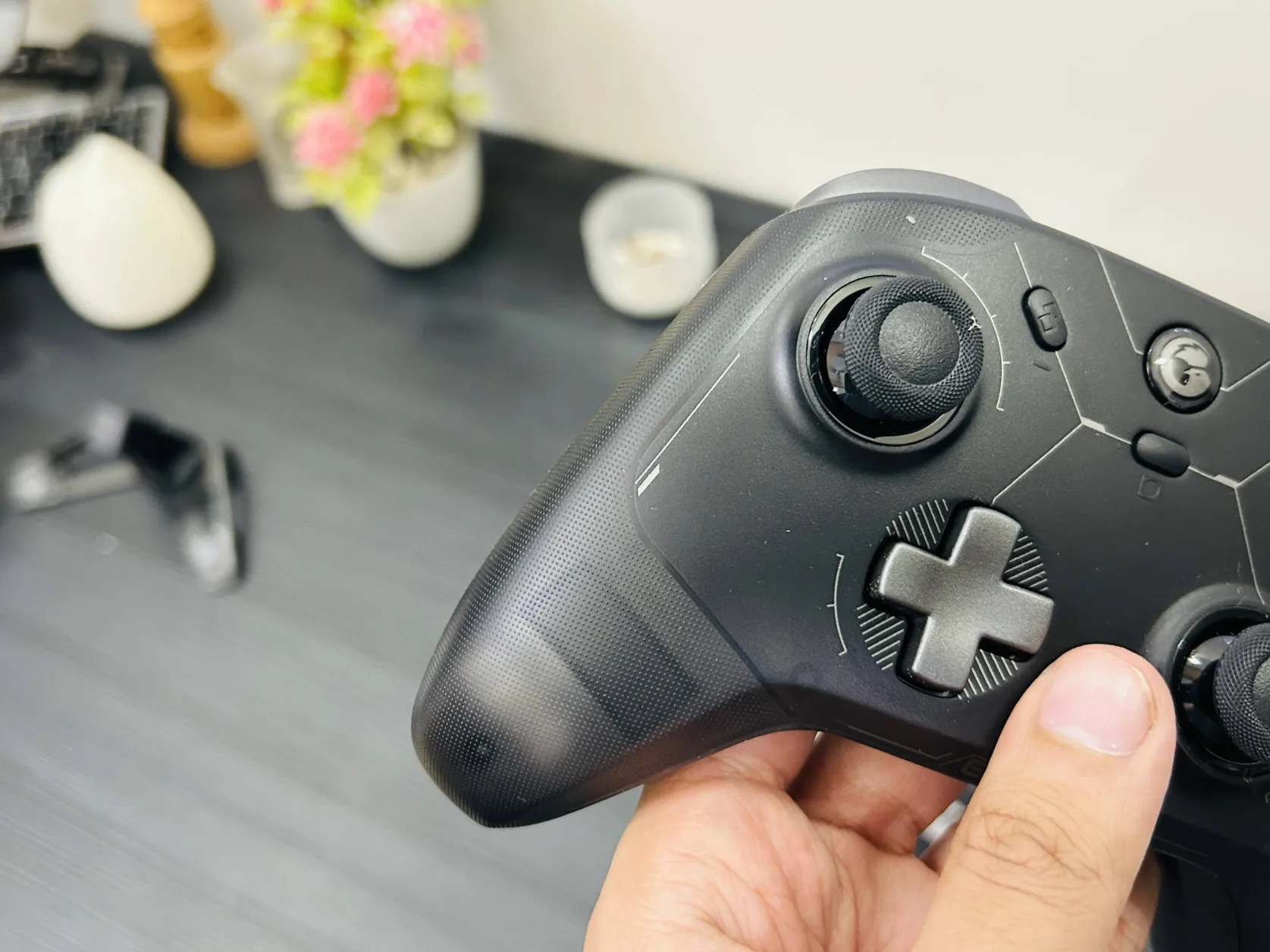
    Midjourney Pricing

    The Basic Plan costs $10/month and allows for approximately 200 images with commercial usage rights.
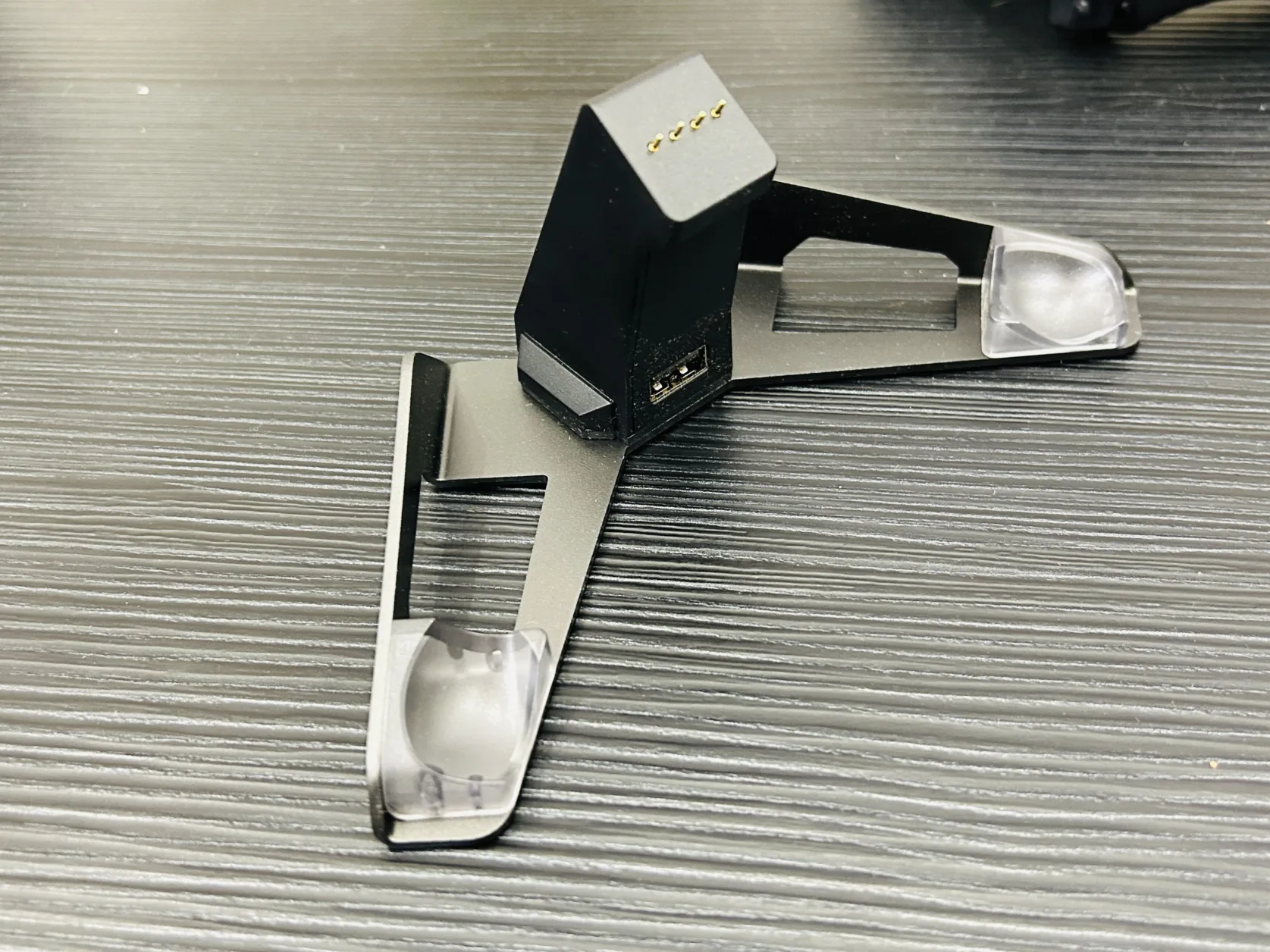
    AI Image Generator for Accurate Text: Ideogram

    Most AI image generators tend to falter when it comes to accurately creating text; however, Ideogram has cracked that code. Its latest algorithm effectively incorporates text within its generated images.

    Ideogram ranks among the top image generators overall as well. With an intuitive web interface and useful features like an image editor, it stands out in the market. During tests, Ideogram often produced results that rivaled even Midjourney’s outputs.

    Ideogram offers a free plan, albeit with limitations. Users receive 10 credits per day with a queue for image generation, but this gives you a chance to explore its capabilities.

    Ideogram Pricing

    The platform has a limited free plan; professional options start at $8/month for full-resolution downloads and 400 monthly credits.

    AI Image Generator for Customization: Stable Diffusion

    Stable Diffusion is distinct as an open-source model that allows for extensive customization—ideal for those with technical expertise who want complete control over their projects.

    Available through multiple platforms like NightCafe and Tensor.Art, users can experiment with varied styles. Remarkably, several platforms offer introductory credits, permitting users to test the service.

    However, the open-source nature of Stable Diffusion has led to both a wealth of creative opportunities and some chaos surrounding its management and evolving features.

    Stable Diffusion Pricing

    Pricing may vary based on the platform, but numerous providers offer free credits to facilitate exploration.

    Best Alternative to Stable Diffusion: FLUX.1

    As the founders of Stable Diffusion migrated from Stability.ai to create Black Forest Labs, they introduced FLUX.1—a model that in tests competes effectively with Stable Diffusion.

    While still emerging, FLUX.1 shows promise and may one day overshadow its predecessor as more creators optimize it for specific artistic applications.

    FLUX.1 Pricing

    Like Stable Diffusion, pricing varies between platforms, and many offer free credits for trials.

    Best AI Image Generator for Integrating into Photos: Adobe Firefly

    Adobe has leveraged its years of expertise in creative software to create Firefly, which excels at integrating AI-generated images into existing designs. Its notable features include AI-generated elements that can seamlessly blend into photos, making it a favorite among professionals.

    Firefly can be used for free via the web or through Adobe Express, but the most comprehensive functionality is found within Photoshop.

    Firefly’s strengths lie in its Generative Fill and Generative Expand features, which allow for contextual images to be added, matching existing elements without disrupting the overall design.

    Adobe Firefly Pricing

    Firefly allows for 25 free credits per month, with options starting at $4.99 for 100 monthly credits. Photoshop itself is available as part of the Creative Cloud Photography Plan for $19.99/month, including 500 generative credits.

    Best AI Image Generator for Commercially Safe Images: Generative AI by Getty

    When it comes to commercial use, the legal landscape surrounding AI-generated images can be complex. Getty Images offers their Generative AI tool via iStock, designed to avoid such pitfalls.

    While there may be limitations in creativity compared to other apps, Generative AI adeptly creates images that meet stock photo requirements.

    Getty’s tool excels in classic stock scenarios, producing outcomes that closely resemble genuine stock images. For secure commercial use free from copyright concerns, Getty’s tool is an excellent choice.

    Generative AI by Getty Pricing

    Available through iStock for $14.99 per 100 AI generations.

    How to Use an AI Image Generator

    Now that you know the leading options, you’re likely wondering how to get started. The team at Zapier offers a wealth of resources to guide you through effective usage.

    Next Steps and Resources

    Check out tutorials for various AI image generators from our team to familiarize yourself with their capabilities.

    Once you’re well-versed, consider applying these tools beyond generating quirky images. Here are some practical applications for the workplace.

    Automation with AI Image Generators

    Lastly, explore the ways you can connect your AI image generators with other applications to streamline workflows, enhancing efficiency in your tasks.

    Google Gemini and Imagen

    It’s worth noting the absence of Google’s Imagen text-to-image generator from this list. Although it recently launched, my evaluations indicate that it does not yet match the quality of DALL·E 3.

    Legal and Ethical Considerations

    With AI-generated images becoming mainstream, there are critical discussions to be had about their ethical usage. Current laws around these images are ambiguous, having implications both for creators and users.

    As we’ve seen with ongoing lawsuits involving major firms, using AI-generated images could pose risks—especially when aimed at commercial use. It’s prudent to tread carefully and assess the potential biases within AI-generated content.

    The Future of AI Image Generators

    As technology rapidly evolves, more powerful models are emerging with each update. If this upward trajectory continues, AI image generators could fundamentally reshape how we create and interact with visual media.


    This article was initially published in March 2023 and has since been updated for relevance and clarity as of October 2024.